



WolfsBane
-
Posts
4 -
Joined
-
Last visited
-
Days Won
1
Recent Profile Visitors
3,733 profile views



WolfsBane's Achievements





-
KotOR II Model editing in Blender
WolfsBane replied to Letstrit's topic in General Kotor/TSL Modding
I am really curious about something. Is it possible to modify or add/remove trimesh bones in a MDL. Maybe with 3ds max? -
KotOR II Model editing in Blender
WolfsBane replied to Letstrit's topic in General Kotor/TSL Modding
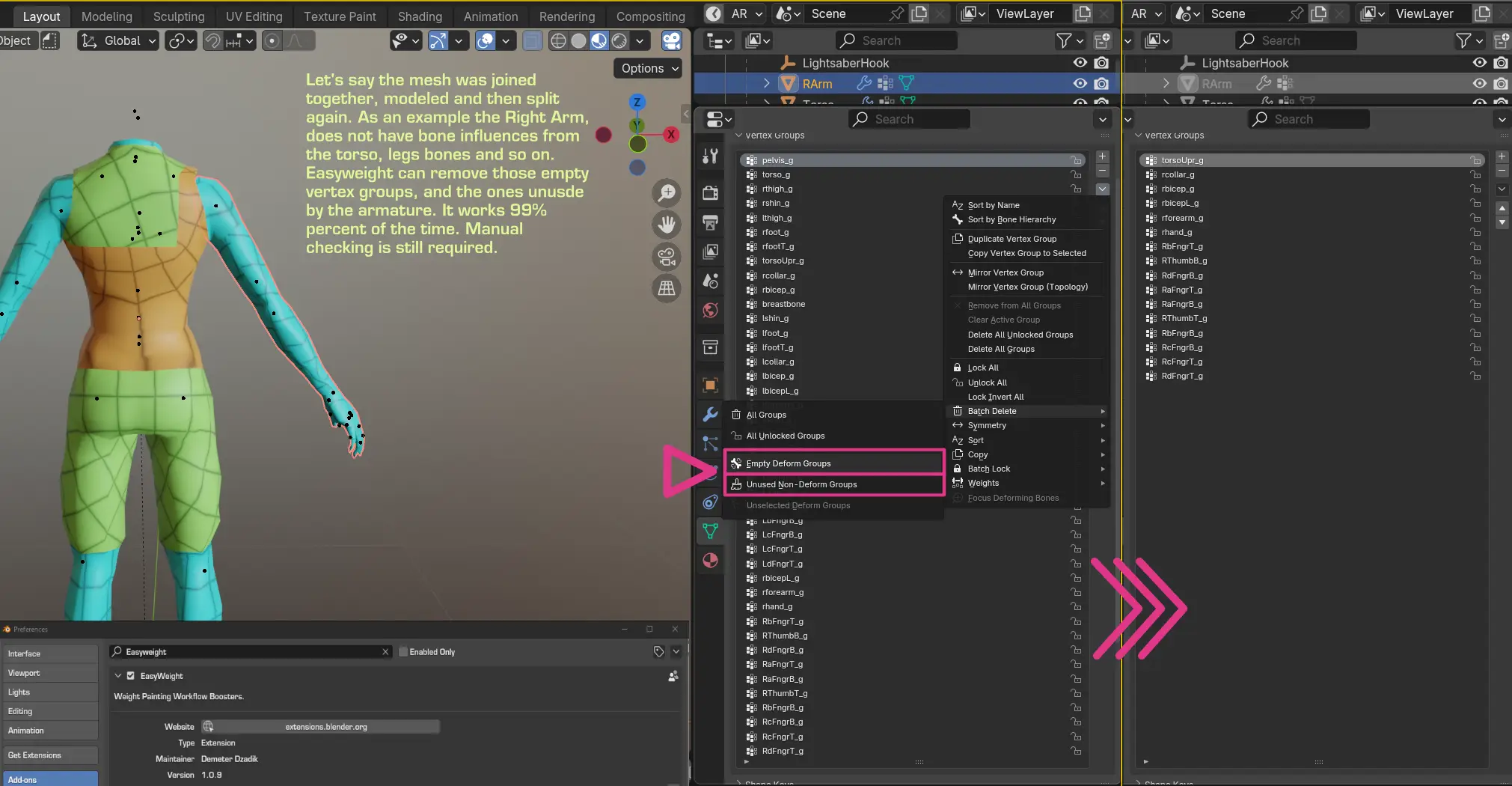
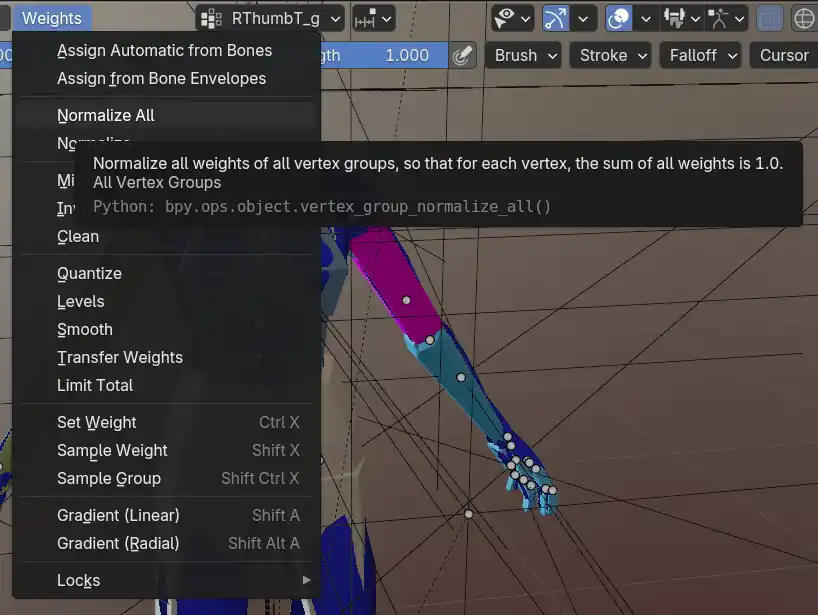
I used your blend file as a test case for this, i merged every body part component, and the result is quite interesting visually: This is a question that DarthParametric could probably answer more correctly, but my guess is that there is a hard limit on the number of Trimesh Bones that can influence one mesh object. As a result the mesh needs to be split into many pieces, each with a smaller number of bone influences. I've counted the number of vert groups on each mesh, 16 bone influences for each bodypart. You can definitely join them and model to your heart's content, but when you export it is recommended to split the mesh, at least the arms. A quick tip: If you decide to join the each mesh when modelling, the vertex groups will also pile together. I believe it is required for each mesh to have only the vertex groups (bone weights) that correspond to the Trimesh Bones. If any other extra non-deforming vertex group exists, a huge error warning will occur. You can use an add-on called EasyWeights to clear out the extra unused vertexgroups on a mesh. It's made by the guy responsible for the animation rigs at the BlenderStudio, Oh and another semi-related tip:. When working with vertex groups, they must be 100% percent Normalized, otherwise other visual bugs will occur. Edit: i did a little search and i found this topic, about the bone limit on a mesh, with a bit of useful info.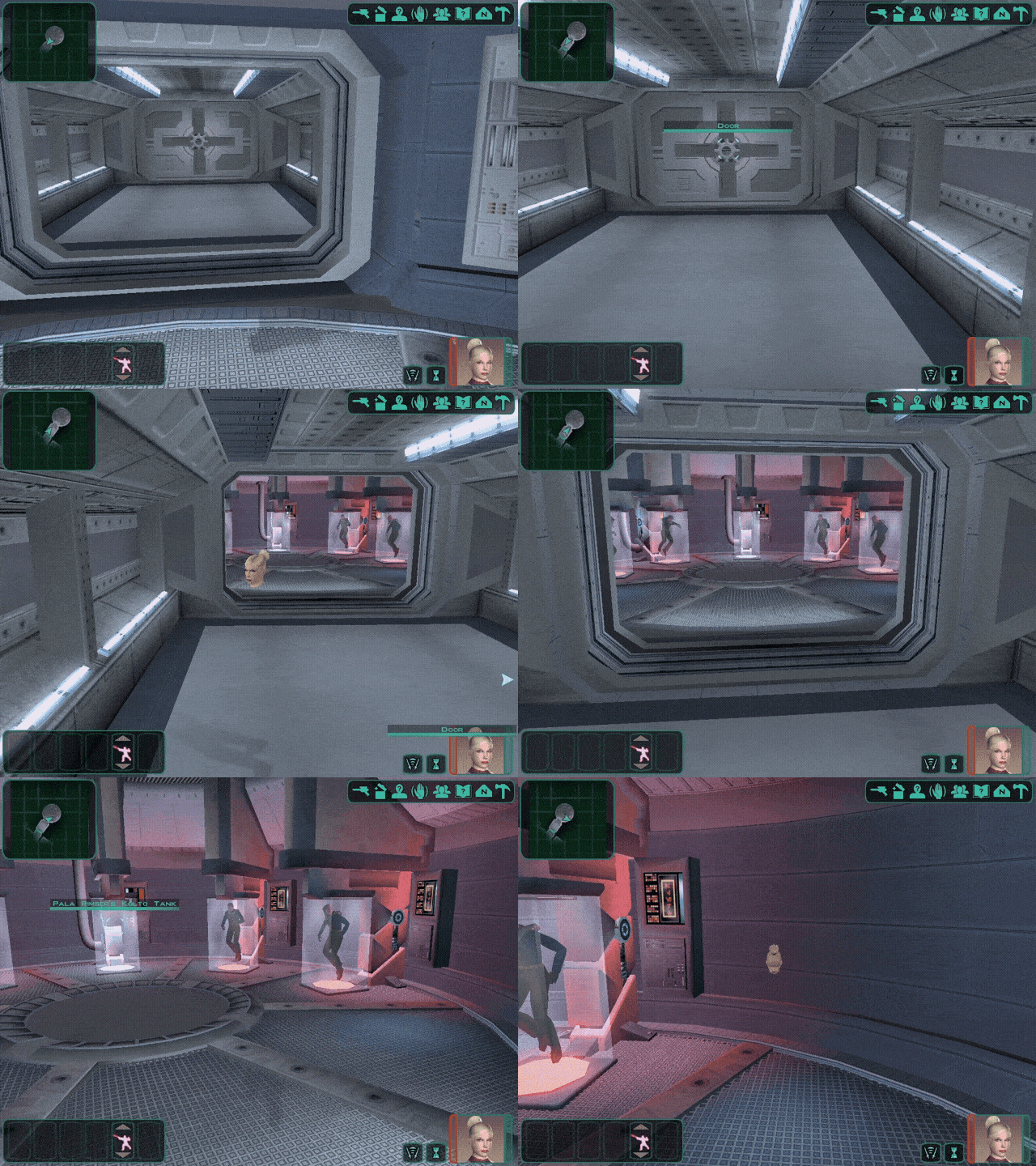
-
KotOR II Model editing in Blender
WolfsBane replied to Letstrit's topic in General Kotor/TSL Modding
Hi there, Letstrit. I've looked at the files and after some tinkering, fix is to rename the new custom UV name from "UVMap.001" to the default "UVMap". It seems that the Blender add-on expects for a UV to be named the default way "UVMap". It uses this specific one when exporting. And if no UV is named that way, it skips and the mesh disappears. Hope this helps -
 This makes Peragus a bit less of a drag when replaying the game, and with the giant vessel closing in to the character, makes it more eerie
