Dark Hope
-
Posts
1,139 -
Joined
-
Last visited
-
Days Won
350
Content Type
Profiles
Forums
Blogs
Forum & Tracker Requests
Downloads
Gallery
Store
Events
Everything posted by Dark Hope
-
-
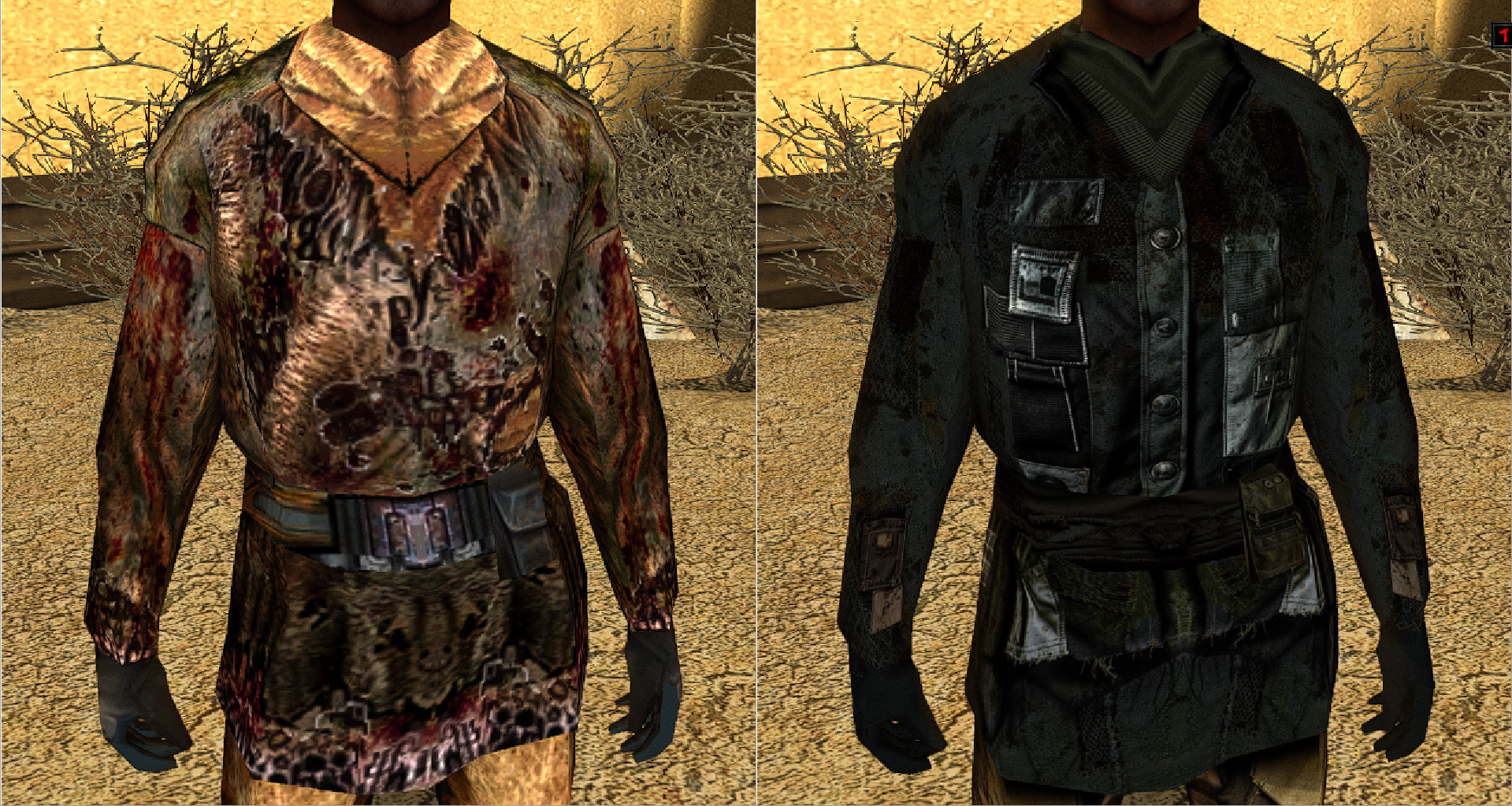
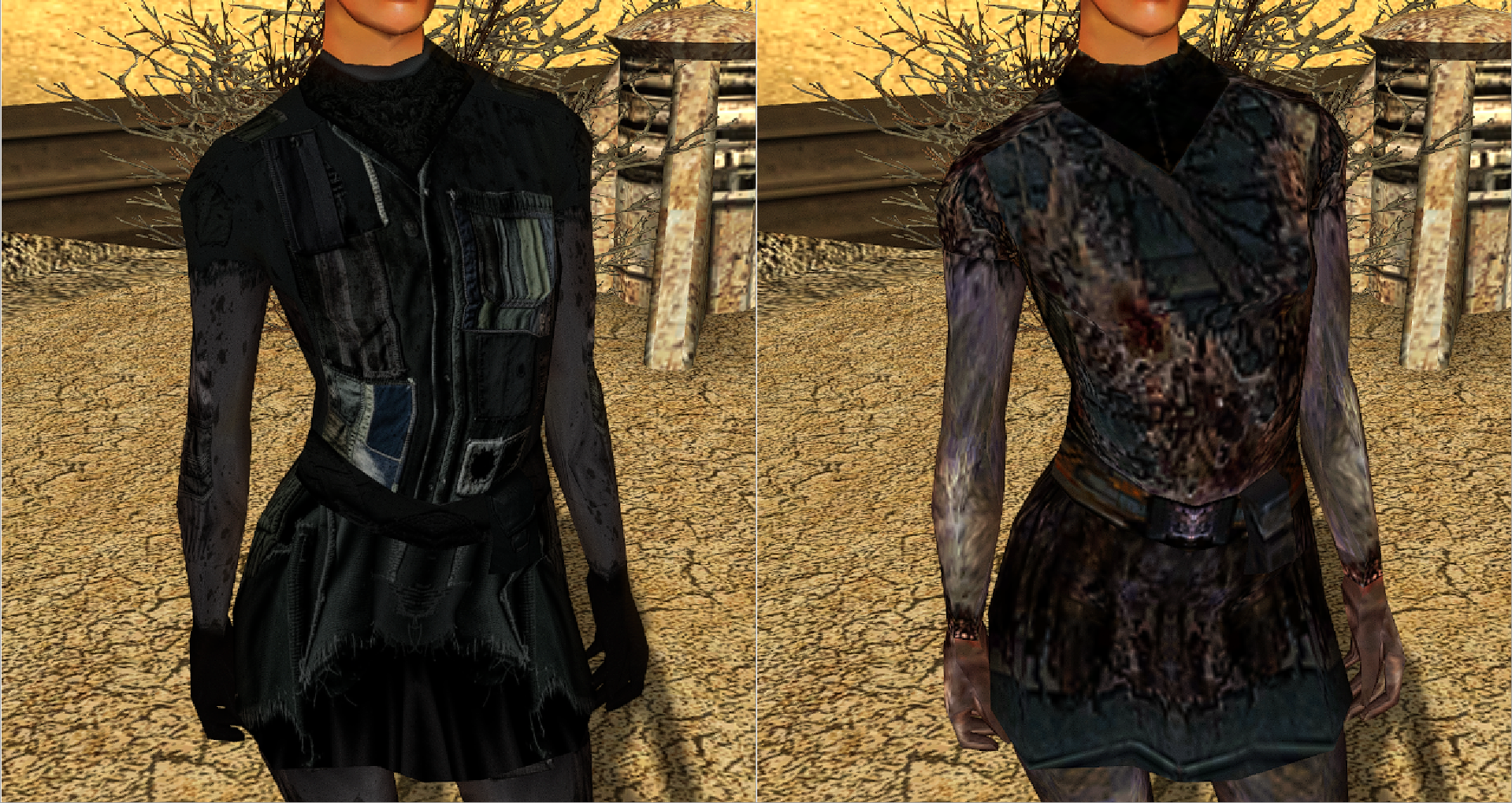
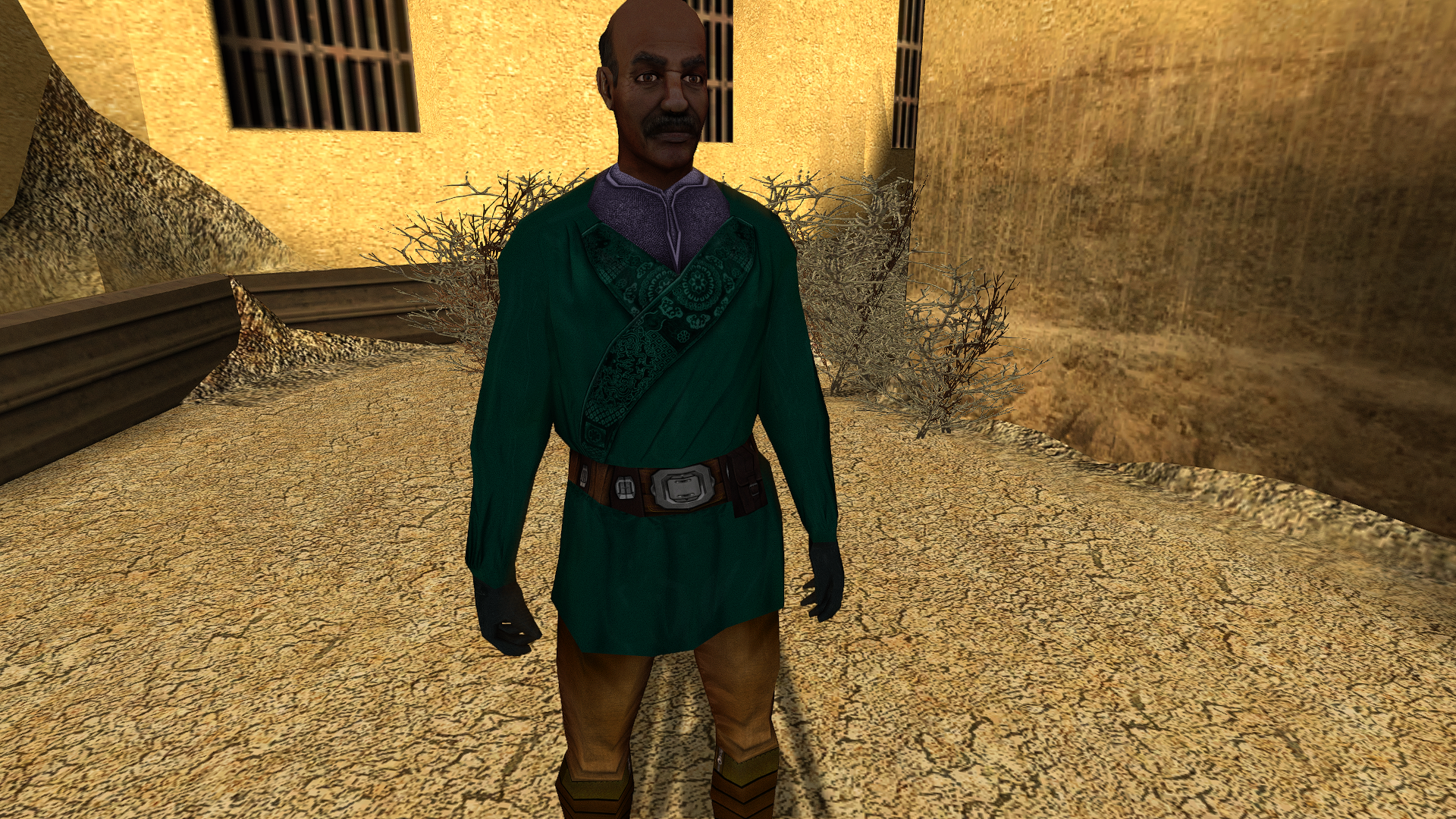
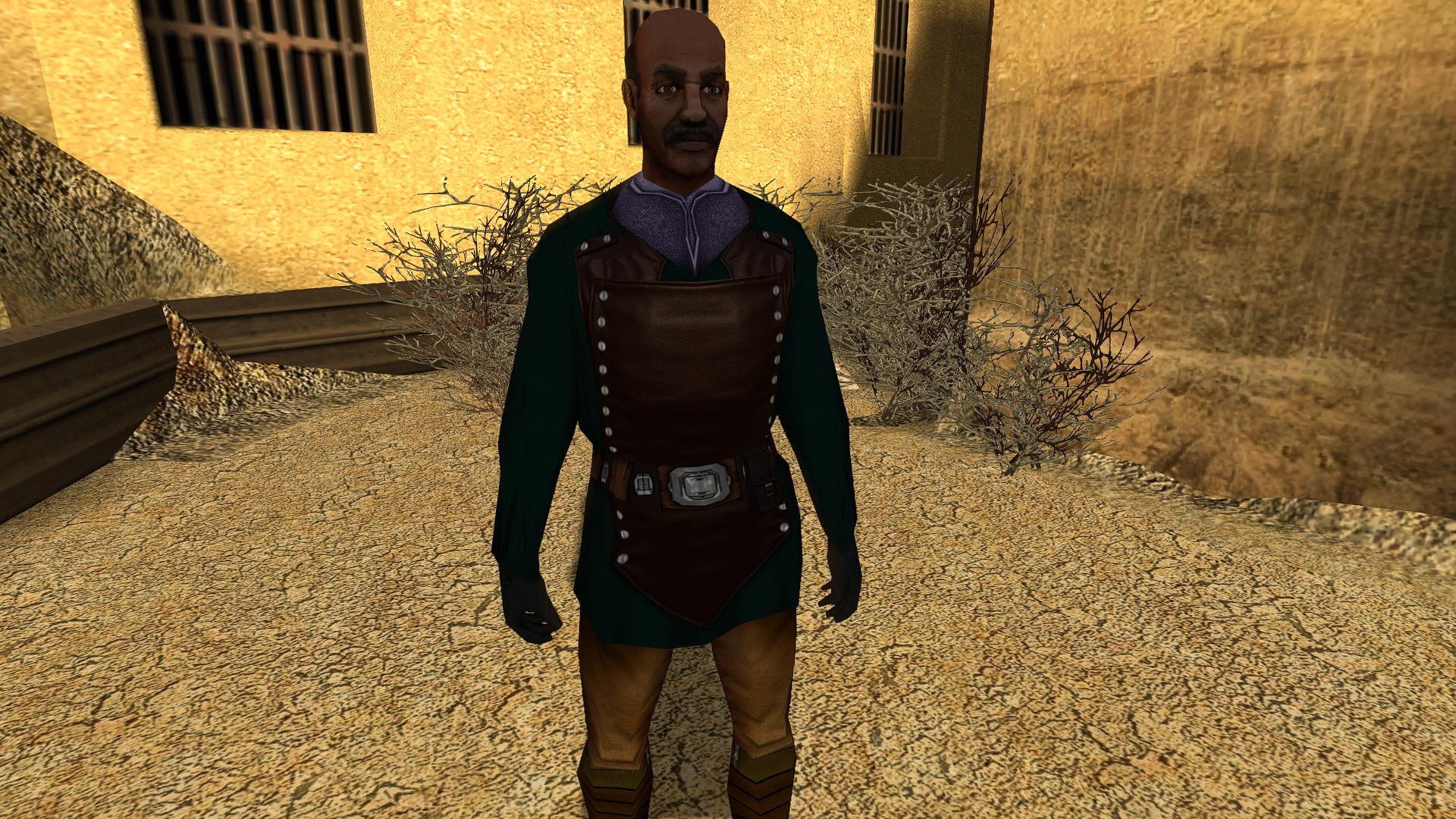
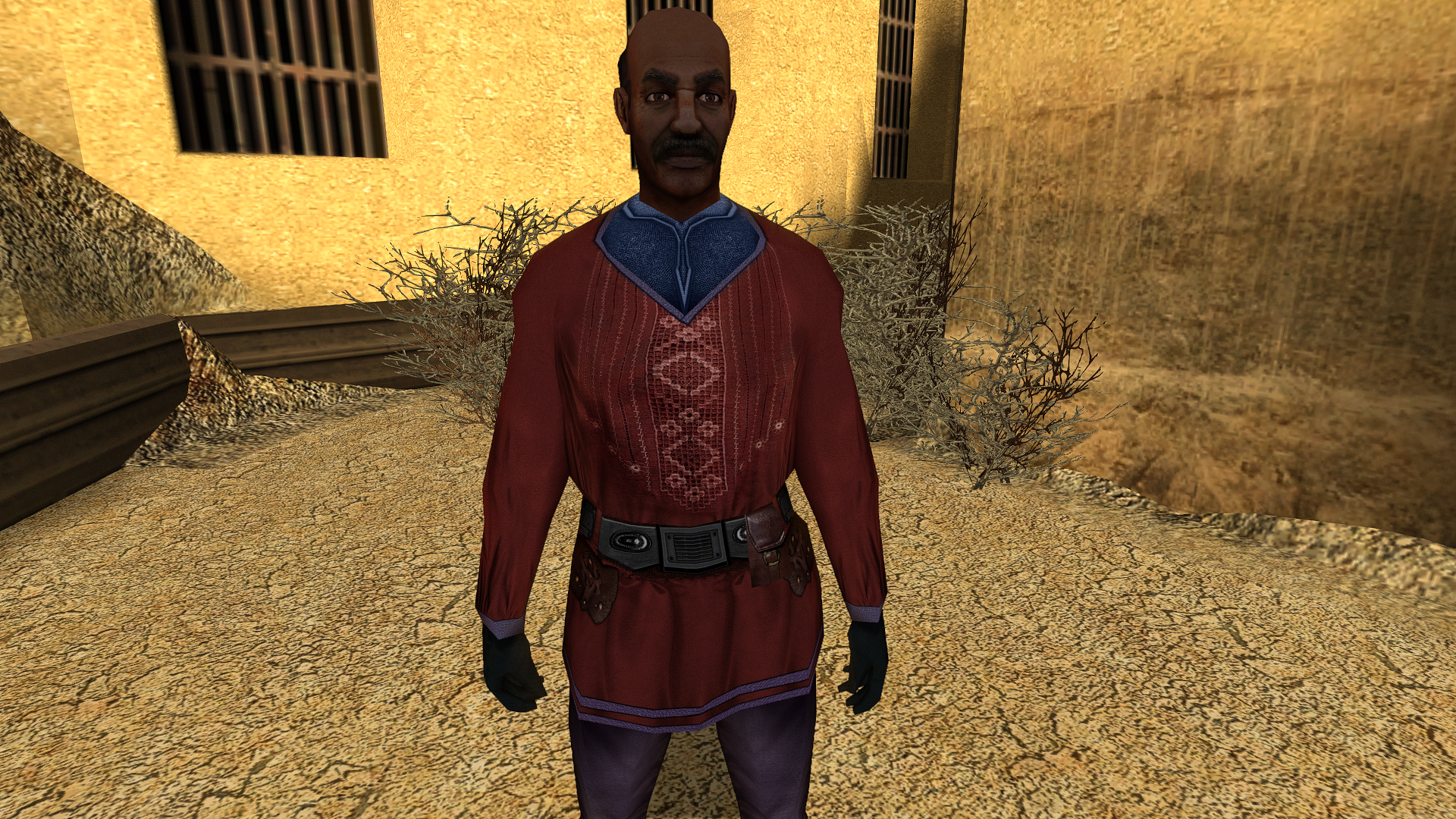
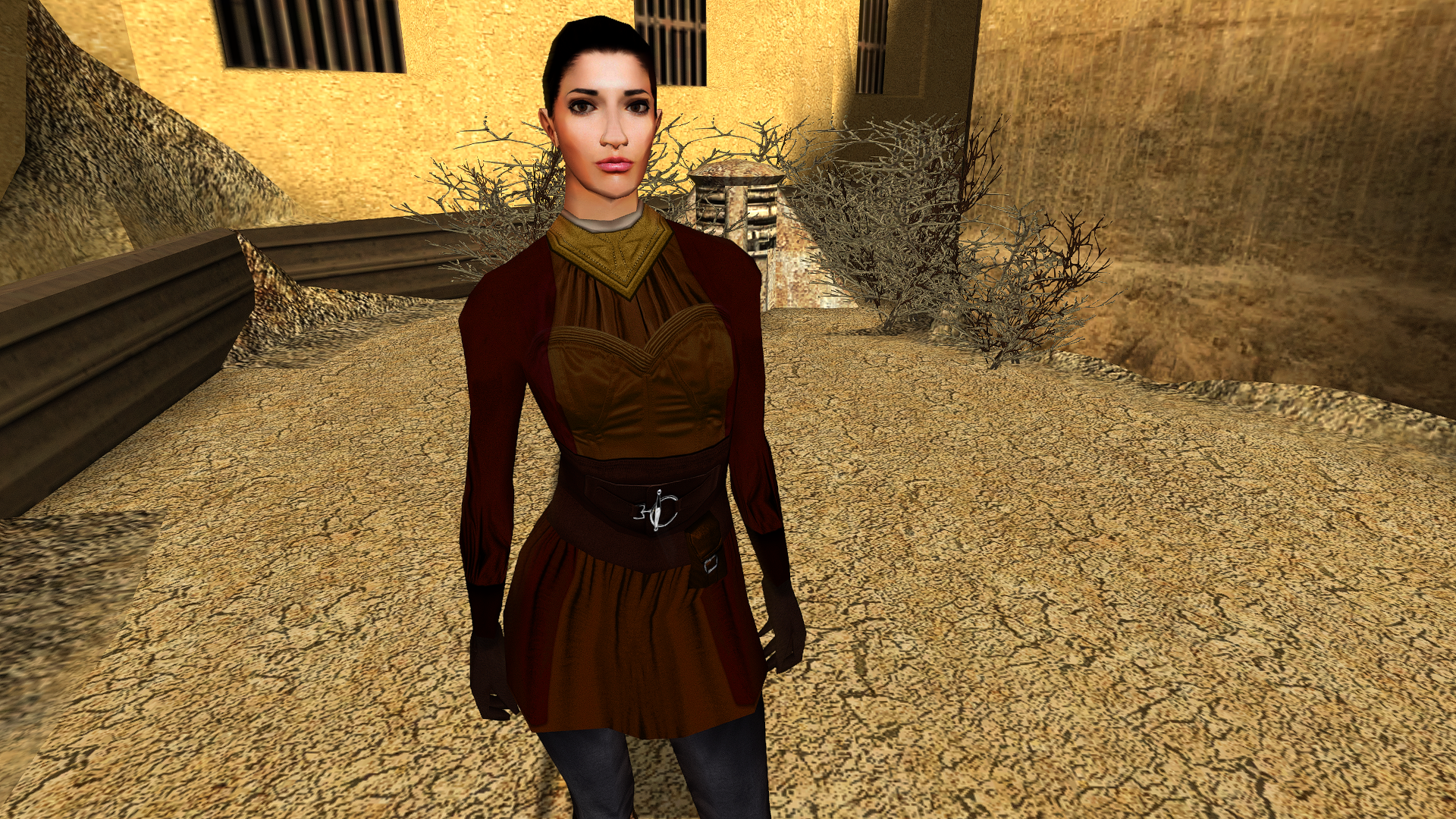
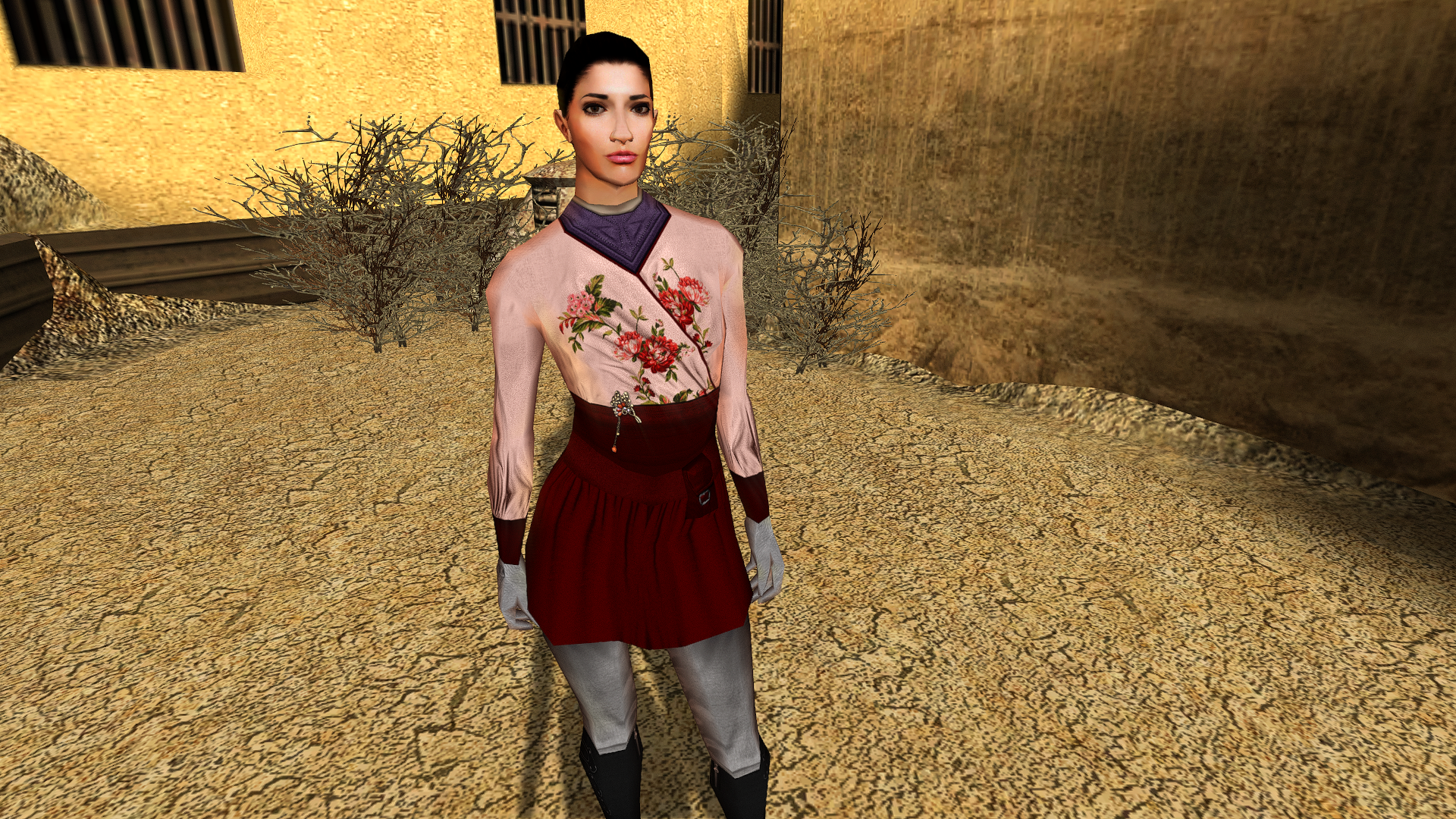
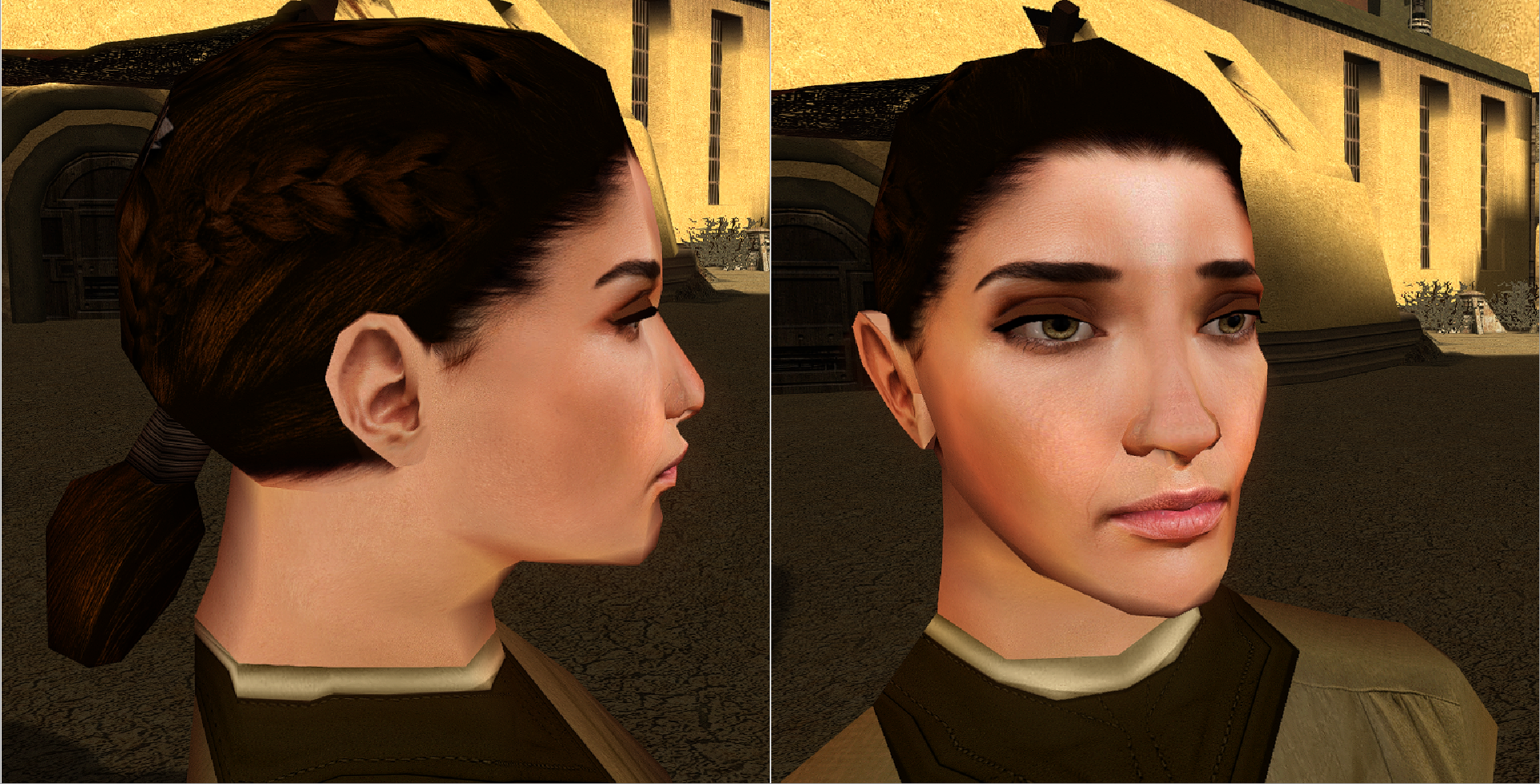
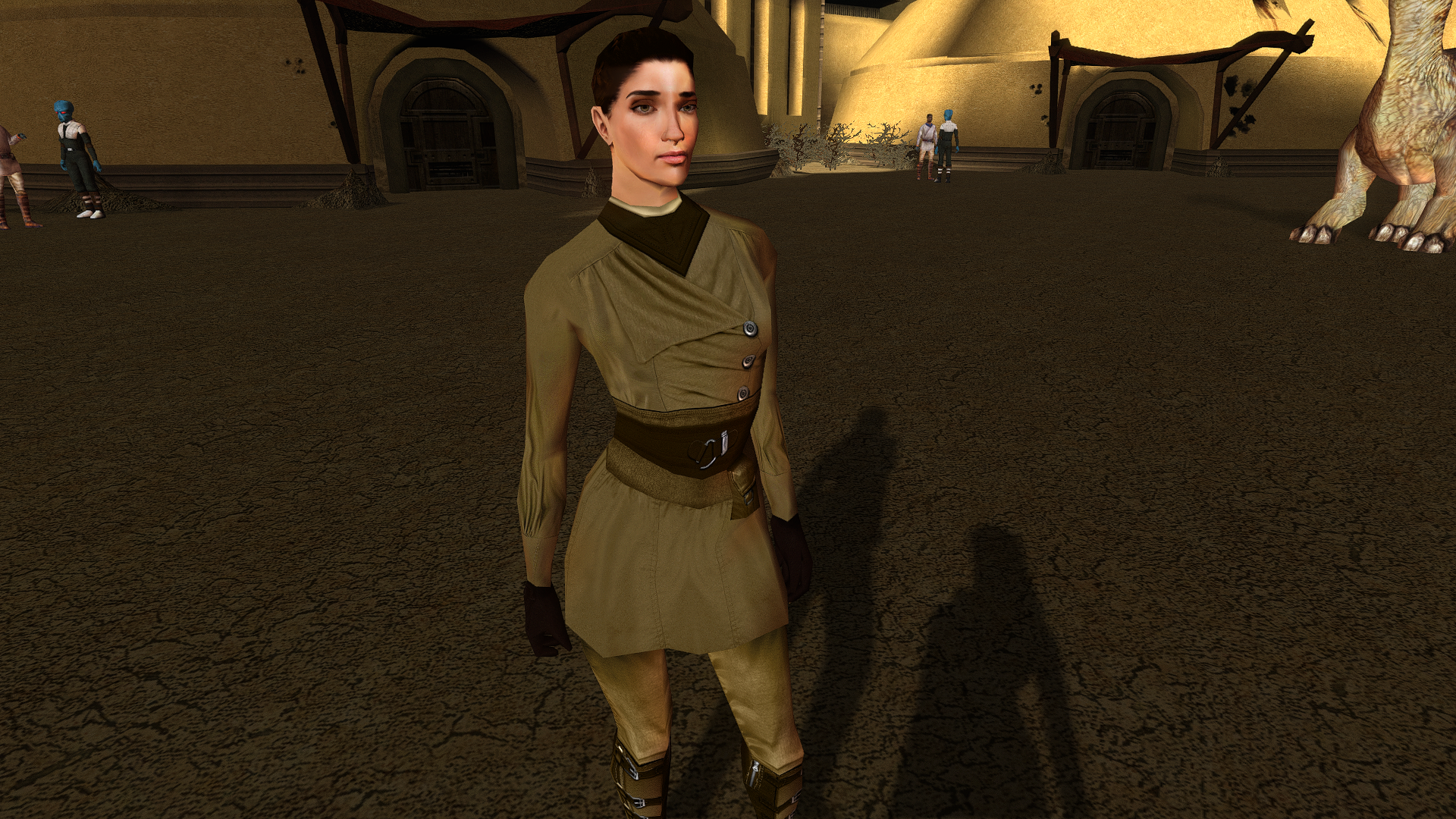
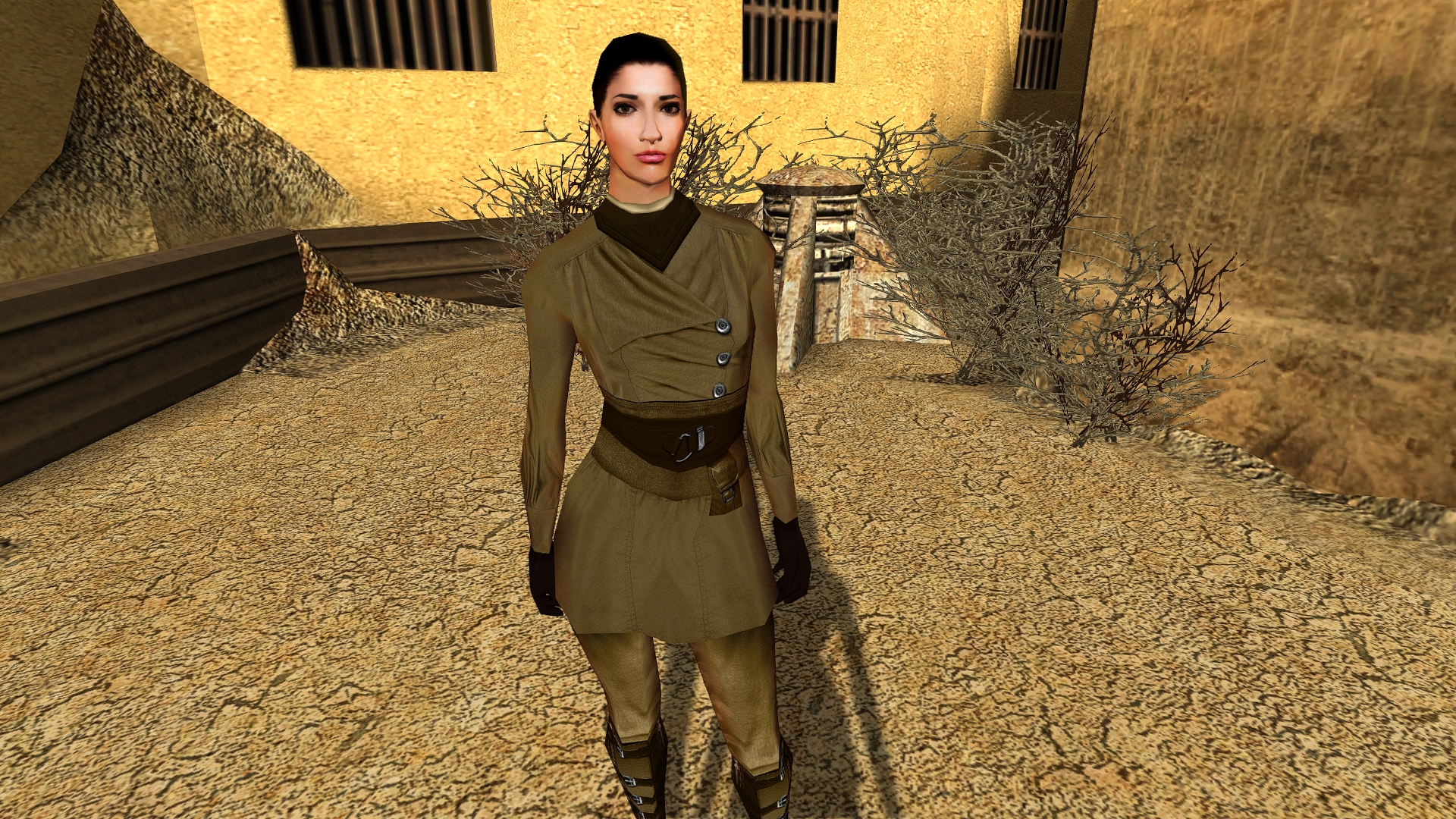
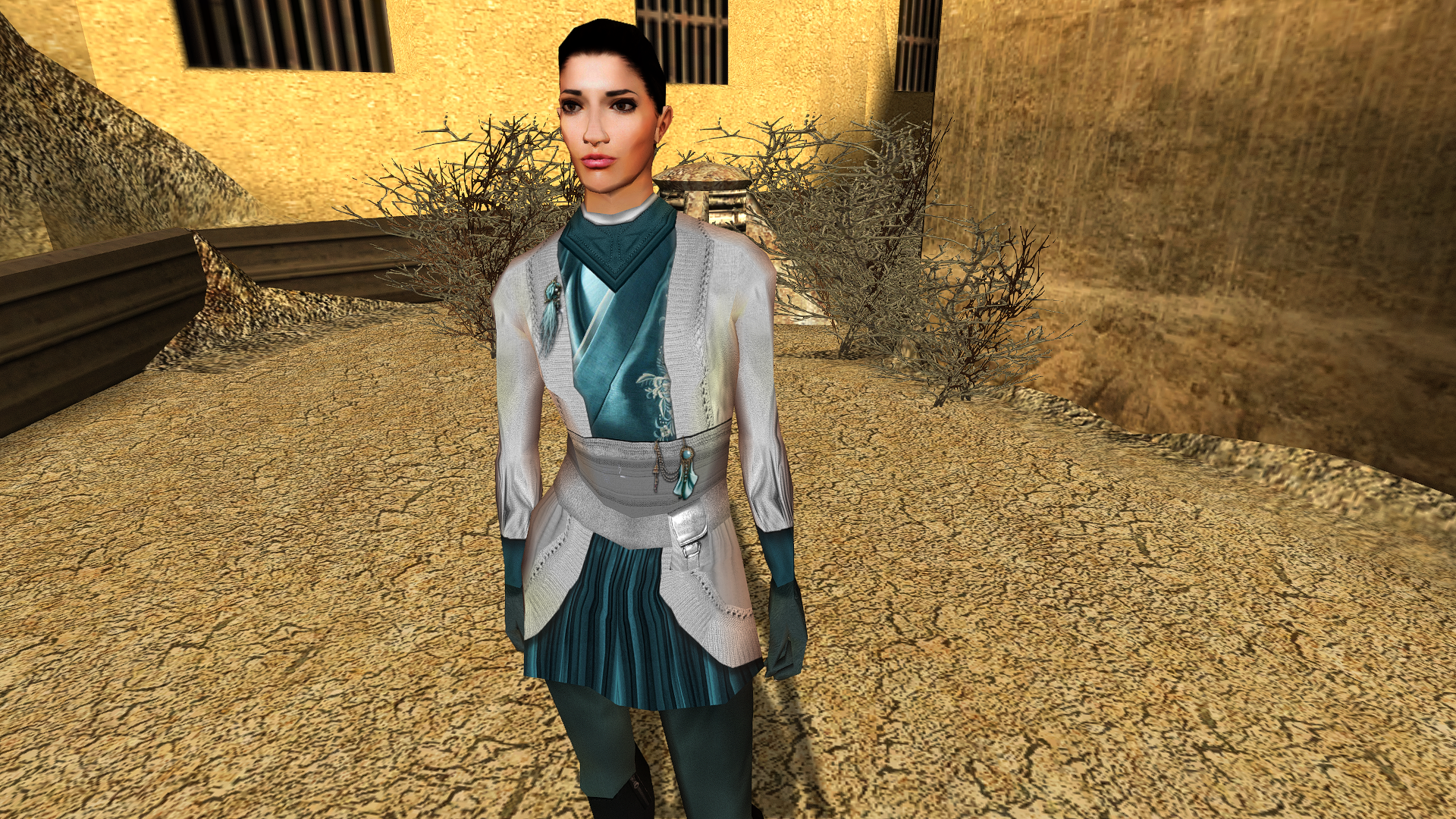
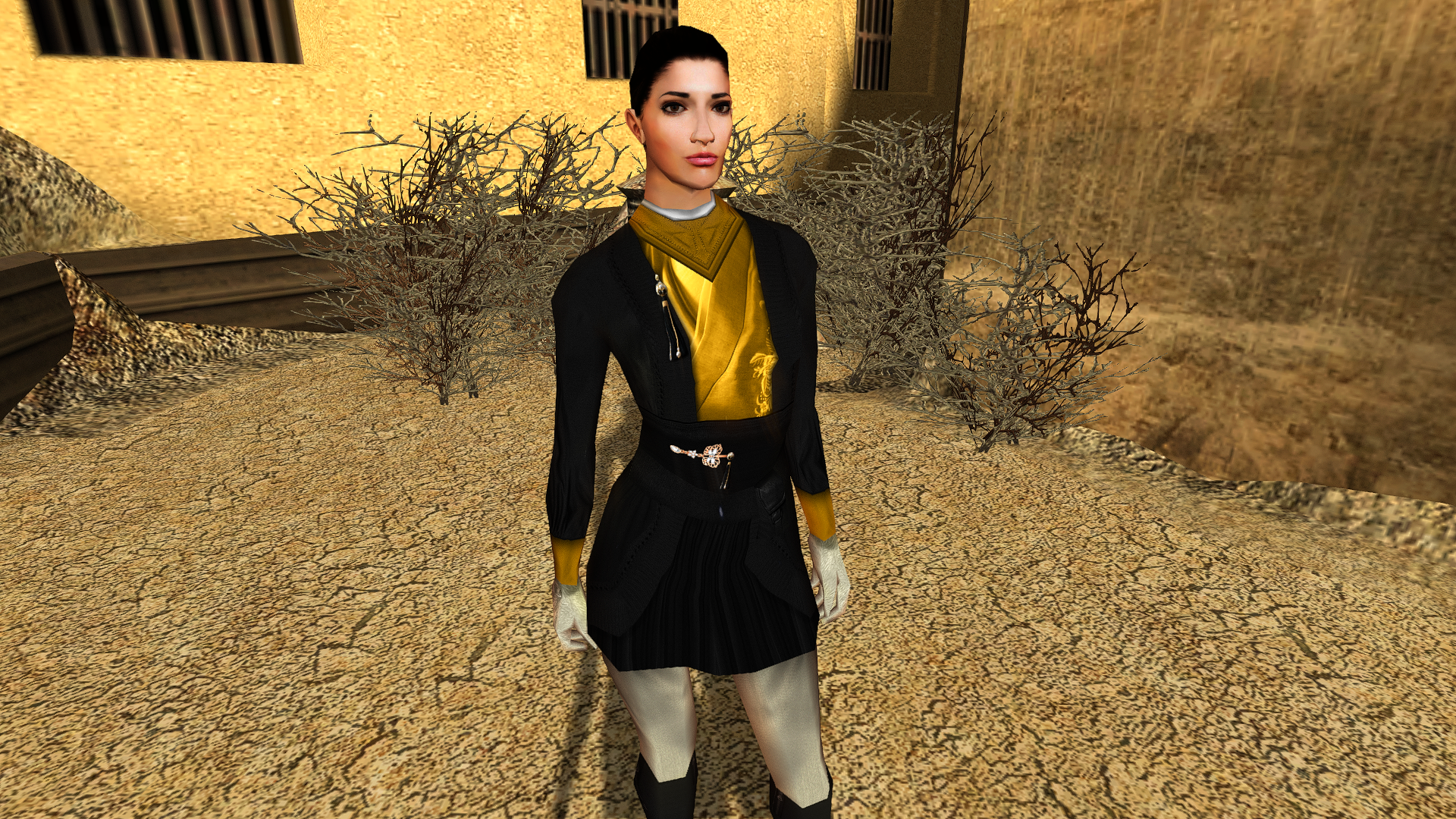
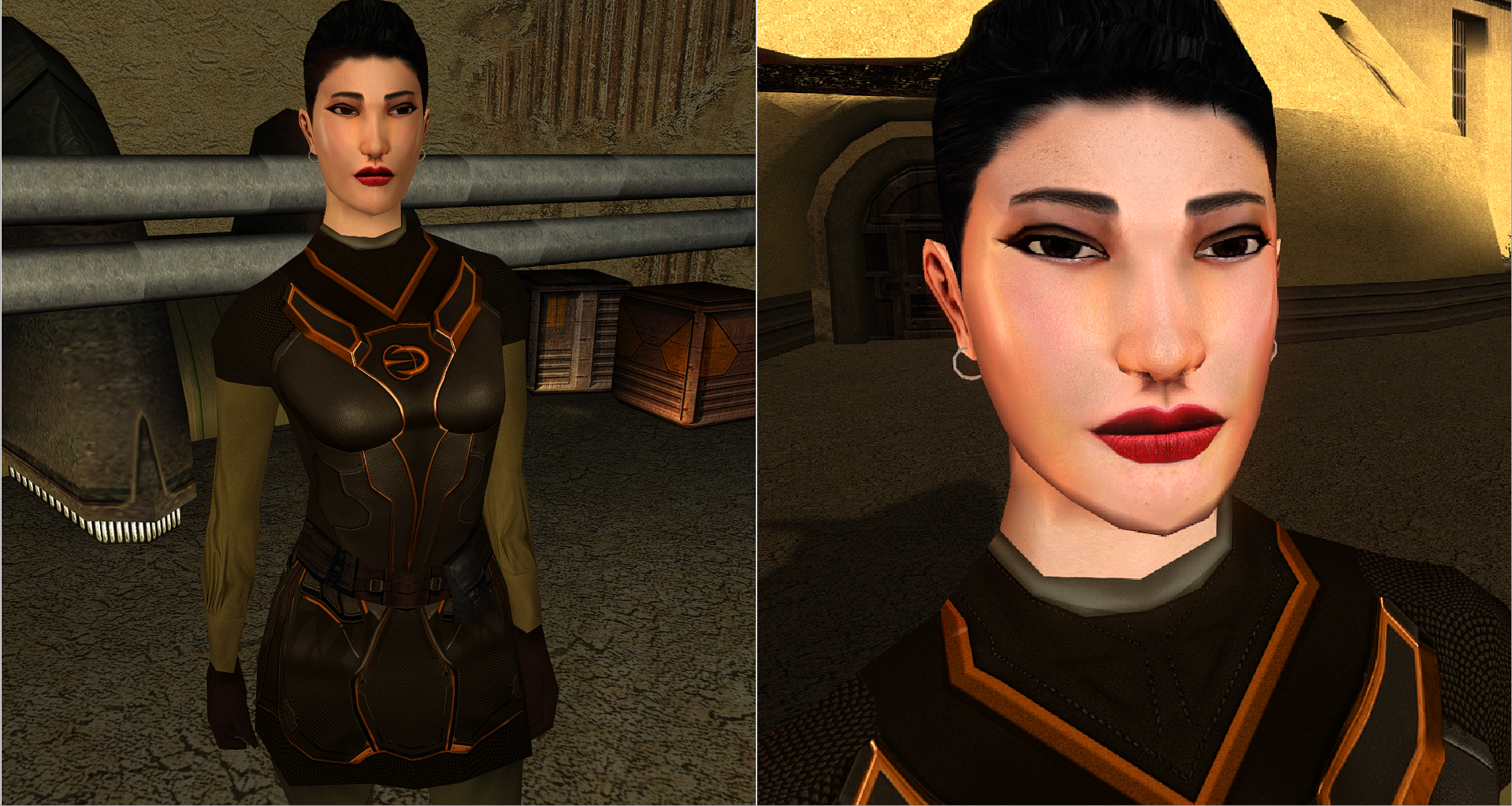
View File TatComW HD This mod will replace and update N_TatComW_F texture files. To Install 1. Download: TatComW HD 2. Copy all files to the Knights of the Old republic's Override folder. (Example location - C:\Program Files (x86)\Steam\steamapps\common\swkotor\Override) 3. When/if prompted to overwrite files, press okay. 4. If you like the mod; leave a comment or endorse! (It would be much appreciated) Made with love. Submitter Dark Hope Submitted 07/18/2024 Category Mods K1R Compatible Yes
-
Version 1.0.0
1,108 downloads
This mod will replace and update N_TatComW_F texture files. To Install 1. Download: TatComW HD 2. Copy all files to the Knights of the Old republic's Override folder. (Example location - C:\Program Files (x86)\Steam\steamapps\common\swkotor\Override) 3. When/if prompted to overwrite files, press okay. 4. If you like the mod; leave a comment or endorse! (It would be much appreciated) Made with love. -
All NPCs wear gloves.
-
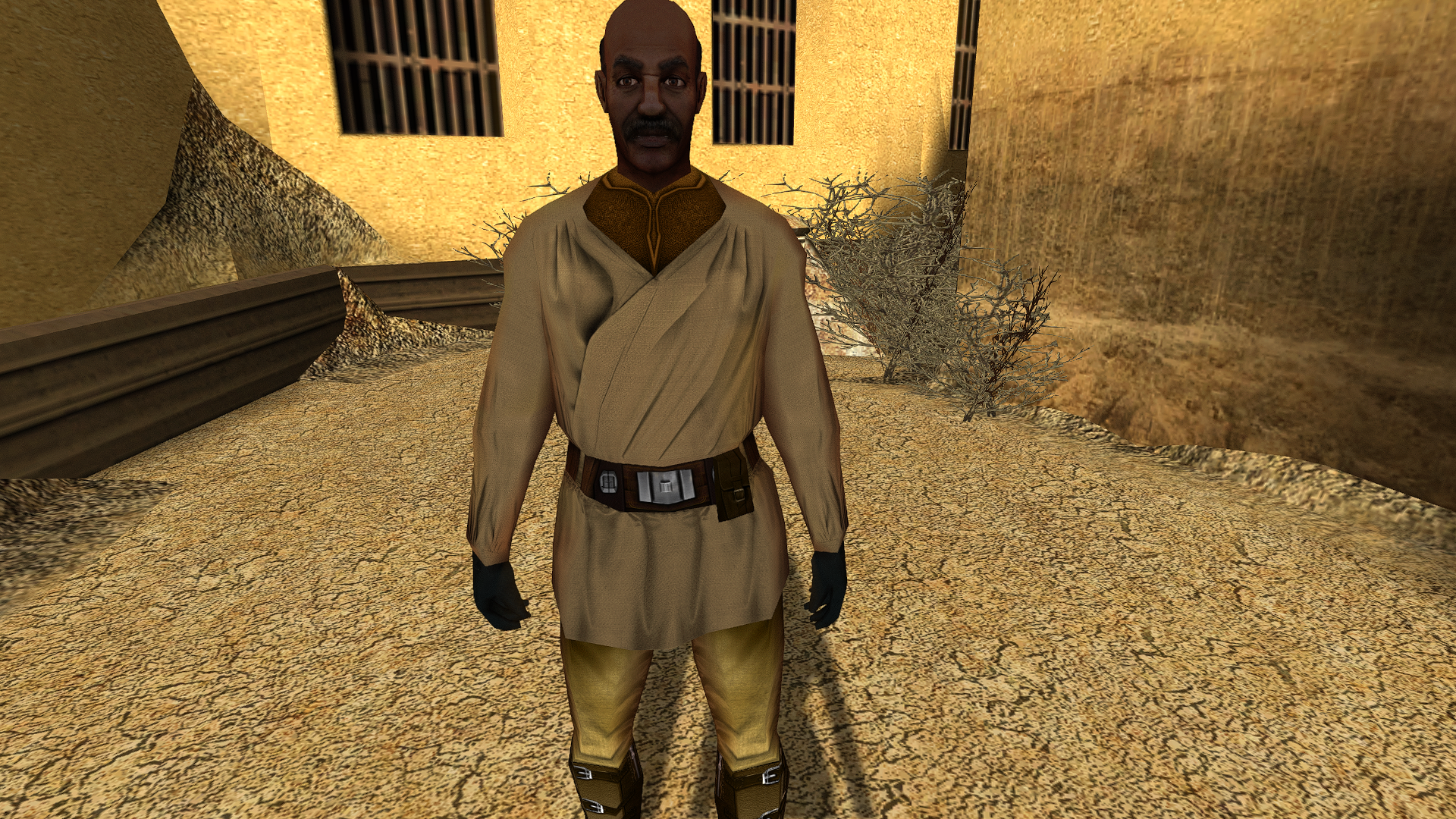
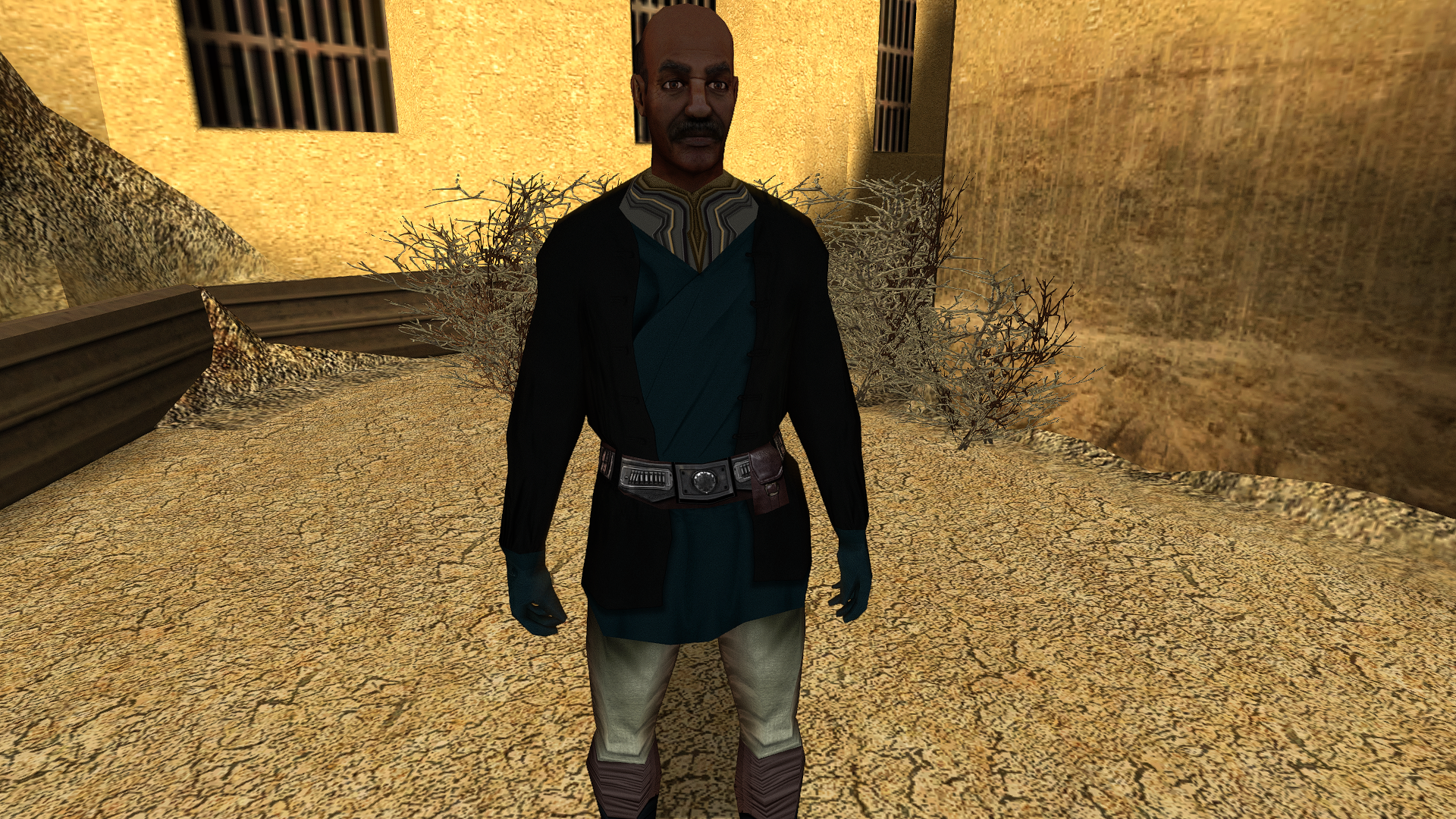
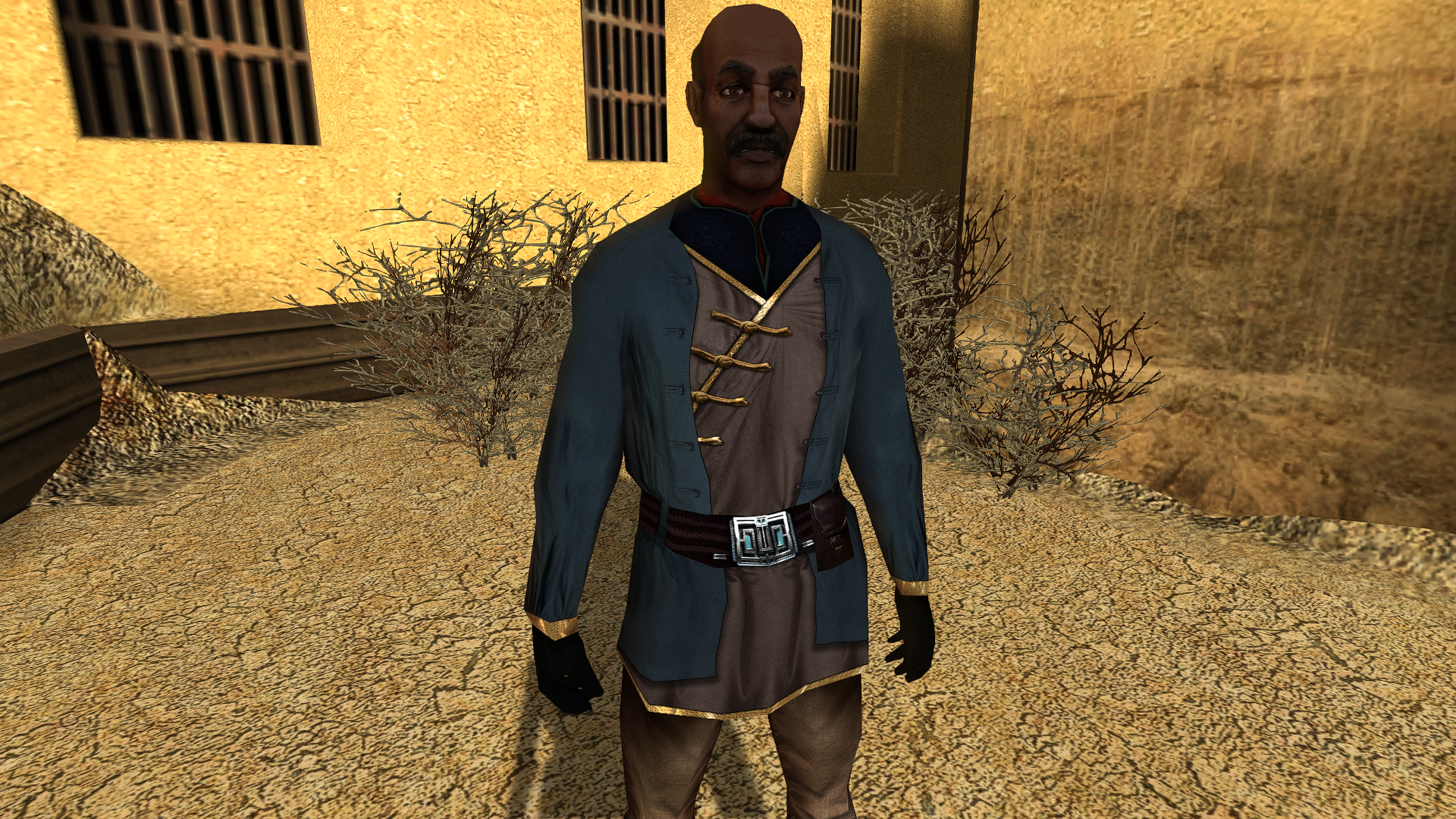
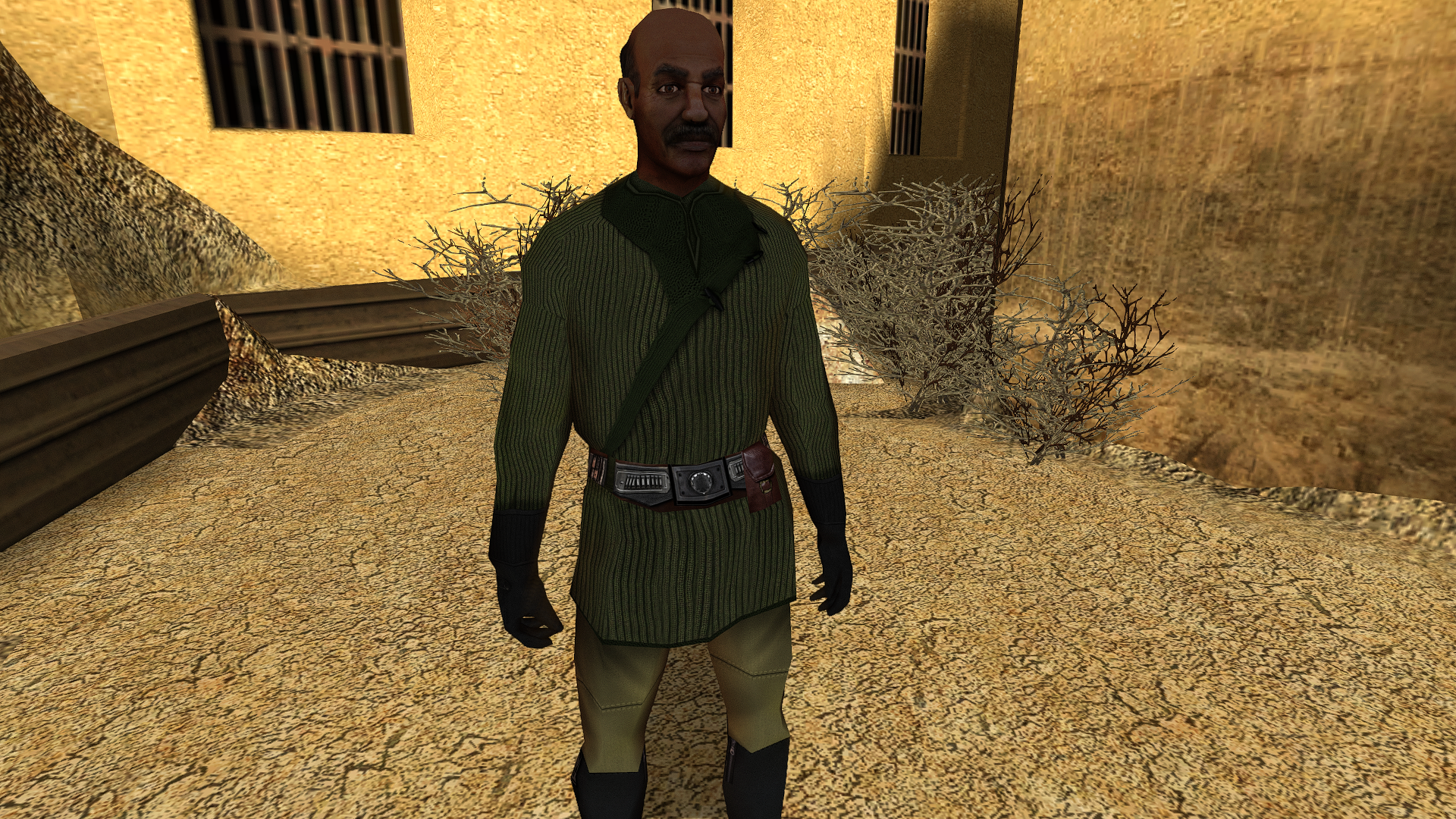
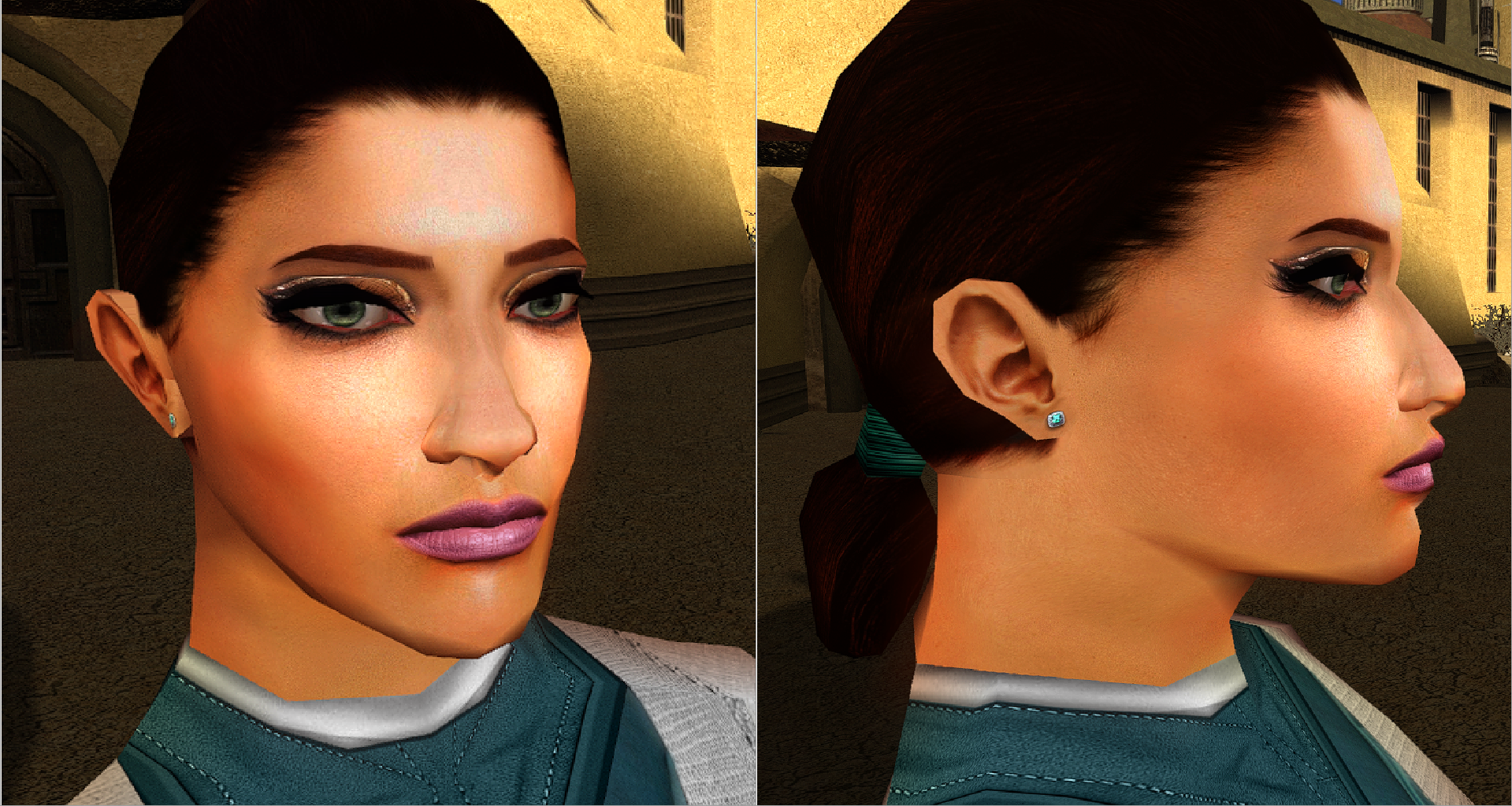
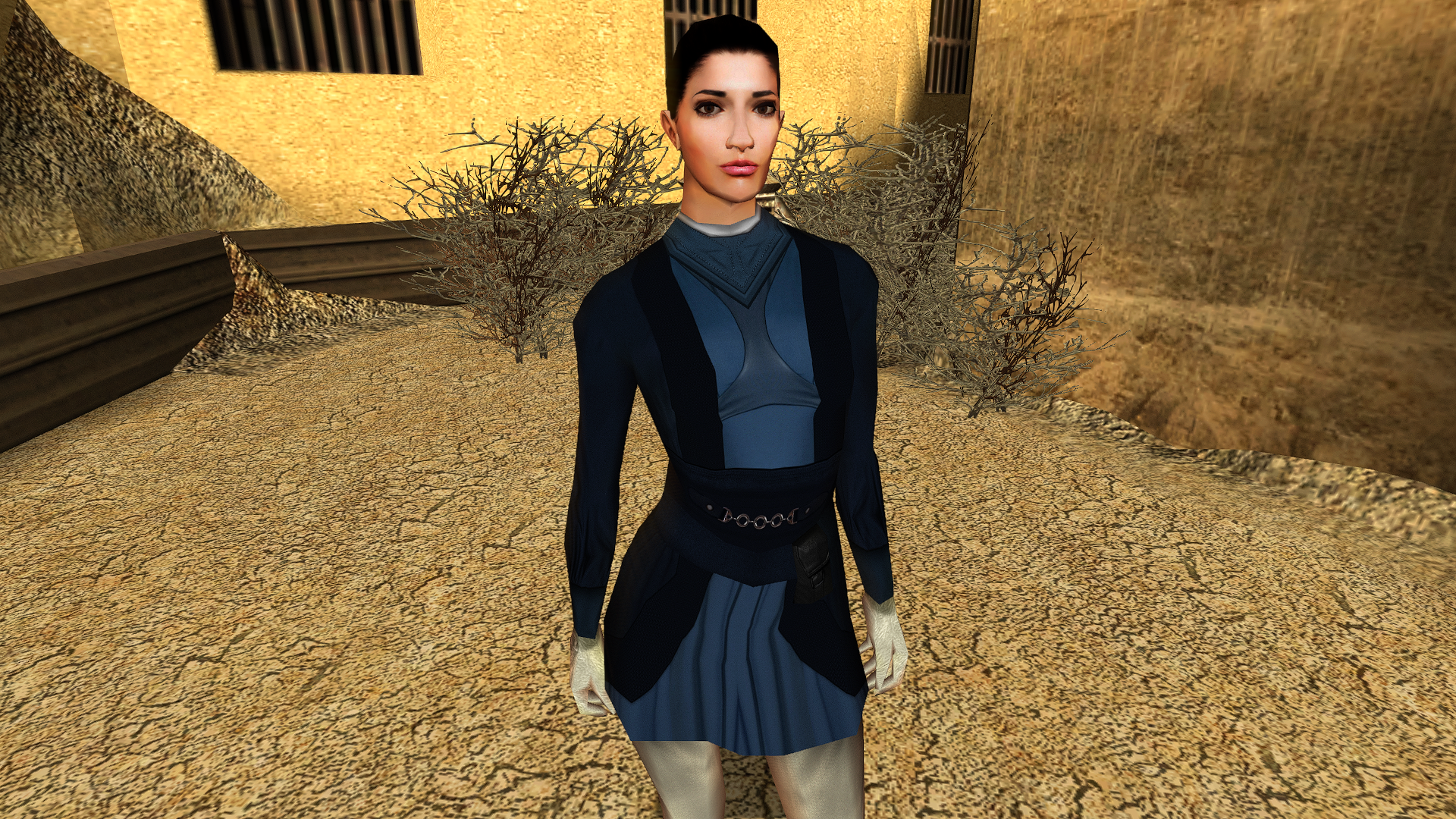
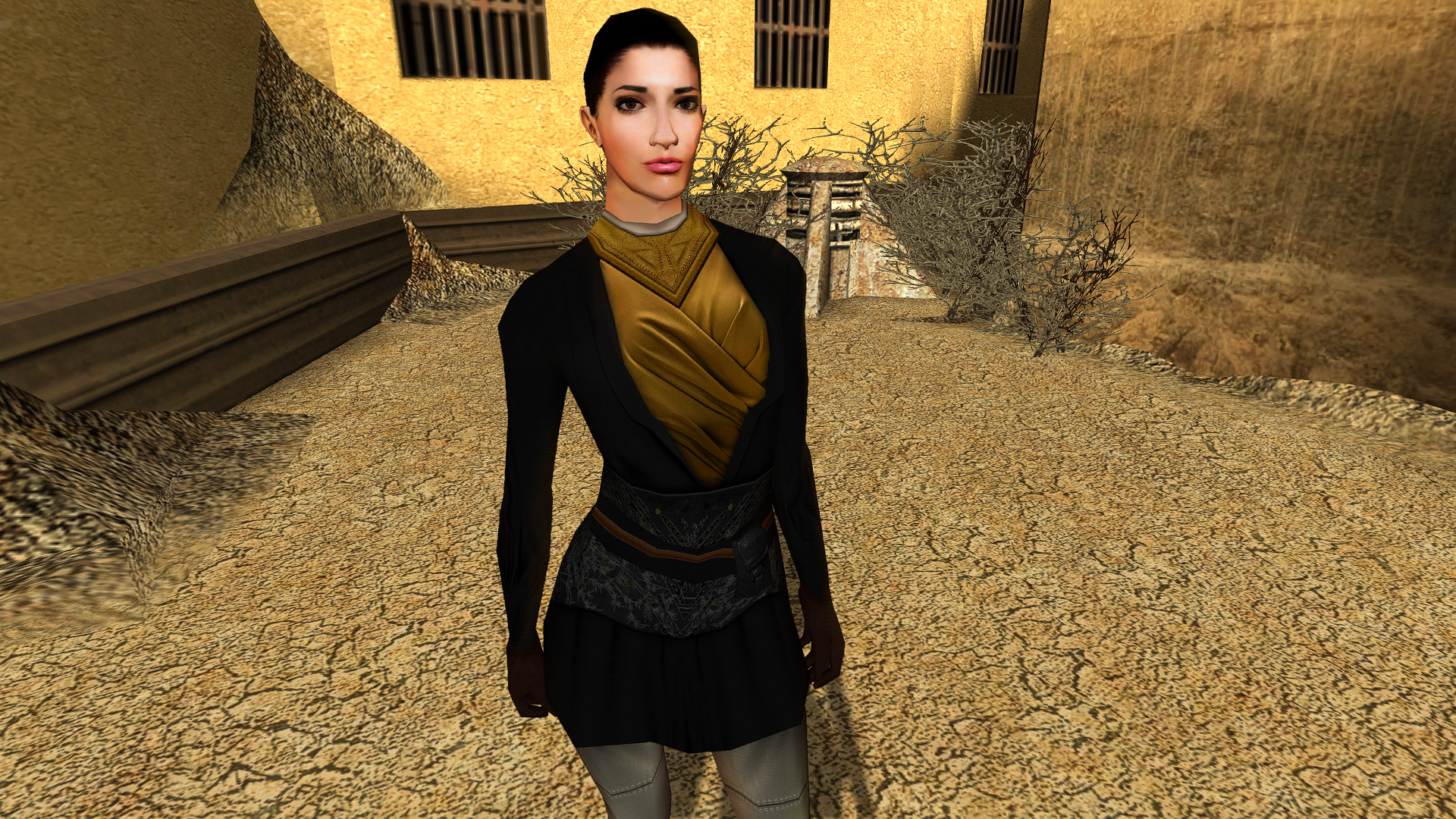
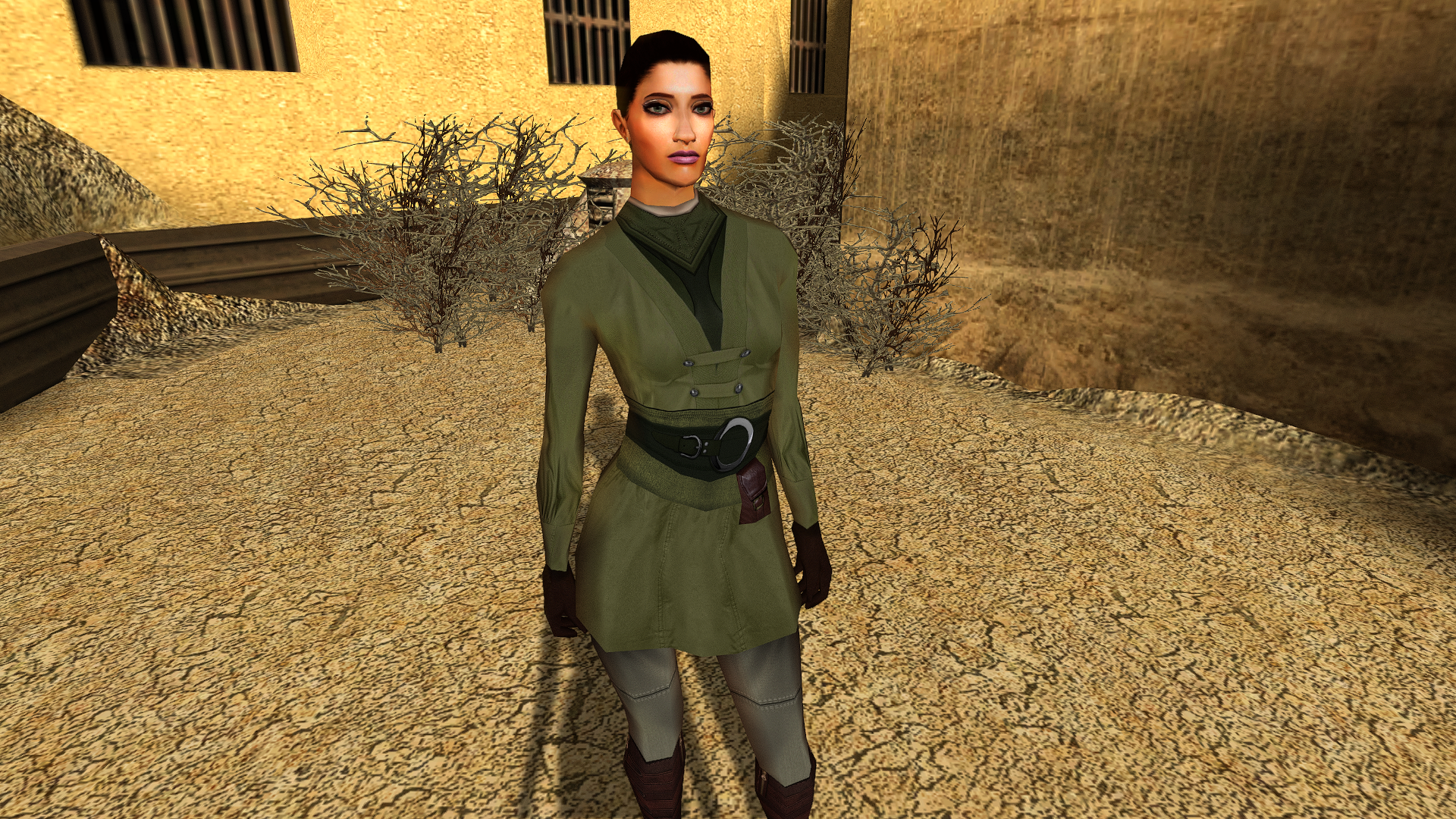
View File Czerka administrator HD This mod will replace and update Czerka administrator texture files. To Install 1. Download: CommF09 2. Copy all files to the Knights of the Old republic's Override folder. (Example location - C:\Program Files (x86)\Steam\steamapps\common\swkotor\Override) 3. When/if prompted to overwrite files, press okay. 4. If you like the mod; leave a comment or endorse! (It would be much appreciated) Made with love. Submitter Dark Hope Submitted 06/23/2024 Category Mods K1R Compatible Yes
-

Version 1.0.0
996 downloads
This mod will replace and update Czerka administrator texture files. To Install 1. Download: CommF09 2. Copy all files to the Knights of the Old republic's Override folder. (Example location - C:\Program Files (x86)\Steam\steamapps\common\swkotor\Override) 3. When/if prompted to overwrite files, press okay. 4. If you like the mod; leave a comment or endorse! (It would be much appreciated) Made with love.