


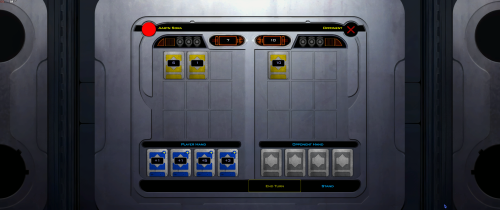
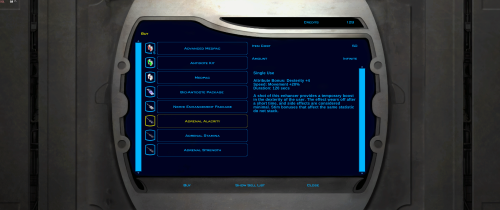
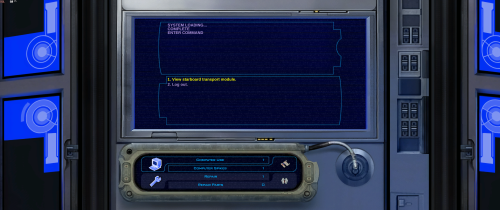
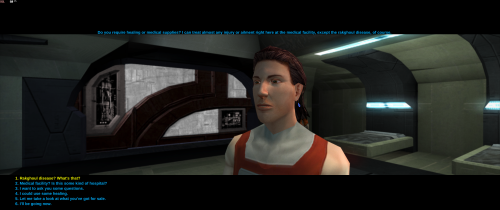
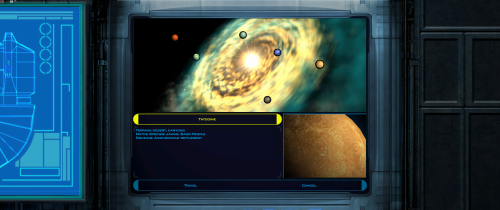
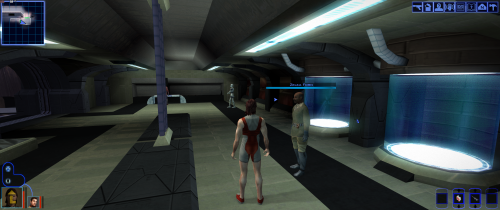
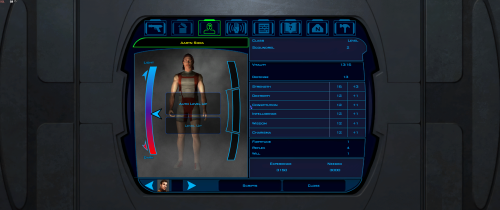
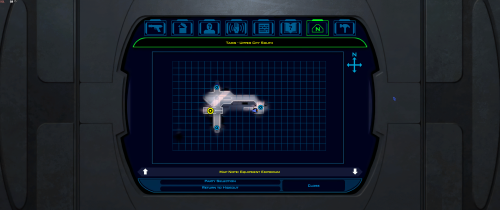

About This File
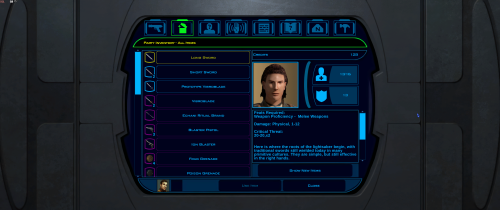
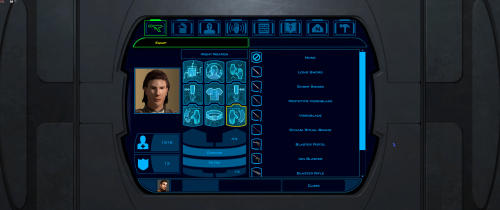
Expands supported resolutions and scales all Menus/HUD.
Install
- Use with Kotor Patch Manager: https://github.com/LaneDibello/Kotor-Patch-Manager
- Editable K1 Executable or GOG version required
- Copy Scaled Kotor textures and font files to override directory
- Apply Scaled Kotor patch with patch manager and then click launch.
- Alt Tab Patch and Movie Patch are recommended.
- Change resolution in game
- please report any bugs
Recommended
- K1 Modern Driver Compatibility Patch
Source: https://github.com/J0-o/ScaledKotorWidescreenPatch
Credits:
HD UI Menu Pack - The menu background outlines were combined with custom menu borders
Vriff - Supplied the custom font scaling system
Edited by J
 With version 1.2.0:

