SithNadd
-
Posts
33 -
Joined
-
Last visited
-
Days Won
3
1 Follower
SithNadd's Achievements
Scout (1/15)
37
Reputation
-
 You can set up TSL Patcher/Holo Patcher to do that for you using tokens. If you read through the readme included with TSL Patcher, it'll explain how tokens work.
 -
Did a test with Revan's Sith Lightsaber, too. It looks ok, but I'm not sure I'd release this one, as there are nicer looking models out there made by other people which look a bit better than the TOR version in my view.
-
Ran a quick test, porting Revan's lightsaber over to KotOR from TOR. May look at putting a little mod together which makes this the lightsaber you get on Dantooine at the end of your training, rather than the generic one. Could always deposit the other crystals elsewhere too, for those who like some variety and don't want to stick with their class colour.
-
Absolutely. As I believe a certain Jedi Knight once said: "This is where the fun begins..." Will the fixed area models be released as a modders resource similar to what you did with the Shadowlands module? I'm itching to start adding some content in myself now that there's a fixed set of models out there.
-
That Czerka depot certainly looks a lot better after a bit of TLC from you. Sorting that area out was one of the things on my 'things to do some day' list, but it looks like it can be crossed off now, which I certainly won't be complaining about! Big ol' area to fill with content though, so I look forward to seeing what you decide to fill it with.
-
Personally I prefer 3DS Max, but it’s just that. A preference. If you know Blender better than Max, use Blender. Both will work for this.
-
I just decompiled your game model and imported it into 3DS Max and there are a few issues. None of the meshes actually have a texture assigned to them. None of the meshes have any sort of UVW mapping applied, so even if a texture were applied, it wouldn't look as it should. Probably the biggest issue - all of the meshes are trimeshes. There are no bones in the model, just the meshes which make up Jar Jar's head. For the head to work properly in the game, you'd need to weight the head objects to a set of bones. Either a custom rig, or try and use one from the game, but none of them are particularly Gungan shaped, so you'd probably either have to make heavy modifications, or compromises.
-
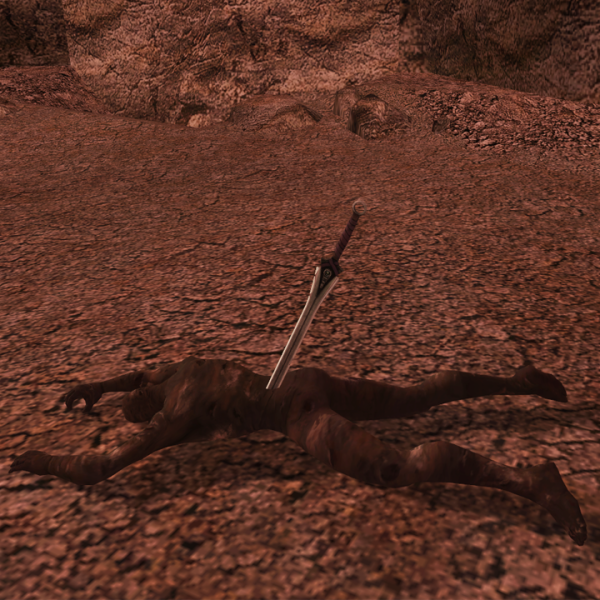
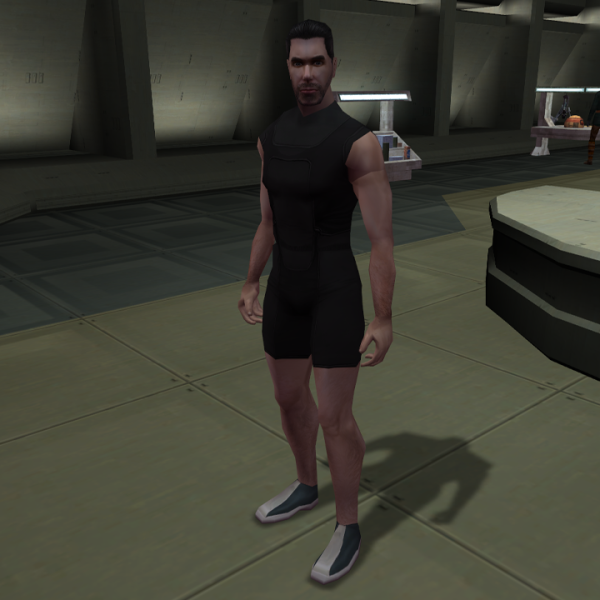
A few random bits and pieces from my tinkering sessions.
-
-
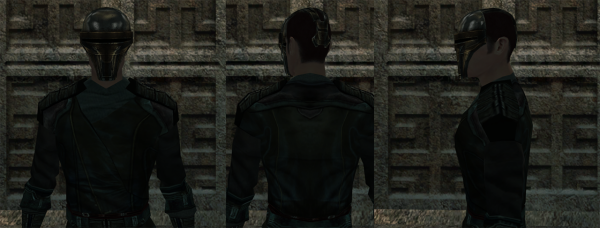
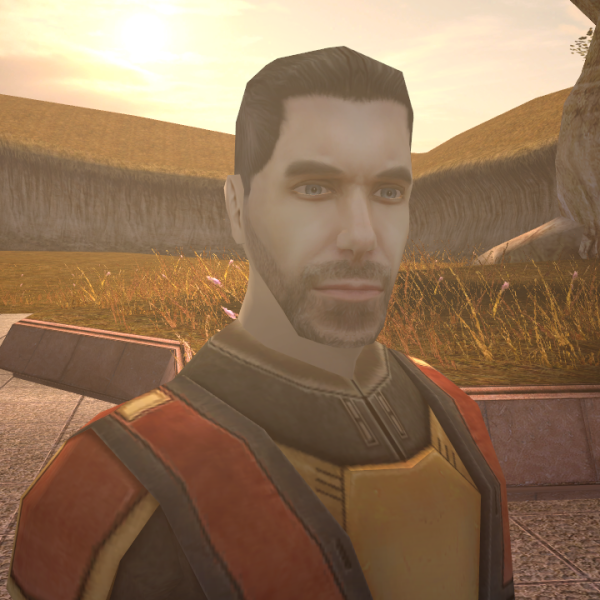
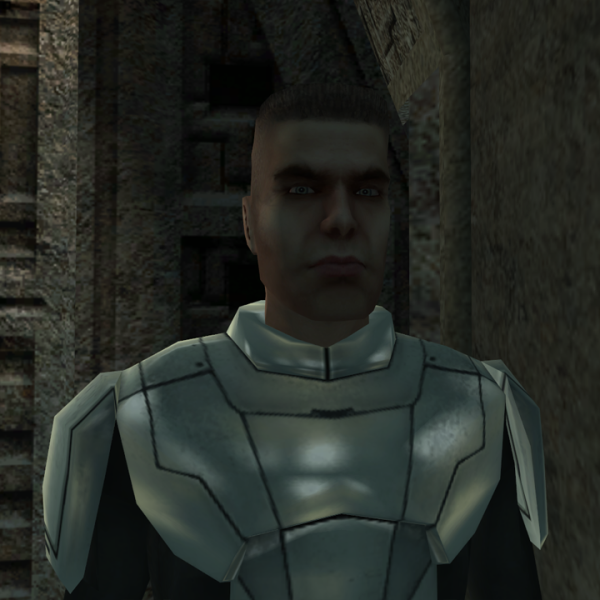
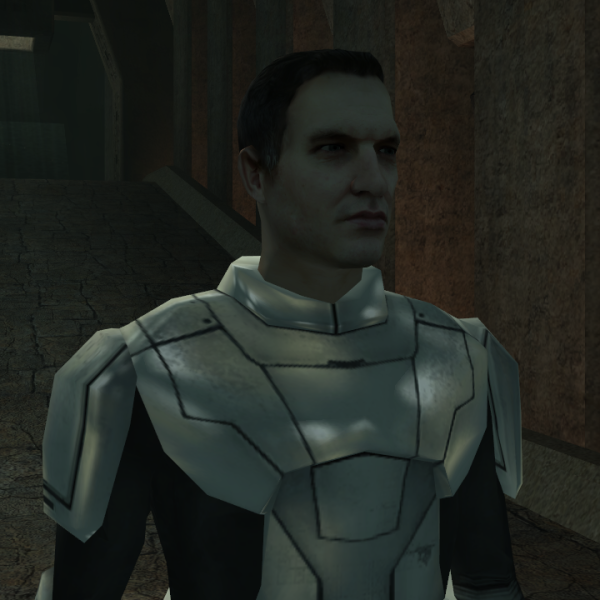
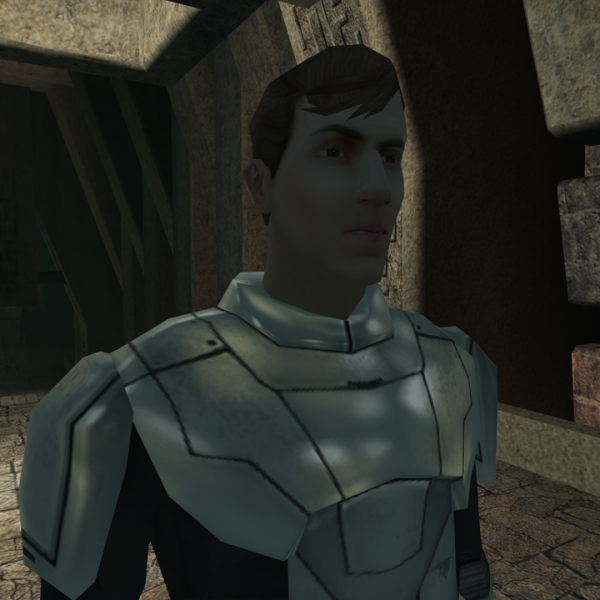
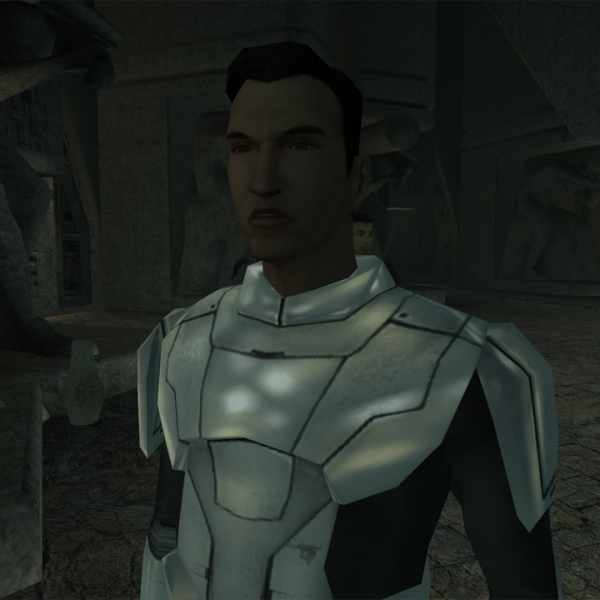
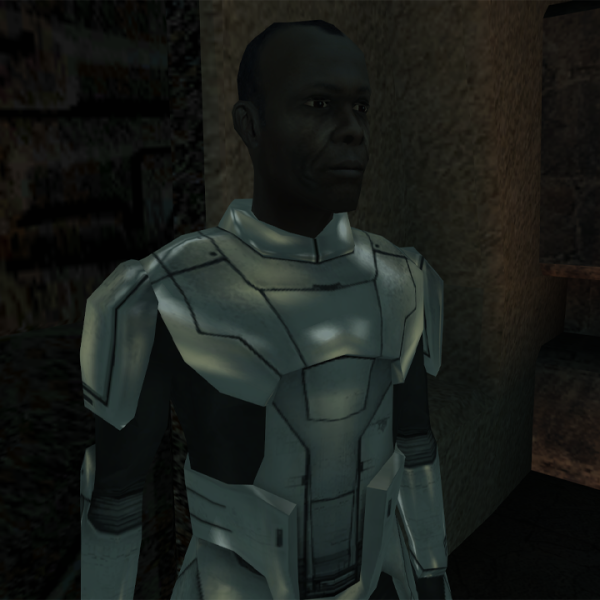
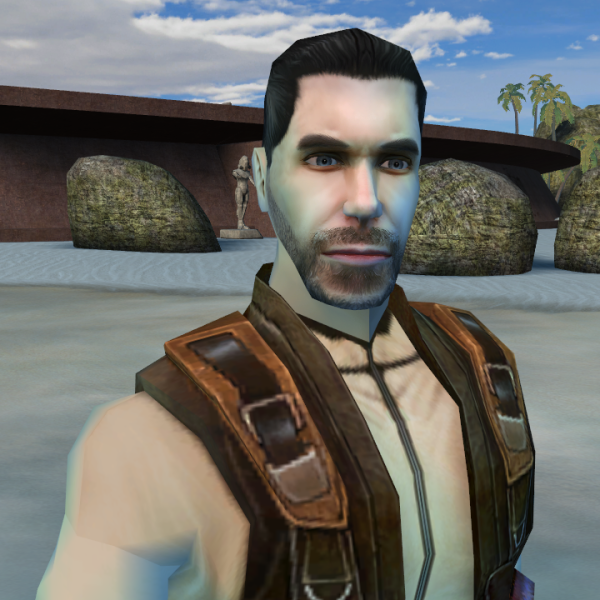
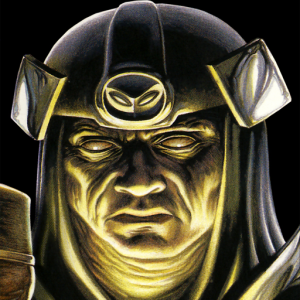
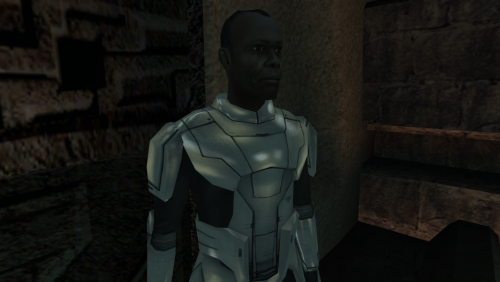
View File Diversified Sith Academy Guards This mod adds unique appearances for each of the guards in the Sith Academy on Korriban. Each guard uses a modified version of the Sith Trooper model with the helmet removed and has a unique head ported from TSL. This mod will not work with saved games in which you have already entered the Sith Academy, as module data is stored within saves. You will need to use a save from before you enter the Sith Academy or a start a new game for the changes to apply. I’m aware that there was previously a similar modified Sith Trooper model which is no longer available, but this one improves on that by having a slightly nicer modification to the mesh itself and has the adjusted vertices re-weighted to prevent gaps appearing between the body and neck during certain animation. Installation Run the included installer and the mod will install itself. Submitter SithNadd Submitted 07/12/2025 Category Mods K1R Compatible Yes
-
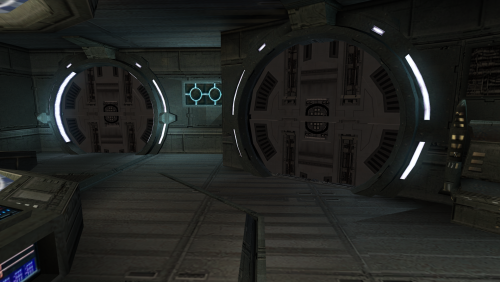 That only applies if you're playing certain non-English version of the game which has both a dialog.tlk and dialogf.tlk file, from what I can gather. I'm using an English version with just the one .tlk file and it works perfectly:
 -
Kebla Yurts store, I believe. I recognise the Taris textures and that’s the only place I can think of that has the armour models cut up and dotted around like that.
-
133 downloads
This mod adds unique appearances for each of the guards in the Sith Academy on Korriban. Each guard uses a modified version of the Sith Trooper model with the helmet removed and has a unique head ported from TSL. This mod will not work with saved games in which you have already entered the Sith Academy, as module data is stored within saves. You will need to use a save from before you enter the Sith Academy or a start a new game for the changes to apply. I’m aware that there was previously a similar modified Sith Trooper model which is no longer available, but this one improves on that by having a slightly nicer modification to the mesh itself and has the adjusted vertices re-weighted to prevent gaps appearing between the body and neck during certain animation. Installation Run the included installer and the mod will install itself.-
- 2
-

-
- sith academy
- guards
- (and 3 more)
-
I’m not certain without checking, but I’m pretty sure the armour pieces are part of the level geometry and the metal boxes and kiosk are placeables. If so, the simplest solution would be to just move the placeables elsewhere, or take them out completely. Or you could modify the level geometry to remove the armour pieces or put them elsewhere and adjust the walkmesh to match. Either way, it’s definitely doable.
-
What does lookupgamefolder mean/do?
SithNadd replied to DarthJaegad's topic in General Kotor/TSL Modding
It seems I misread the original post then, I thought LookupGameNumber was what the OP was asking about. That’ll teach me to make sure I read posts properly. Good spot! -
What does lookupgamefolder mean/do?
SithNadd replied to DarthJaegad's topic in General Kotor/TSL Modding
I would assume you’re referring to the changes.ini file inside the tslpatchdata folder for most mods? The line to which you refer tells the installer which game the mod is for. A value of 1 is KotOR and 2 is TSL.