


About This File
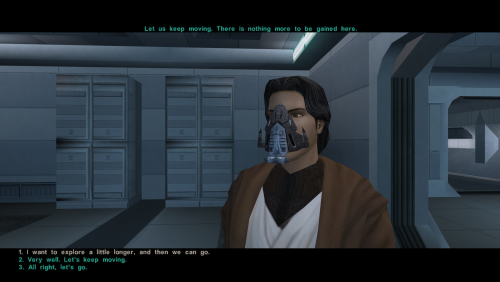
TEXT ARE CURRENTLY GOING OFF SCREEN (I'm working on a fix with the .gui files so that the text knows when to start a new line)
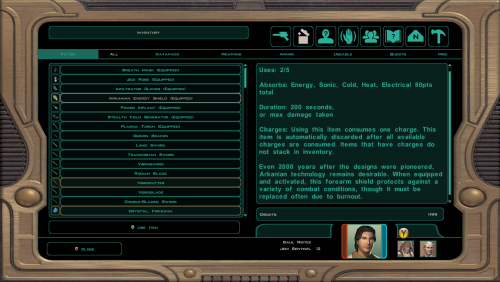
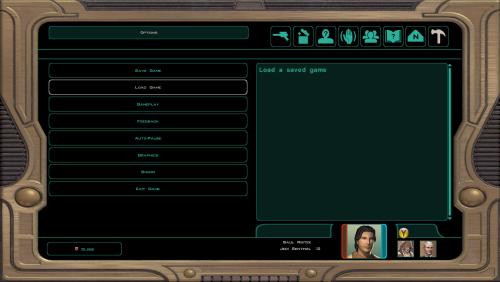
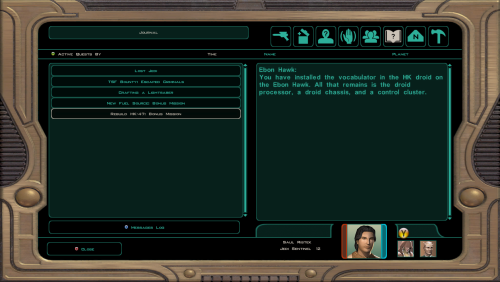
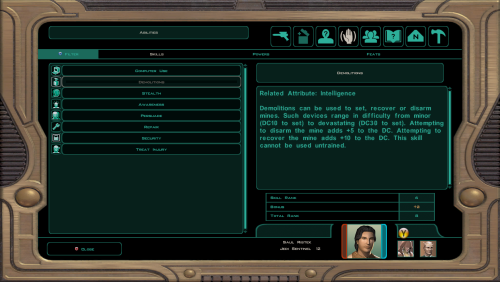
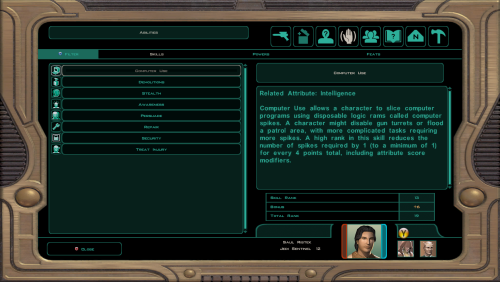
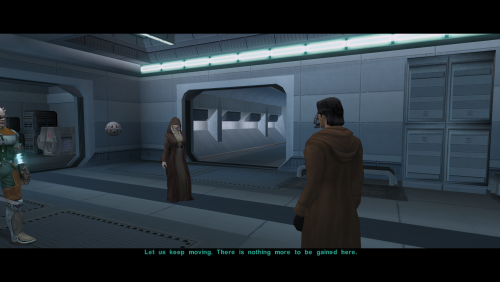
Increases the dialogue font size in KOTOR 2 for better readability on modern displays.
Includes edited TXI font settings and an upscaled font texture to help the enlarged text look clearer otherwise it looks very blurry.
Main file: x1.5, recommended for most setups.
Optional file: x2, recommended for 4K and sitting far from the screen.
Main features
- Larger dialogue text
- Upscaled font texture for better clarity
- x1.5 version for most players
- x2 version for 4K/far-distance play
Extra note
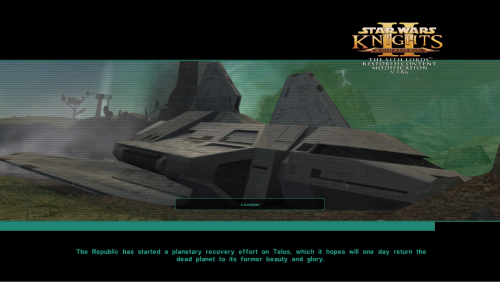
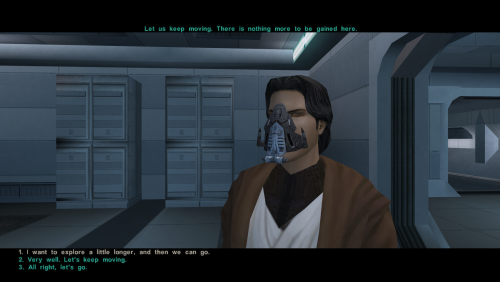
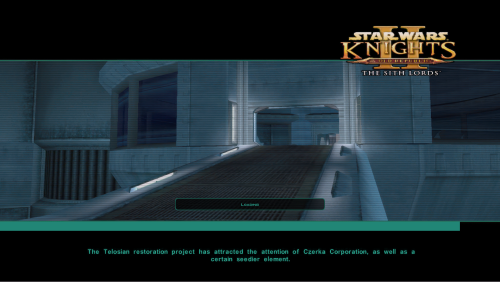
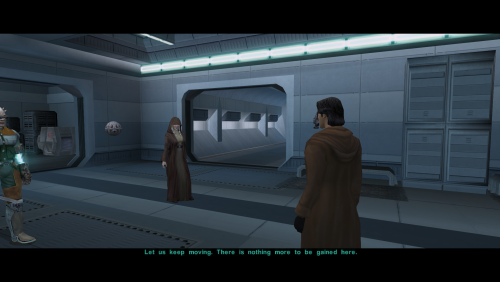
loading screen messages and menu description text are also affected but I haven't seen any issues, and all affected text appears to stay on screen. If you are worried, use x1.5. (The screen shots are taken on 1920x1080p, I also have widescreen ui fix installed.)
Credits
Thanks to the KOTOR modding community for TXI/font editing information.
Obsidian Entertainment
Installation
Only use one version at a time.
Choose either x1.5 or x2.0, then copy the Override folder into your main Knights of the Old Republic 2 directory.
Replace files if prompted.
(If you want to switch versions later, just reinstall and replace.)
Edited by Saul0097
What's New in Version 1.1 See changelog
Released
X2 Version has been swapped out with 1.7 (70% text size increase) as double was too big even for 4k resolutions.