

Leaderboard

Popular Content
Showing content with the highest reputation on 08/18/2026 in Posts
-
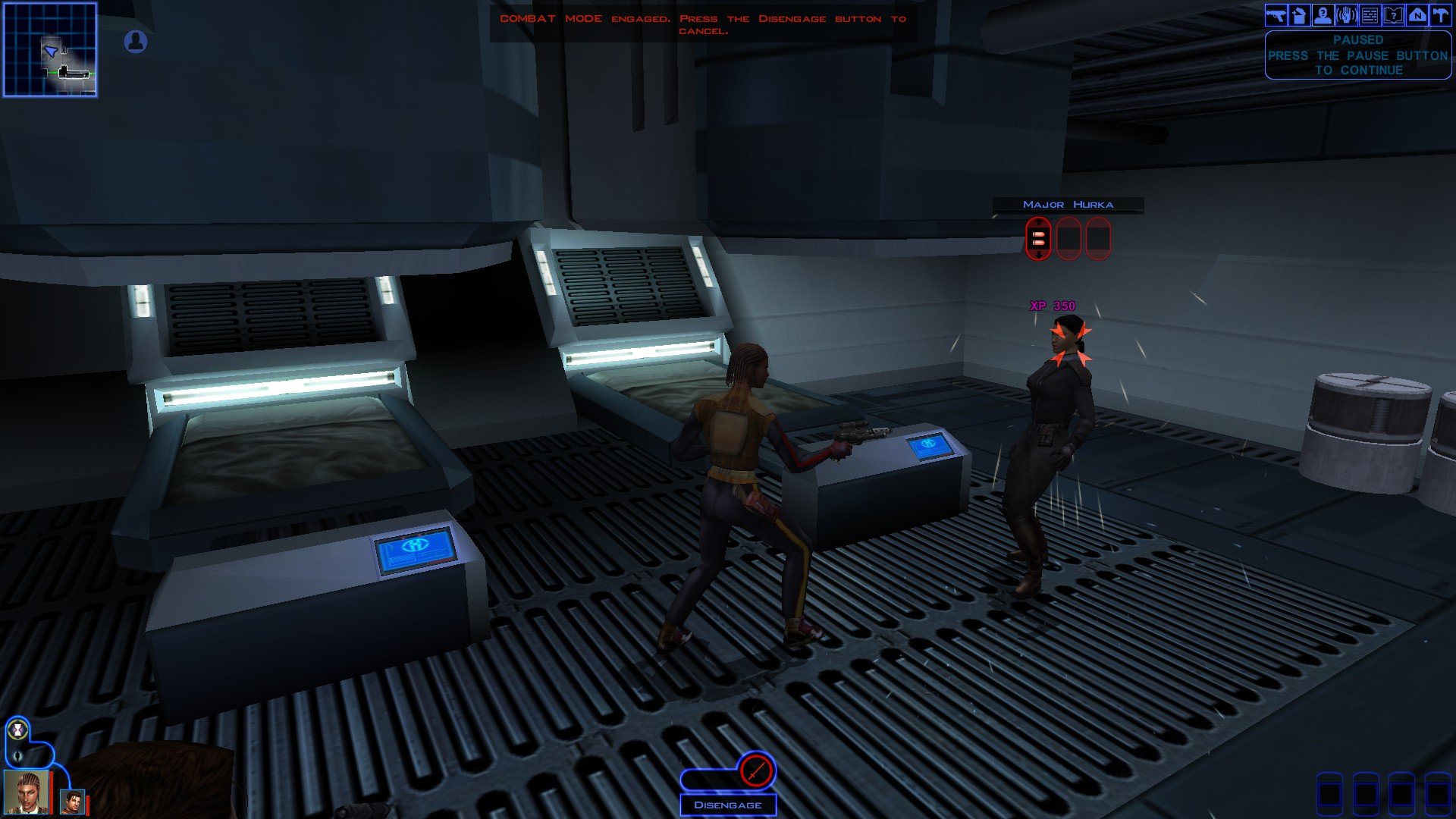
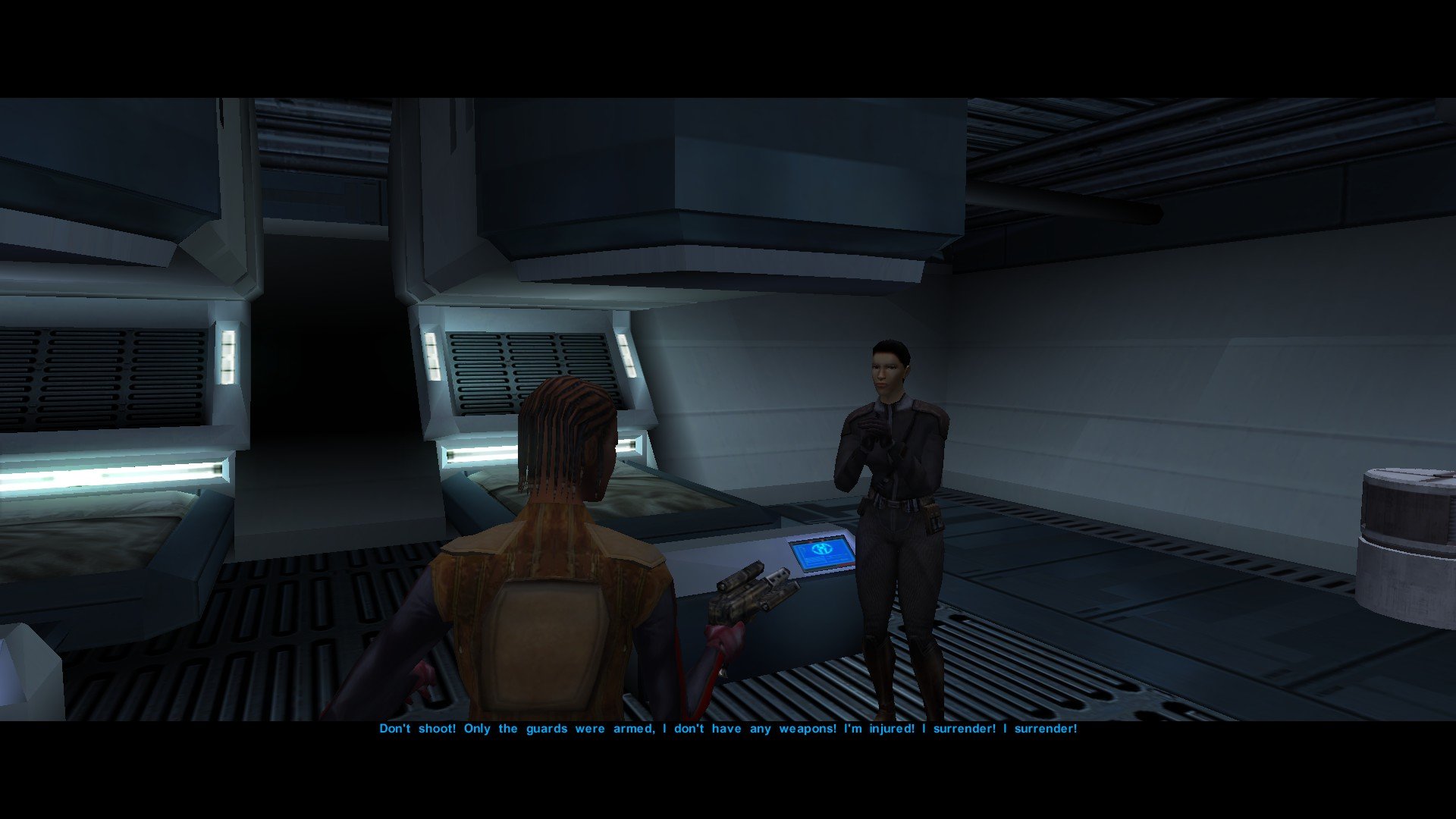
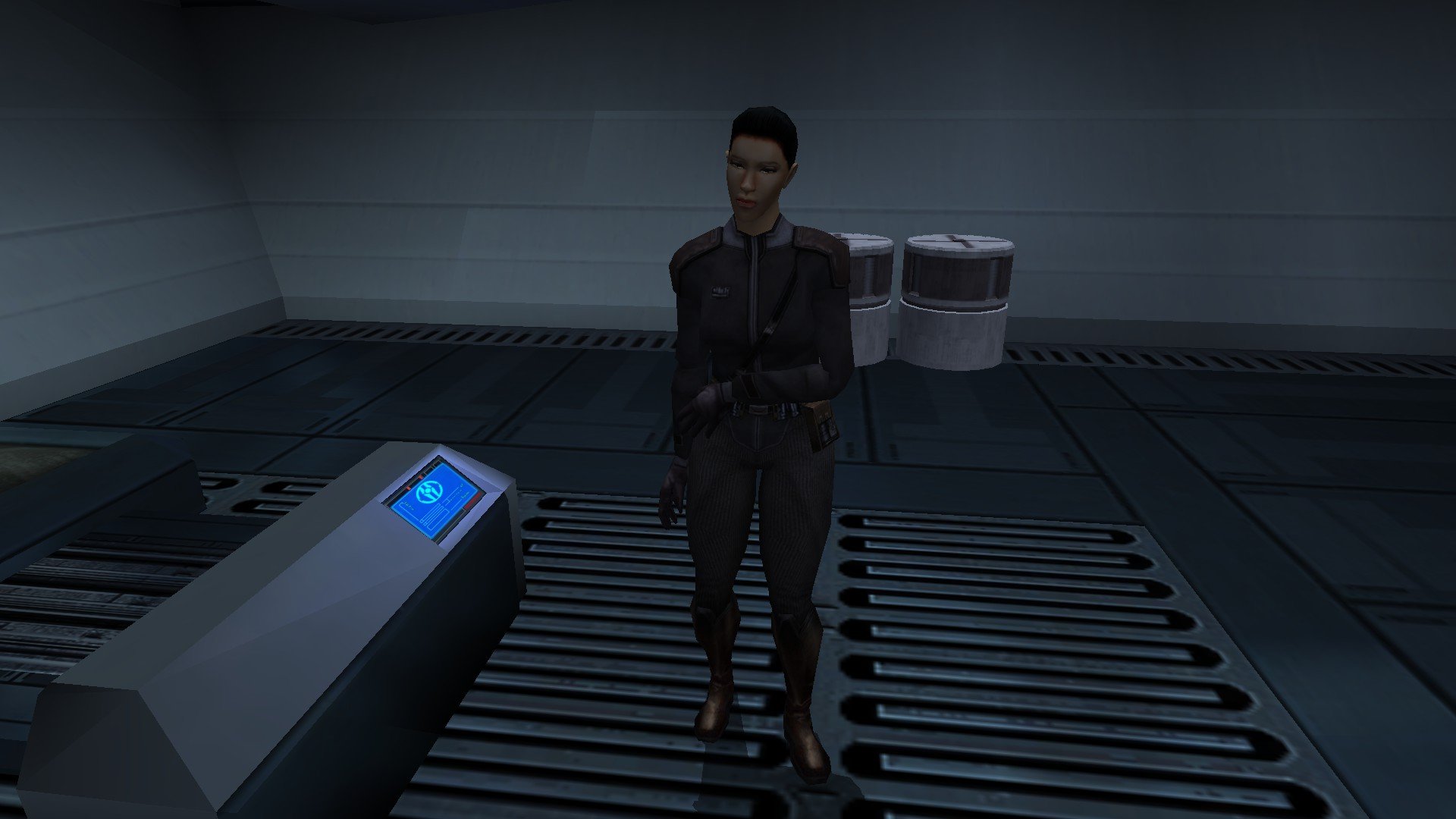
The RC-K1CP update is out and we can now finally play Kotor with restored Iriaz. In the meantime, here is a preview of something I am working on. Major Hurka has been added to RC-K1CP in the most recent update, though only as a hostile NPC. Major Hurka content could come in four parts, which goes as follows: Part One: Adds Major Hurka and several Sith Guards to the Command Deck Medbay as hostile NPCs. This has already been done. Part Two: Make Major Hurka neutral whilst the Sith Guards are hostile (like Ada the waitress in the Vulkar Base). When you speak to Hurka, her restored dialogue will play but all attempts to use her to open the Bridge door will fail and will always result in her attacking you. Part Three: Add a basic system that'll have Major Hurka unlock the Bridge door for you in the form of her giving you a passcard. Part Four: Add a proper system similar to K1R wherein Major Hurka actually unlocks the Bridge door and possibly even takes you beyond it. What do we all think of my plans for Major Hurka in RC-K1CP? And above all do any of us feel I need to give Hurka a new appearance? Whilst I cannot use K1R's appearance it would be very easy for me to just remake it myself from scratch. If you guys would like me to give Major Hurka a unique appearance I shall make it and I shall report back and show you guys what I've made in the next WIP update.
 1 point
 -
@Juggernut First, I'd like to say welcome to DeadlyStream. I realize you are new, so I wanted to lend a hand and help ya a bit. I saw that you posted several threads that seemed to be continuations, so I've merged them. Within a thread, there's a way to add a new reply or post from the "Reply to this topic" button at the top and the comment box at the bottom of the page. That will allow you to contain things to one thread if they're the same topic like this WIP is. In addition, I've altered the images so that they take up less visual space. When you add an image to a post, you can double-click it to alter the height and width, and it can be clicked by someone in the saved post to view the full size. I've reduced the image sizes by 50% for the thread itself to take up less space. I've also put some of the images inside Spoilers, which can be clicked on to hide or show as-needed. This is done by selecting all of the content from the start point to the end point and using the eye icon in the post editor:
 0 points