Chirrungaso
-
Posts
21 -
Joined
-
Last visited
-
Days Won
1
Content Type
Profiles
Forums
Blogs
Forum & Tracker Requests
Downloads
Gallery
Store
Events
Everything posted by Chirrungaso
-
Kotor Academy: Jedi Academy Combat in TSL [WIP]
Chirrungaso replied to ShaolinGhost's topic in Work In Progress
Holy crossover. Any plans to adjust droids companion movement? -
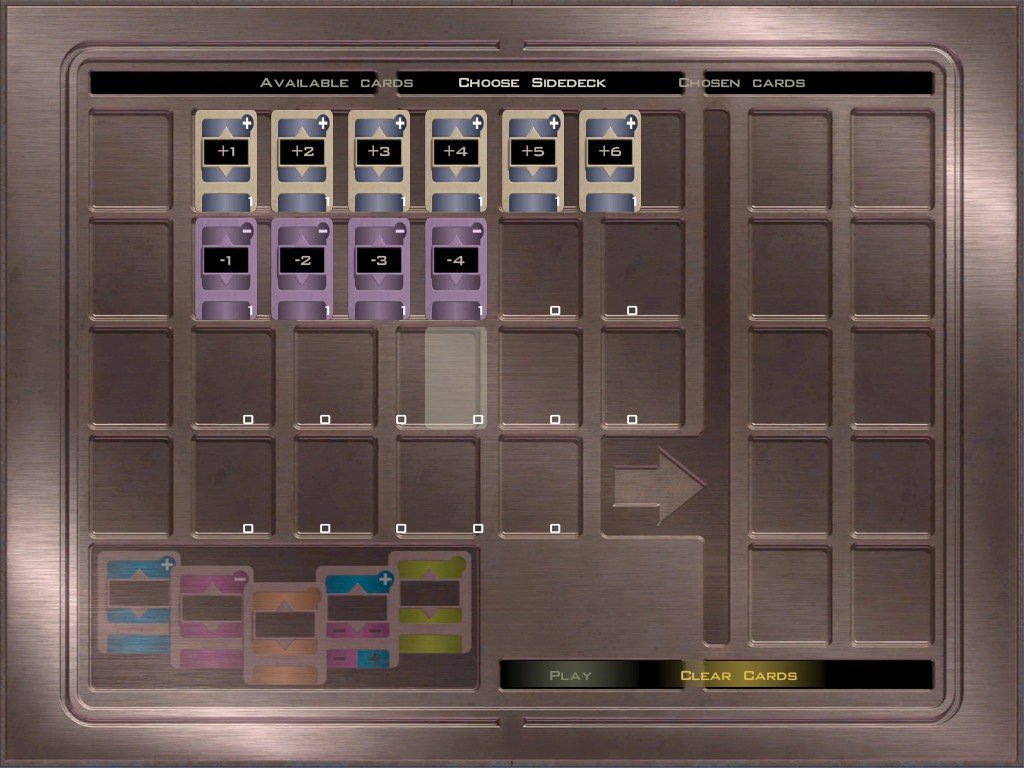
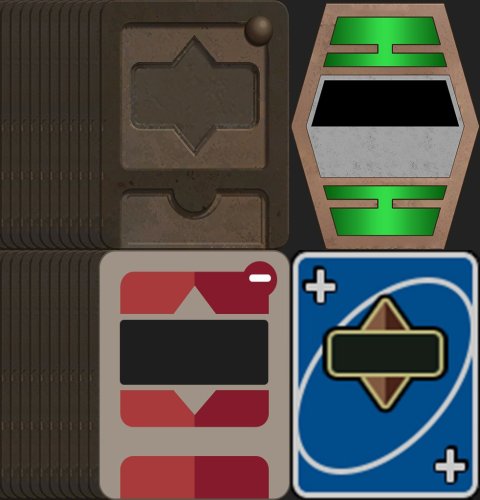
View File Pazaak Deck Collection A Pazaak card collection. Pick one and... Pure Pazaak! Last Deck uploaded: Low Res! INSTALLATION: To install, just extract the files into your override folder. This mod only replaces Pazaak card textures and/or backgrounds, so it shouldn't cause any conflicts. Previews for each deck: Alternative Colors Color Swap KOTOR I Flat Colors Minimalist Deck Sabacc-style Standard Pazaak UNO-style SABACC TEXTURE WARNING: To avoid a stretched background UI, make sure to use the correct background version depending on whether you're using the Aspyr update or not. Submitter Chirrungaso Submitted 11/13/2026 Category Skins TSLRCM Compatible Yes
-
Version 1.0.1
41 downloads
A Pazaak card collection. Pick one and... Pure Pazaak! Last Deck uploaded: Low Res! INSTALLATION: To install, just extract the files into your override folder. This mod only replaces Pazaak card textures and/or backgrounds, so it shouldn't cause any conflicts. Previews for each deck: Alternative Colors Color Swap KOTOR I Flat Colors Minimalist Deck Sabacc-style Standard Pazaak UNO-style SABACC TEXTURE WARNING: To avoid a stretched background UI, make sure to use the correct background version depending on whether you're using the Aspyr update or not. -
That seems to be the case. I switched to the legacypc version, the UI changed and the first version of the texture fit perfectly. Thanks for the help!!
-
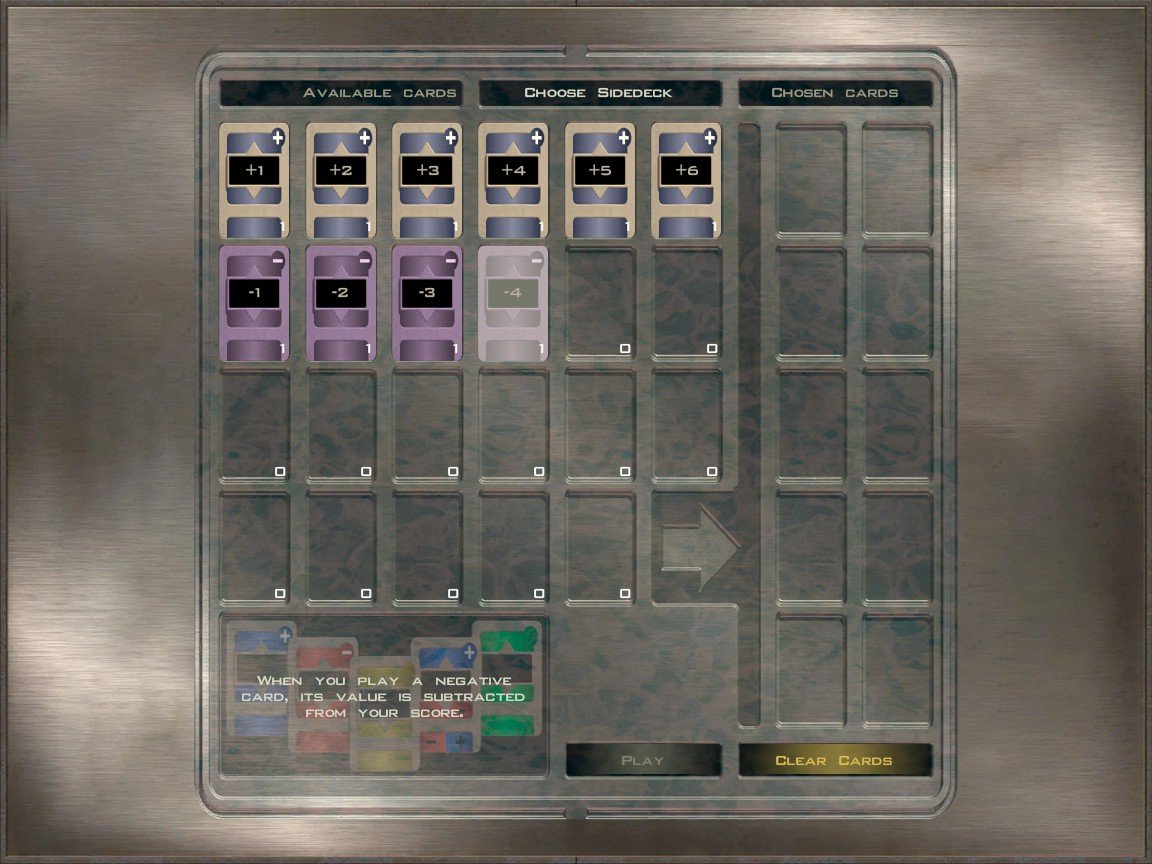
Thanks for the explanation, c ould it be related to TSLRCM? I've noticed that the background appears to be stretched by around 15%, so shrinking the image by roughly the same amount seems to fix the problem for now
-
Hey! This is my first time editing textures for KOTOR. I was playing aroud with the Pazaak textures and the card textures seem to work correctly, but the background texture doesn't display properly in-game. The edited texture is applied, but it looks like the resolution or scaling has changed, even though I didn't modify the image dimensions. Any help would be appreciated