Leaderboard
Popular Content
Showing content with the highest reputation on 07/03/2026 in Posts
-
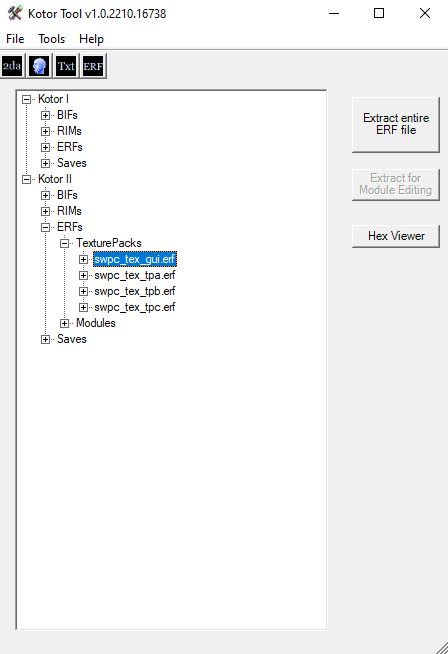
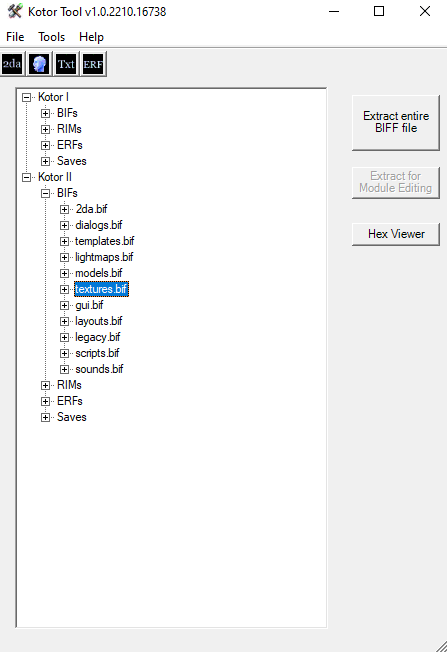
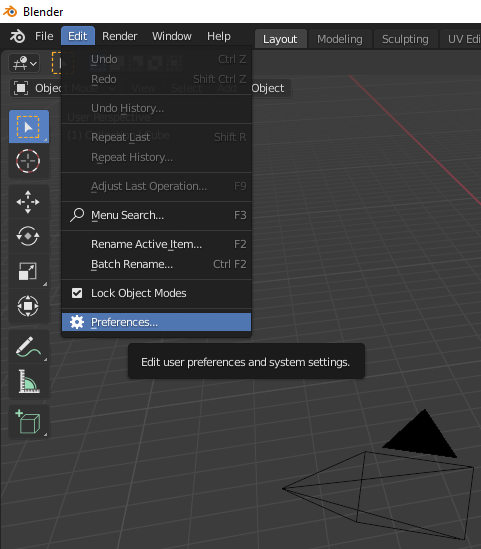
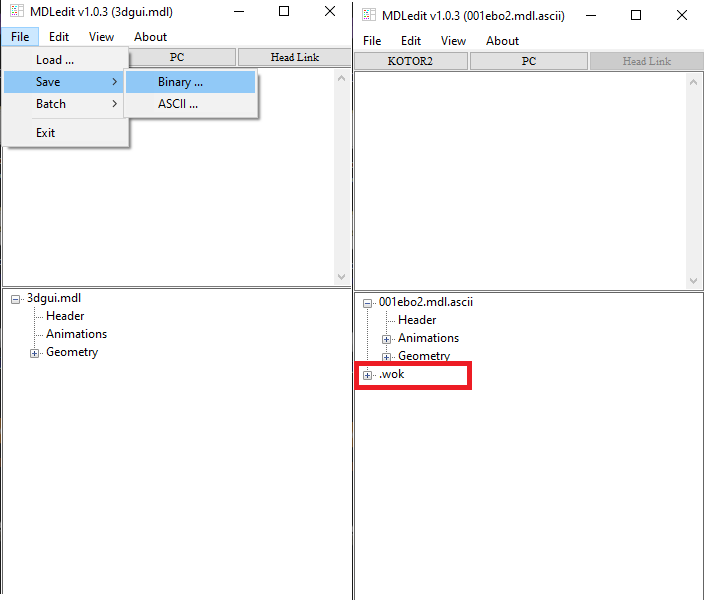
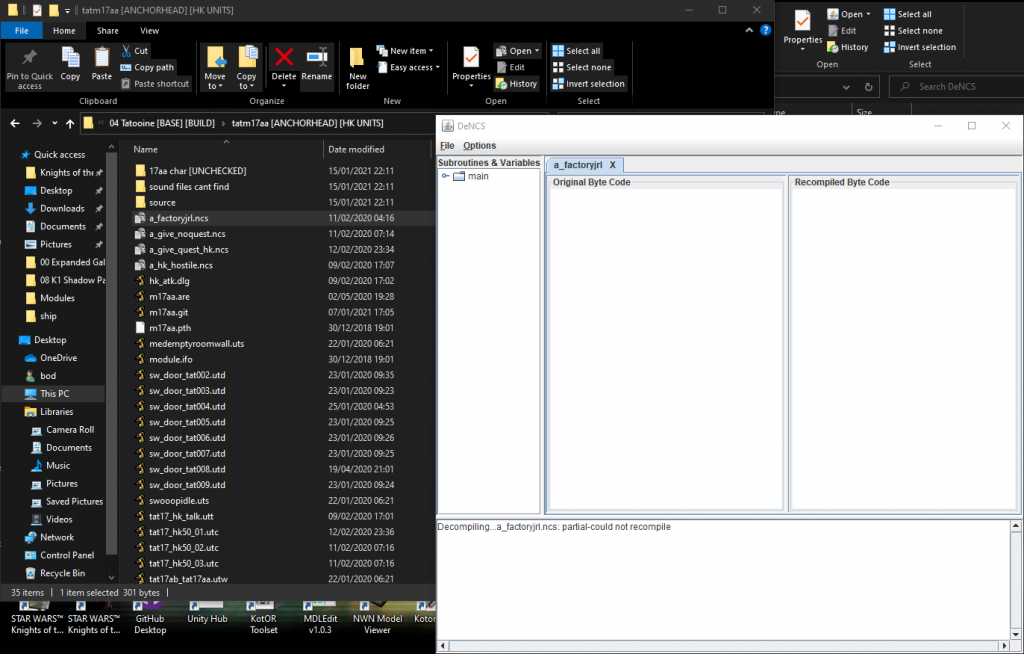
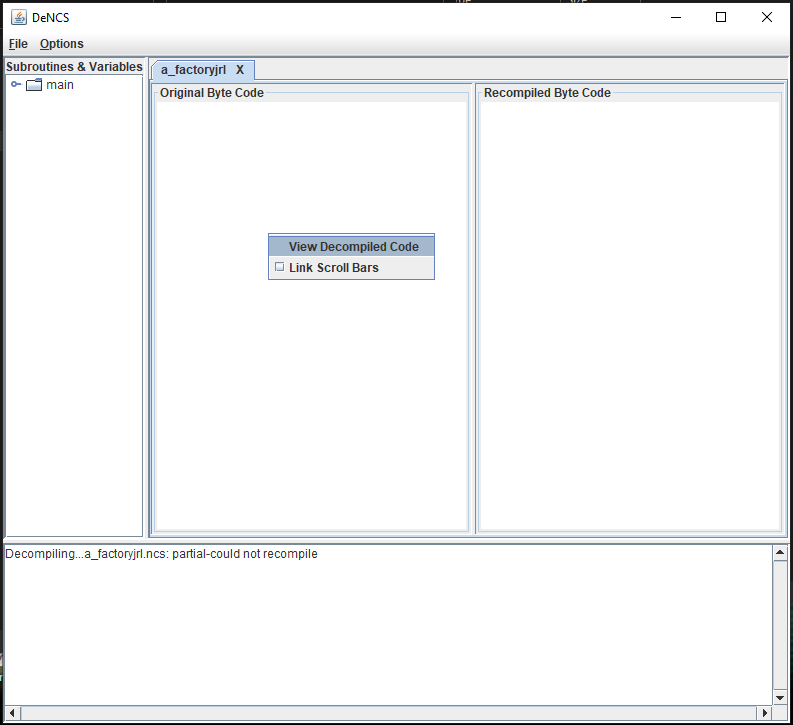
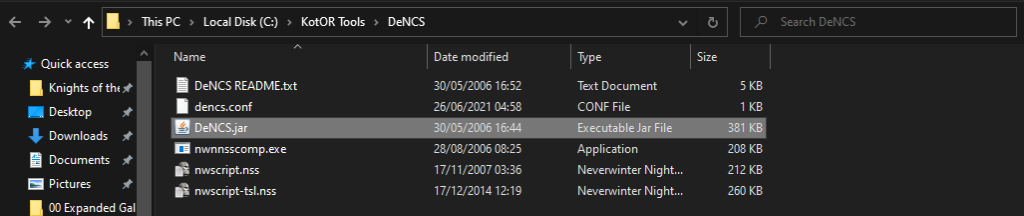
[TUTORIAL] - KotOR Modding Tutorial Series These tutorials should be enough to get anybody started making levels for the game using the available resources and tutorials / tools etc IMPORTANT NOTE : A lot of the tools I use are outdated now that Holocron Toolset is out, however I still prefer working with each filetype as I am use to the programs that edit them directly that I use throughout this tutorial. So if you are using Holocron Toolset or KotOR Level Editor, things will be different, but the general idea should be the same. I suggest trying out Holocron Toolset if you want an all in one program for editing levels, it does everything KotOR Level Editor does and most of what all the tools I have below do, except perhaps findrefs, dencs, kotor gui editor, walkswitch, anicam, ptheditor and lip synch editor, but it does everything the rest of the programs do and it might even do some of the things from the programs I just mentioned, I am not sure! Available Source Material & Tools These are the tools I use for modding the game. Lots of source material is available on DeadlyStream as well as many tutorials, some old, some new and very detailed information on the filetypes and the game itself, so make sure to have a good look around. .nss scripts for every script I have been able to access from both games are available in the GitHub repositories for my project. Some scripts from KotOR1 require the files to be trimmed of some excess bytes, there is some information on it around here somewhere and I will post a link to it when I next find it, the scripts in question are some of those from Tatooine, Manaan, Kashyyyk and the Unknown World. Actually Decompiling Scripts Steam KotOR Tool Issues KotOR2 Expanded Galaxy Thor110/Expanded-Galaxy-Main: Expanded Galaxy Main (github.com) KotOR1 in TSL Expanded Galaxy Thor110/Expanded-Galaxy-Port: Expanded Galaxy Port (github.com) Brotherhood of Shadow : Solomon's Revenge in TSL Expanded Galaxy Thor110/Expanded-Galaxy-Hood: Expanded Galaxy Hood (github.com) PLEASE do not redistribute the entire project anywhere without my express permission, but feel free to learn from the source material to make as many modifications to the game as you wish. If you wish to work on the project or contribute by offering or allowing your mod to be included with the project feel free to contact me on here or elsewhere. In future I might go beyond these basic scripting tutorials and add other types of tutorials such as texturing and modelling that are focused around KotOR2 TSL or working with others towards making a comprehensive KotOR modding guide. Most material I write will be aimed at KotOR 2 TSL, though a lot of the structure of the game is very similar between them both if not almost identical. For now here are some really basic written tutorials for getting setup with Blender and modding for KotOR or just messing around with the models from the game. I will continue to work on these providing screenshots and more as necessary. The first two blender tutorials here are a little outdated, there is a new version of KotORBlender for example which can import MDL files without the need for them to be converted to ASCII. I advise having a folder with all of the games model files ( mdl/mdx/wok/dwk/pwk ) and related files ( .lyt/.vis ) as well as textures ( swpc_tex_tpa/swpc_tex_gui ) And even all of the .gui files, this way you can use that folder to instantly import an entire level as well as properly display .gui files in the KotOR GUI Editor. Blender Tutorial 00 - Getting Blender Setup ( OUTDATED ) Blender Tutorial 01 - Asset Editing ( OUTDATED ) Blender Tutorial 02 - Creating A Placeable Blender Tutorial 03 - Character Editing Blender Tutorial 04 - Level Editing Outdated Tutorials & Intro Individually written and quite specific tutorials, mostly scripts and guidance towards achieving specific goals or tasks. 01 - [TUTORIAL] - Creating a Module for TSL using a KotOR Map! The first tutorial should be a great guide for porting a level from the first game into the second game as well as that it shouldn't be too difficult to work out how to do it the other way around from there on out! These are some useful links that I have found around that might guide you towards making mods for the game. Useful Links for learning to mod TSL & KotOR Thor110 In the following post in this topic are many more tutorials that I am working on to guide people through the process of making mods for KotOR.















 1 point
 -
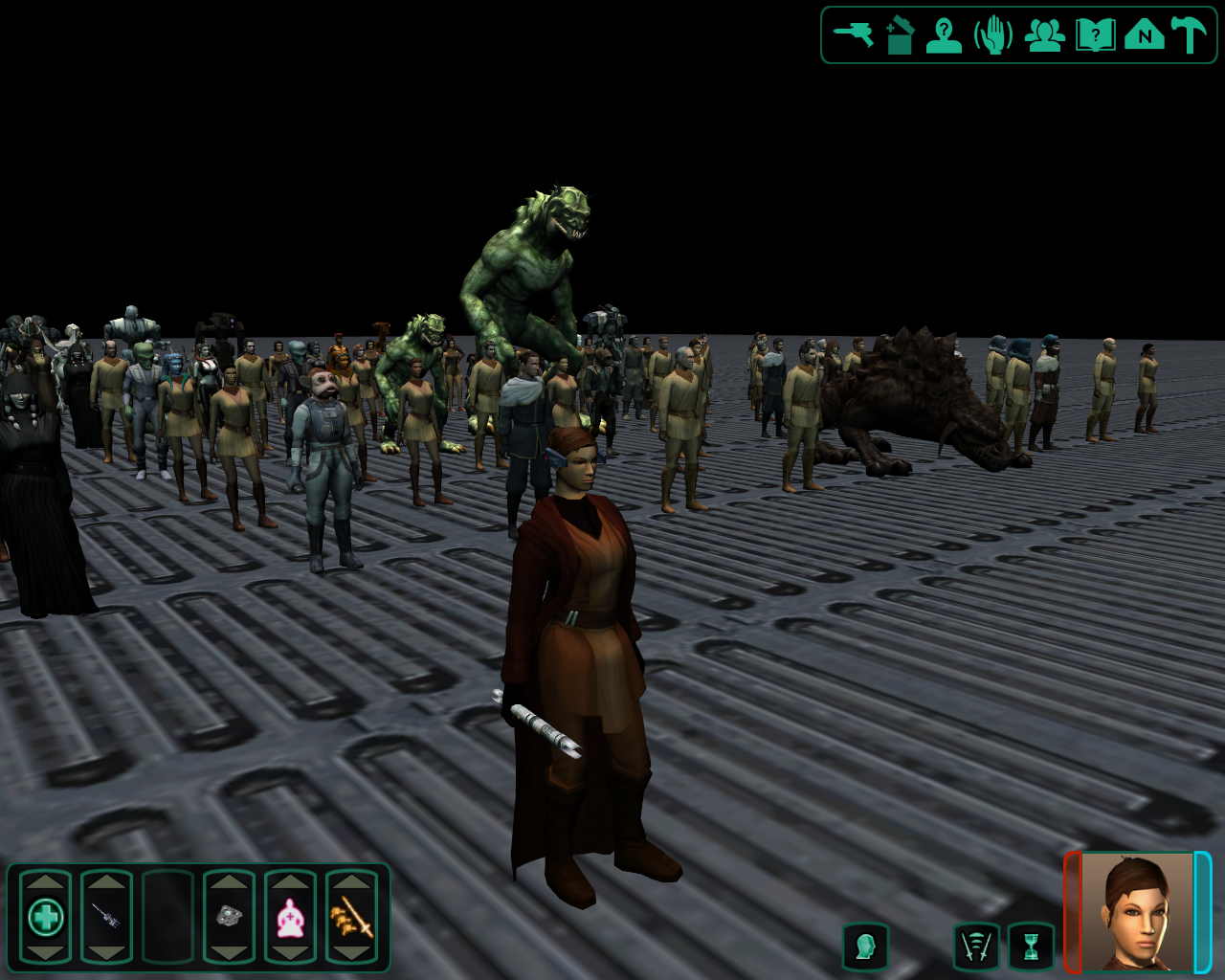
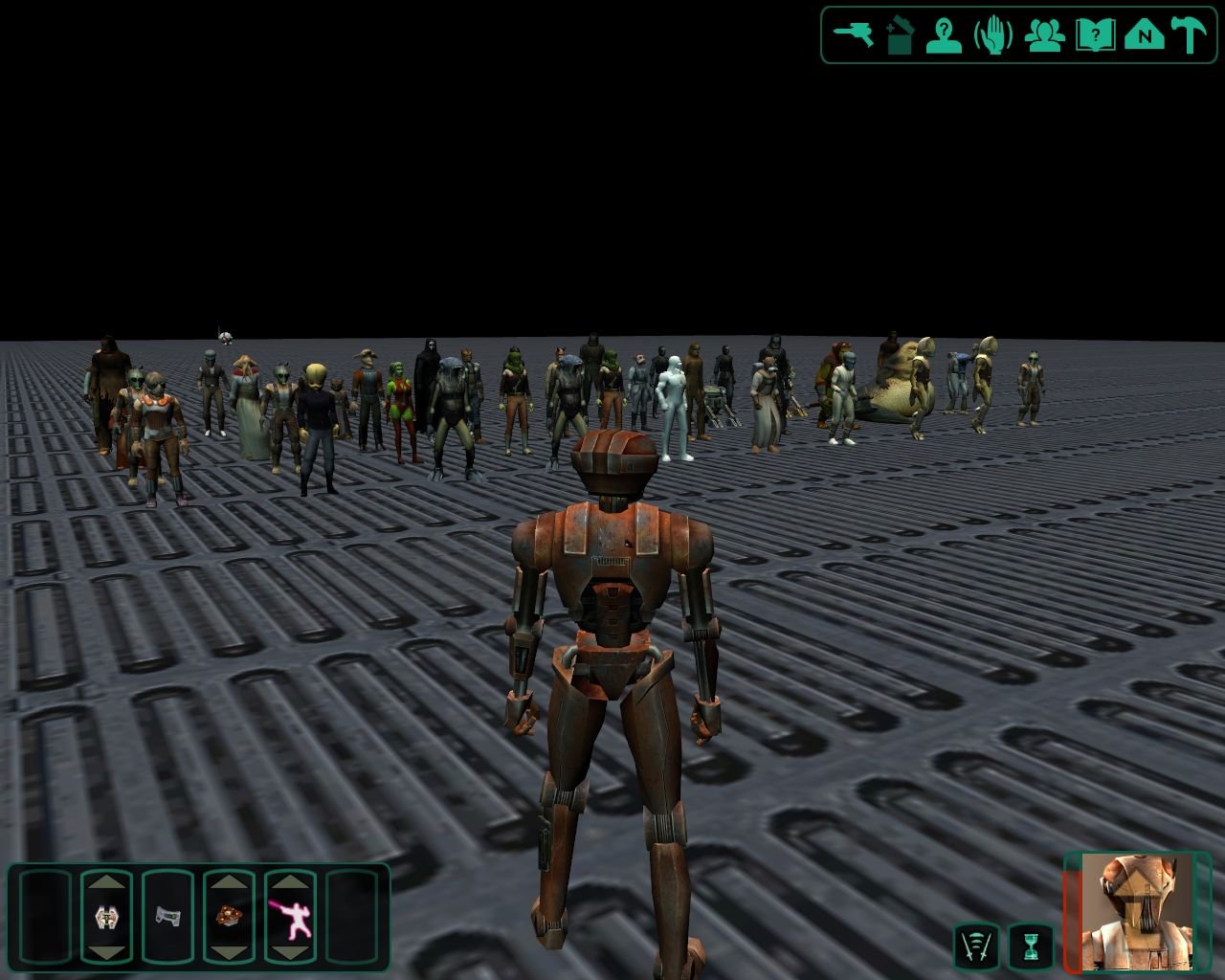
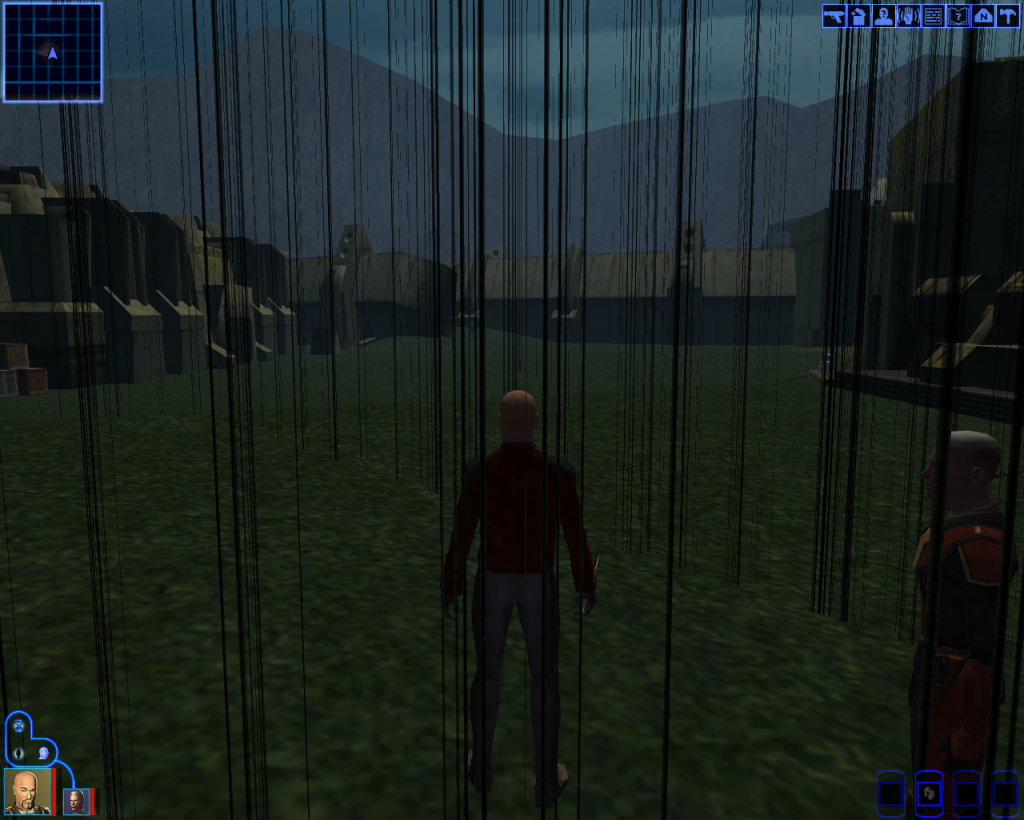
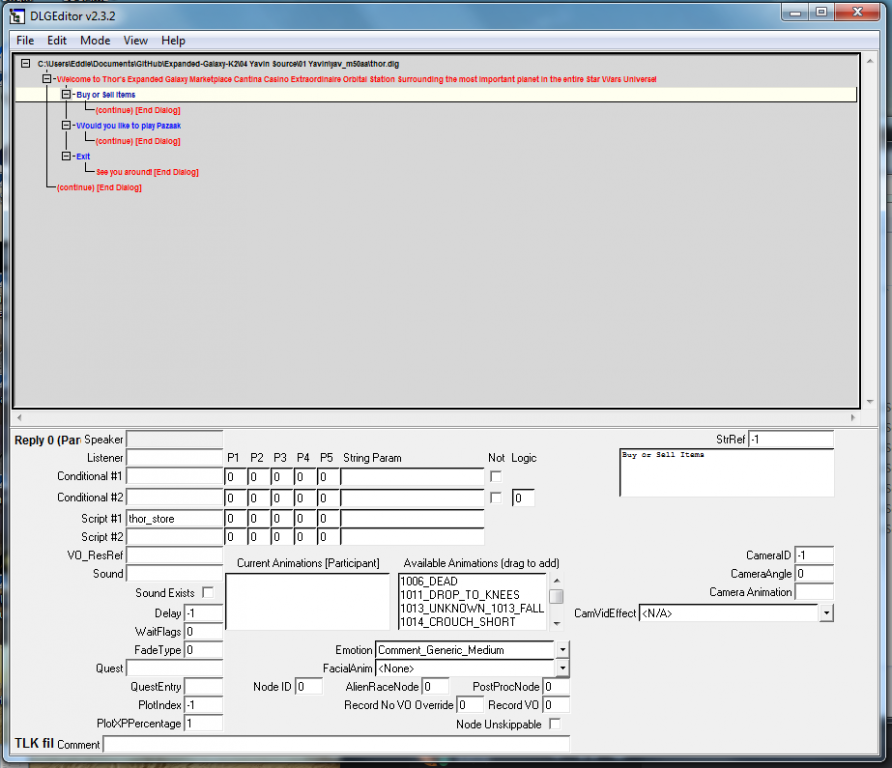
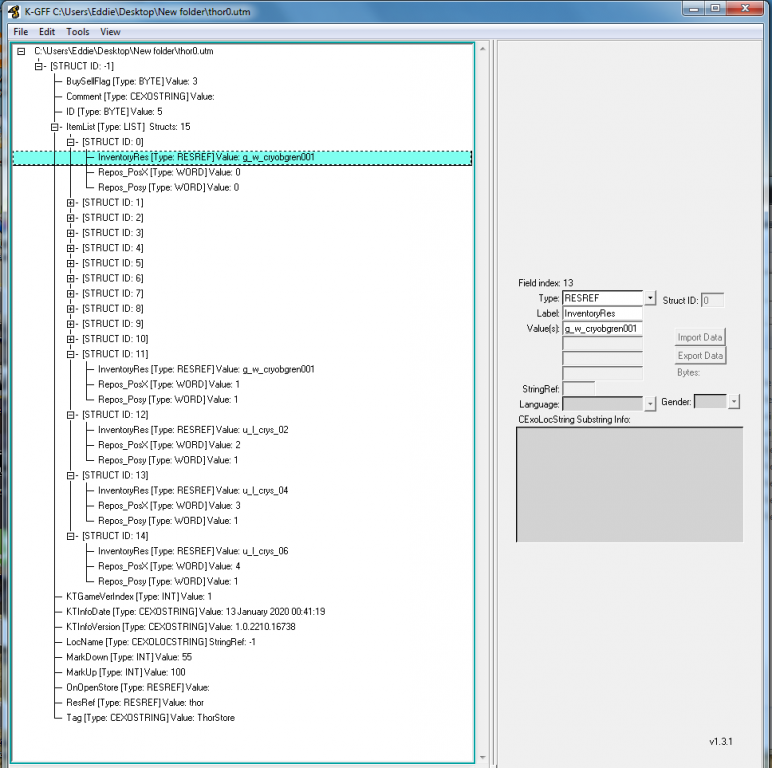
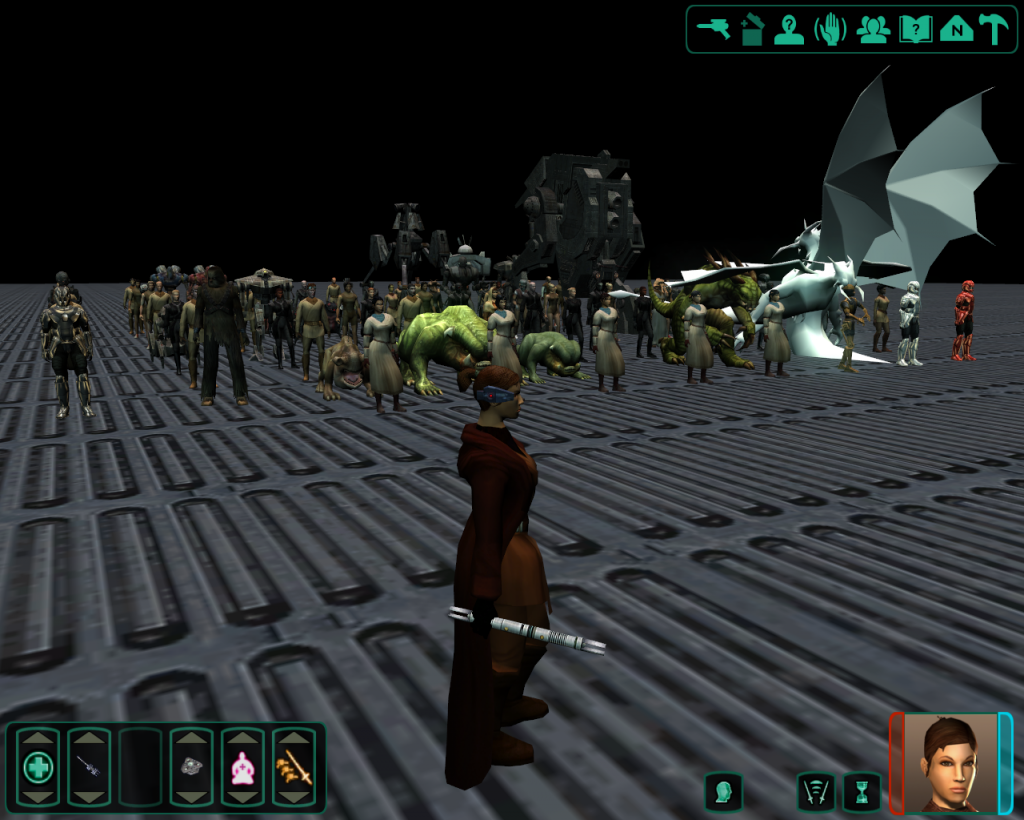
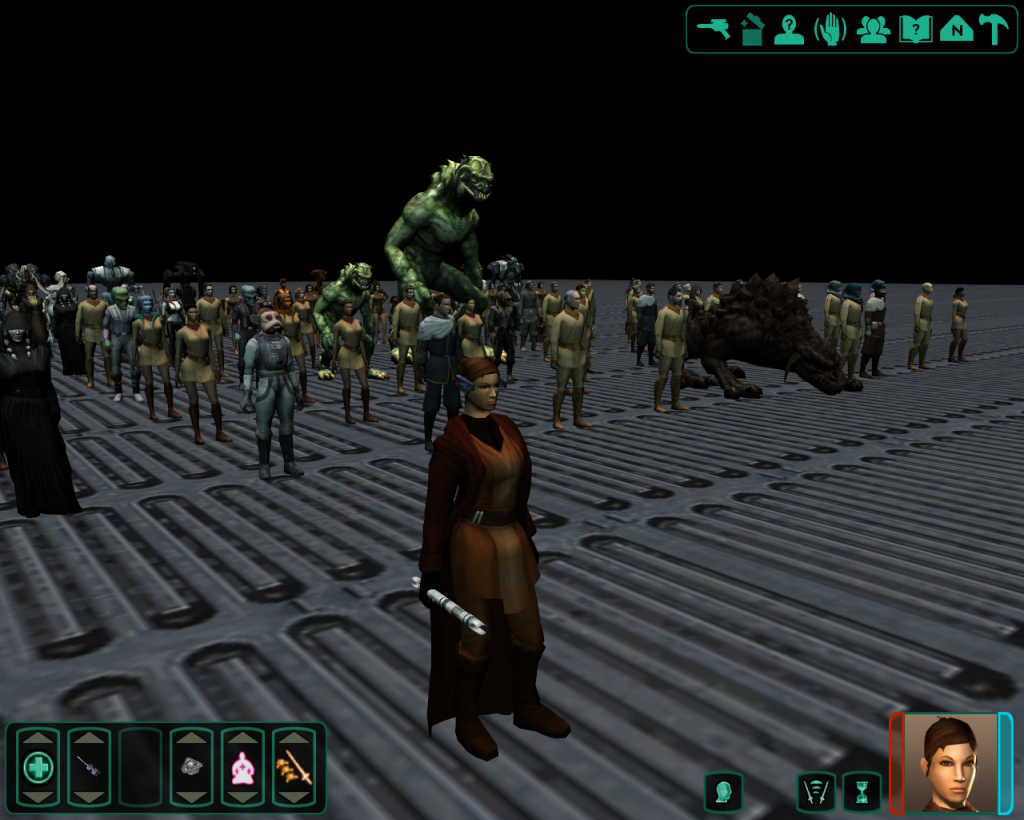
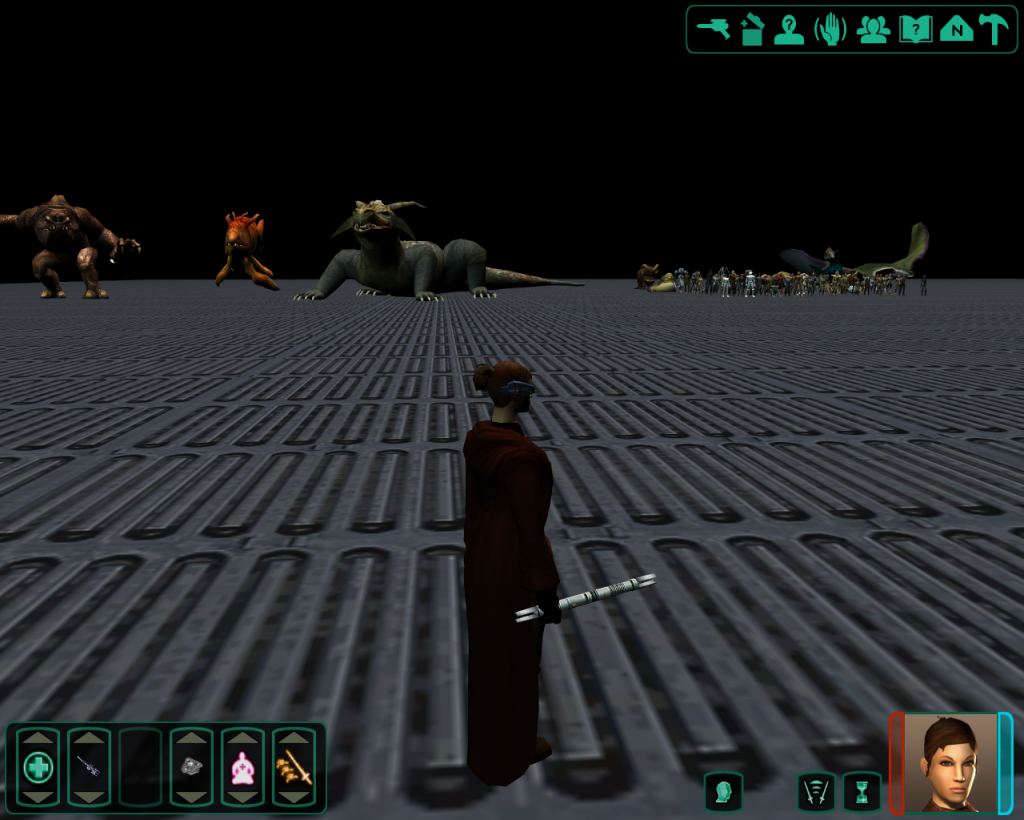
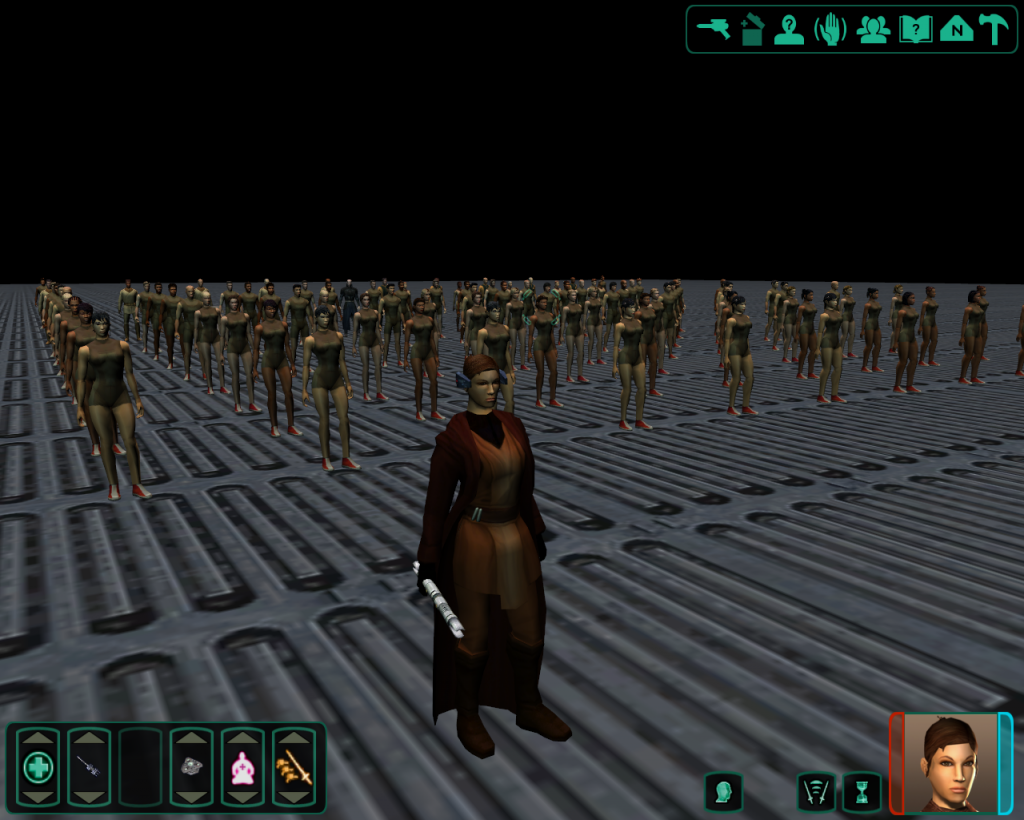
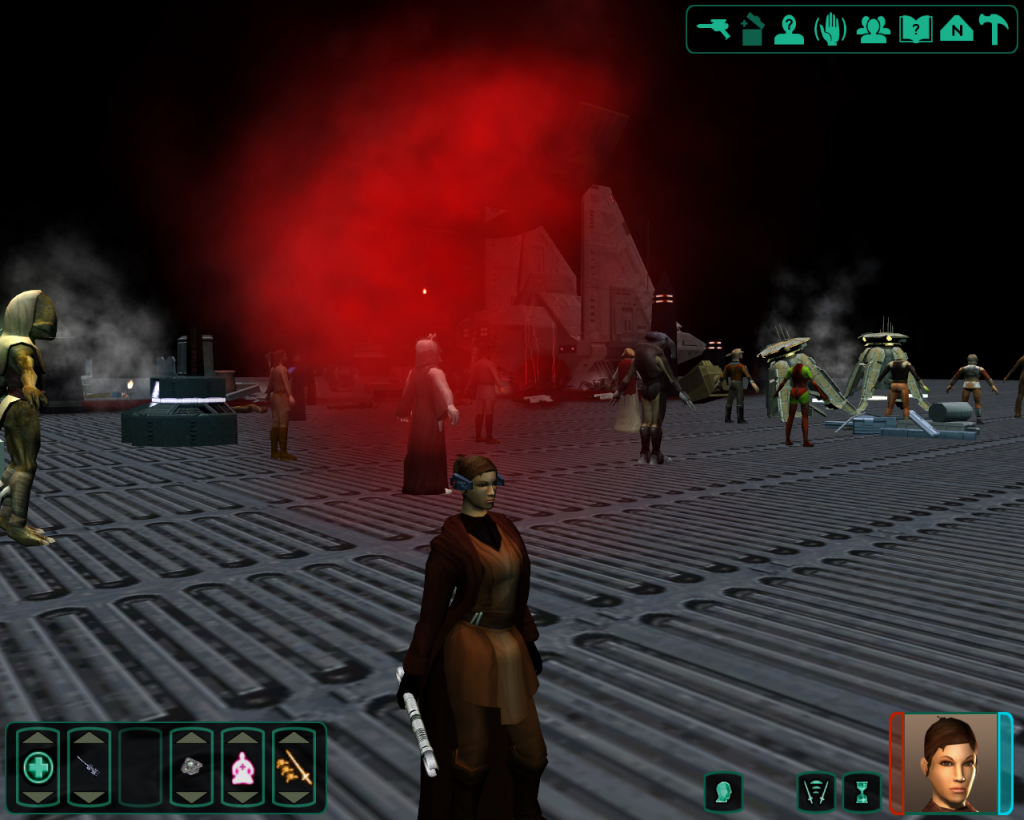
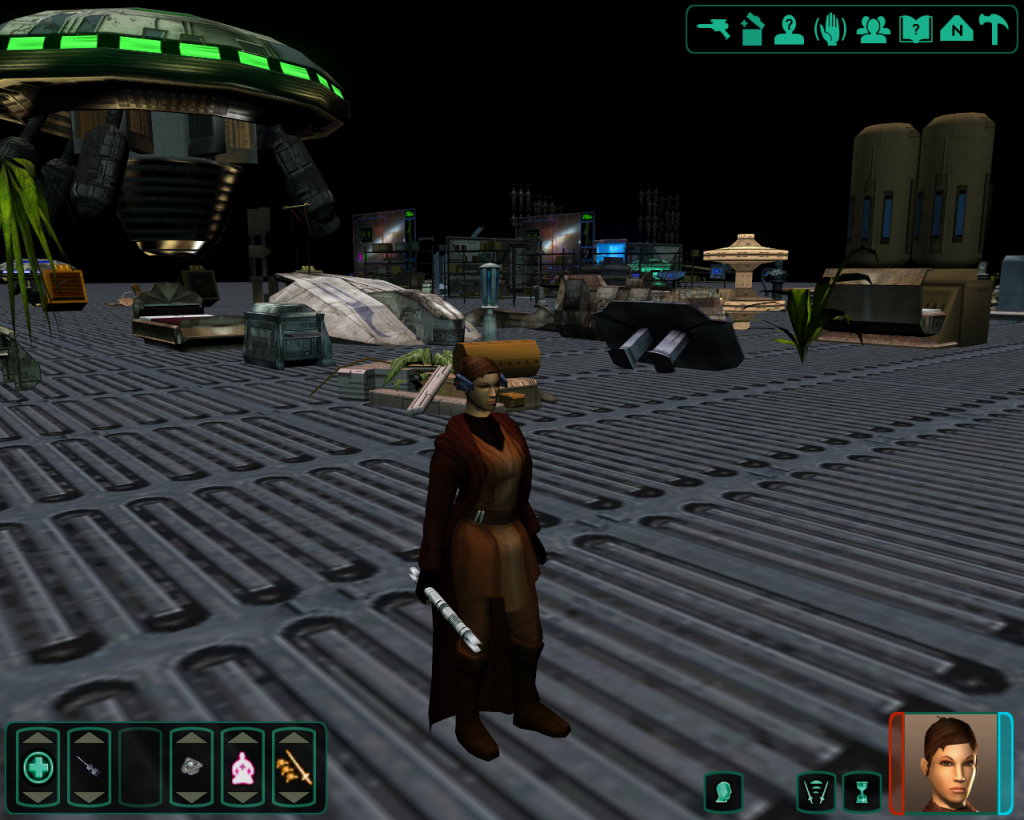
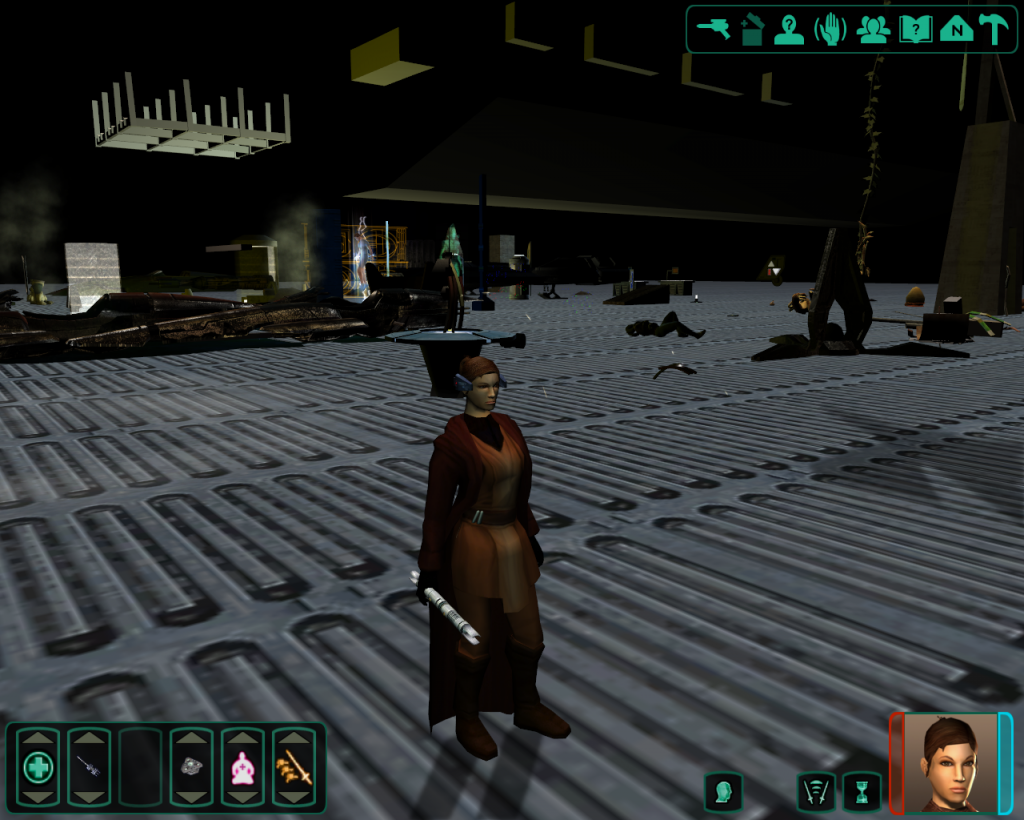
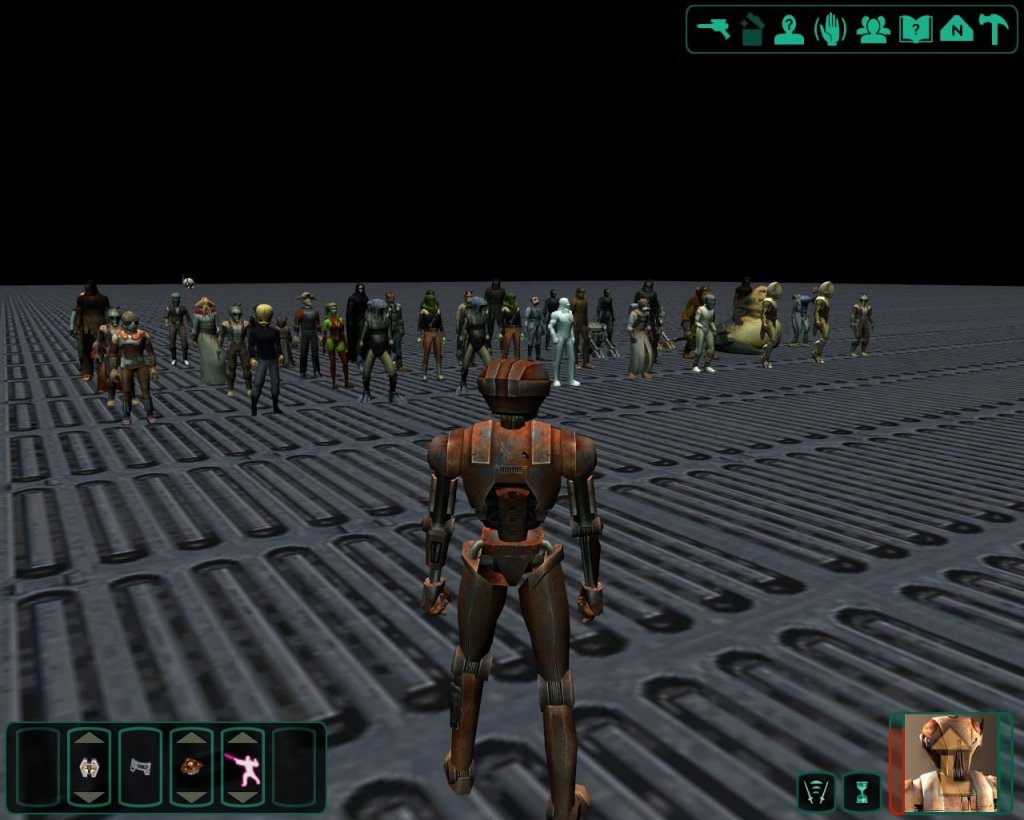
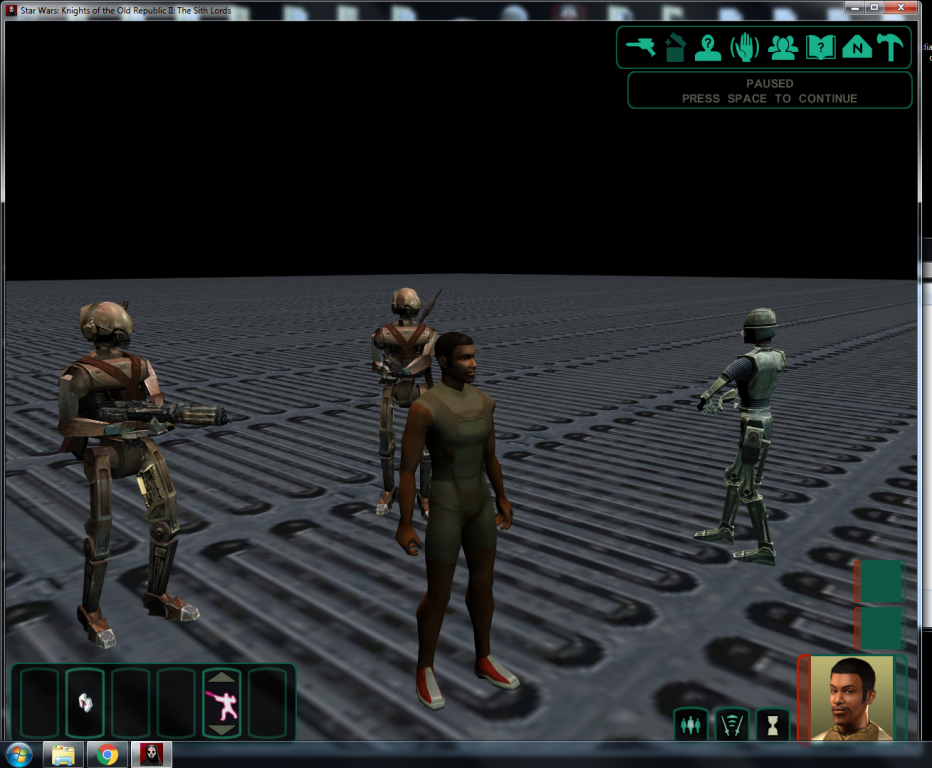
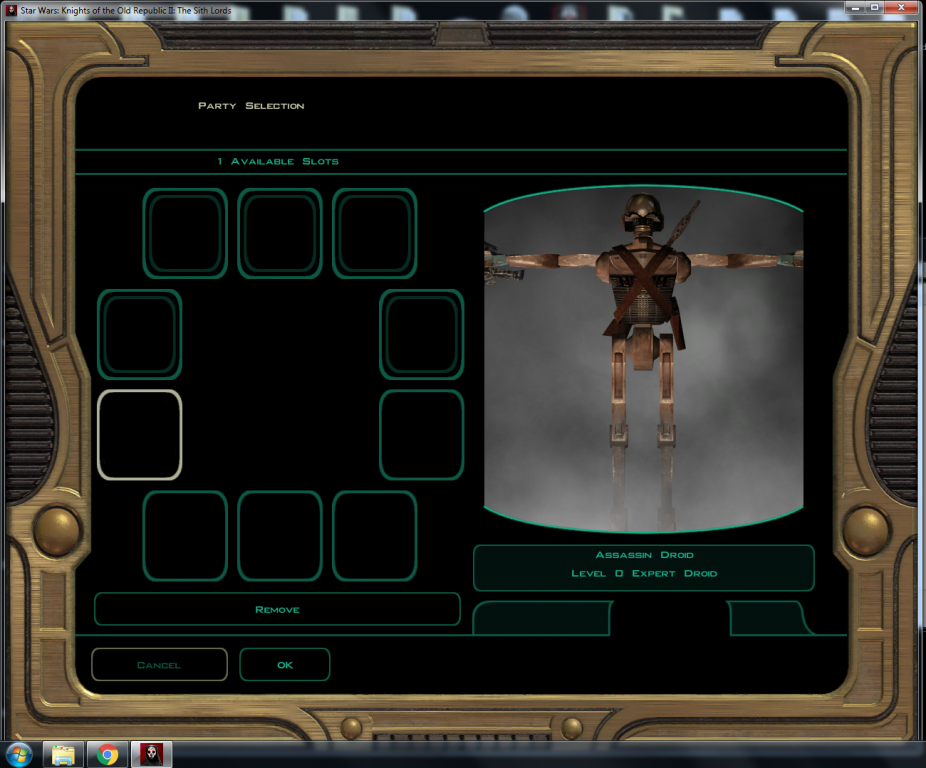
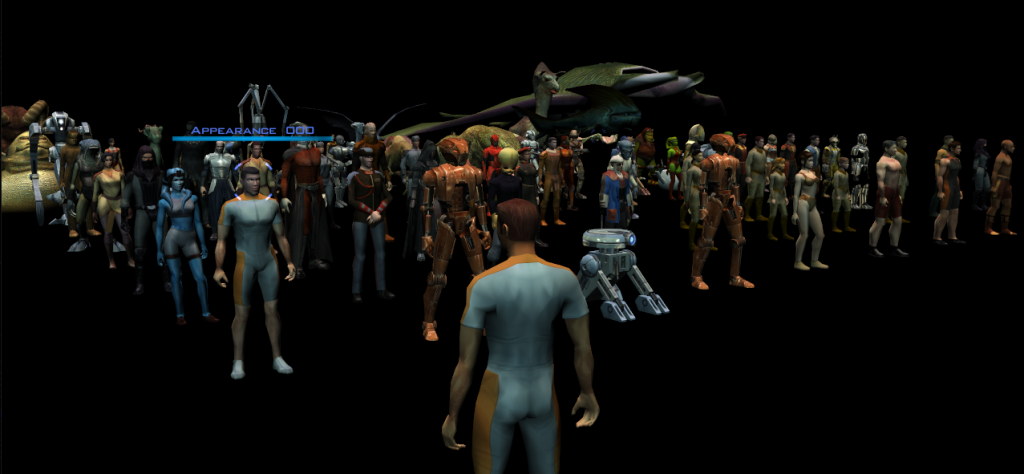
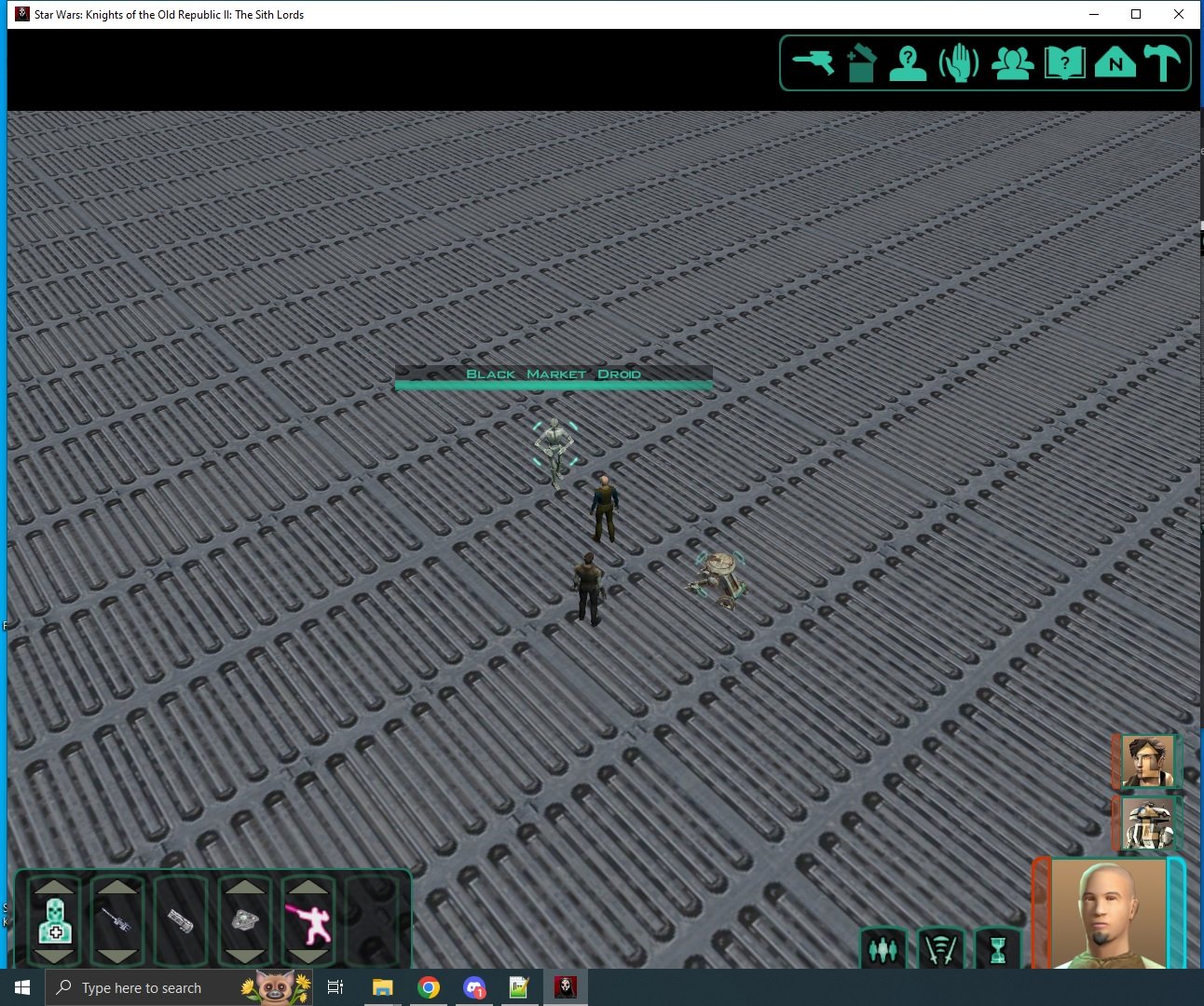
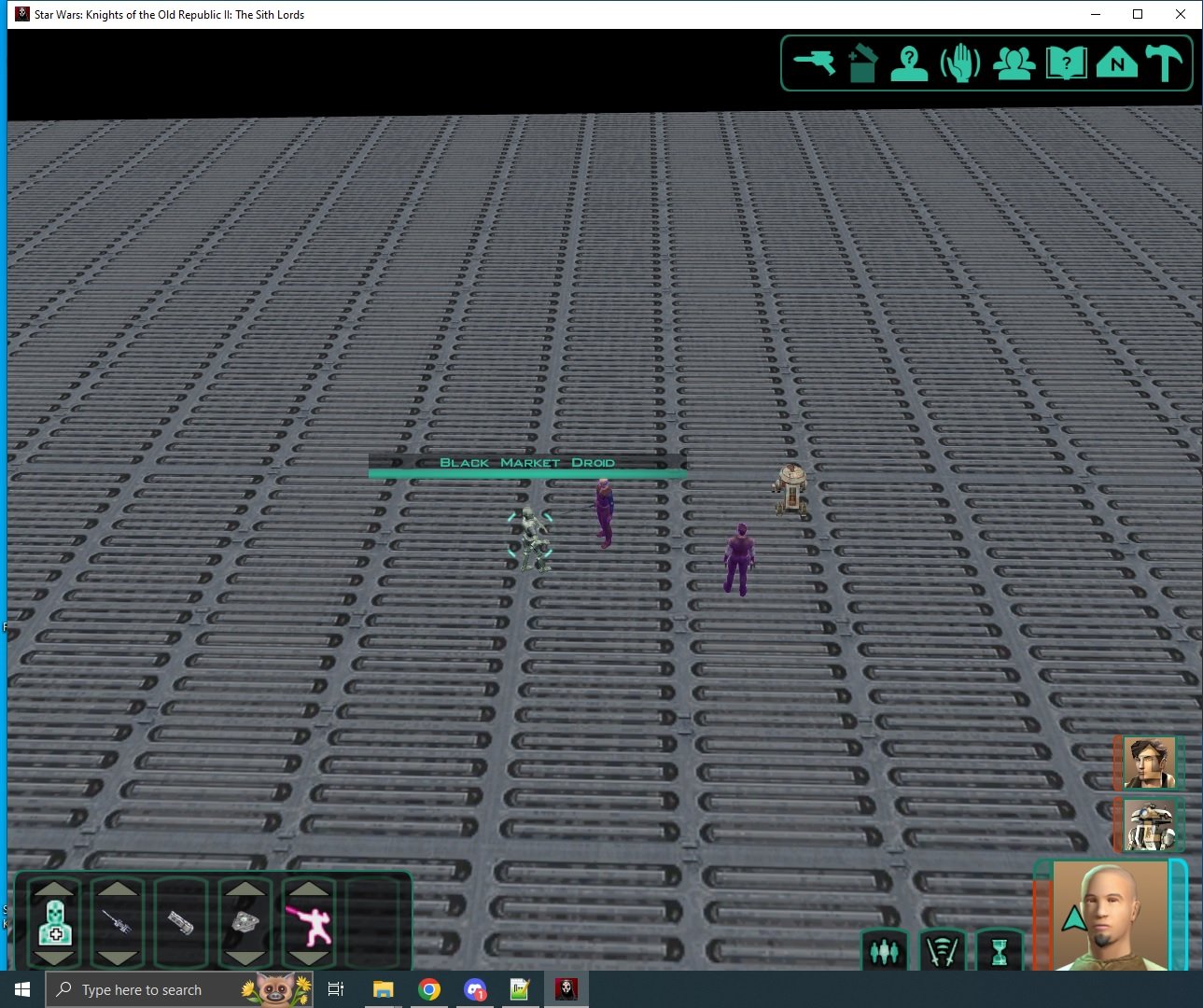
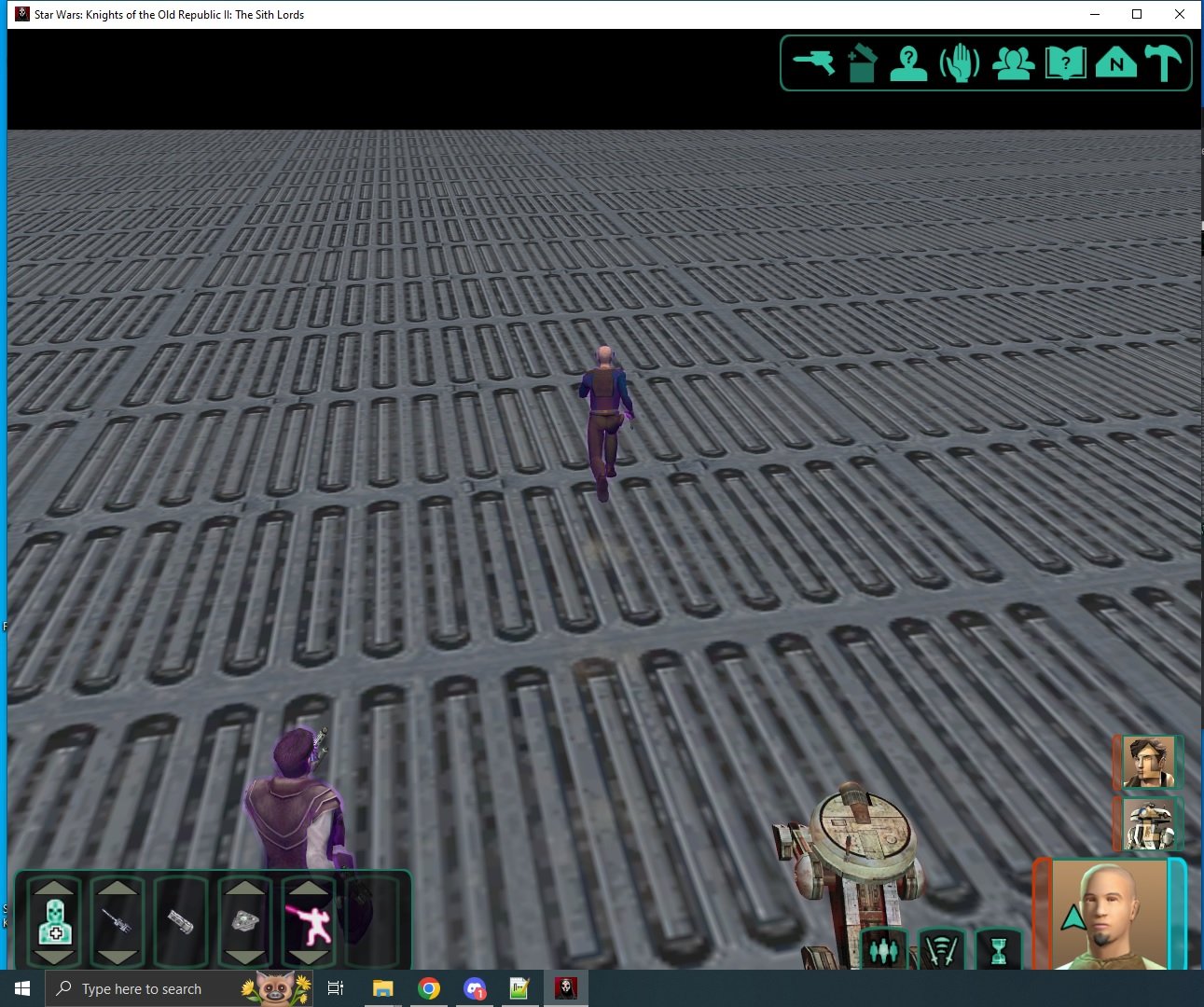
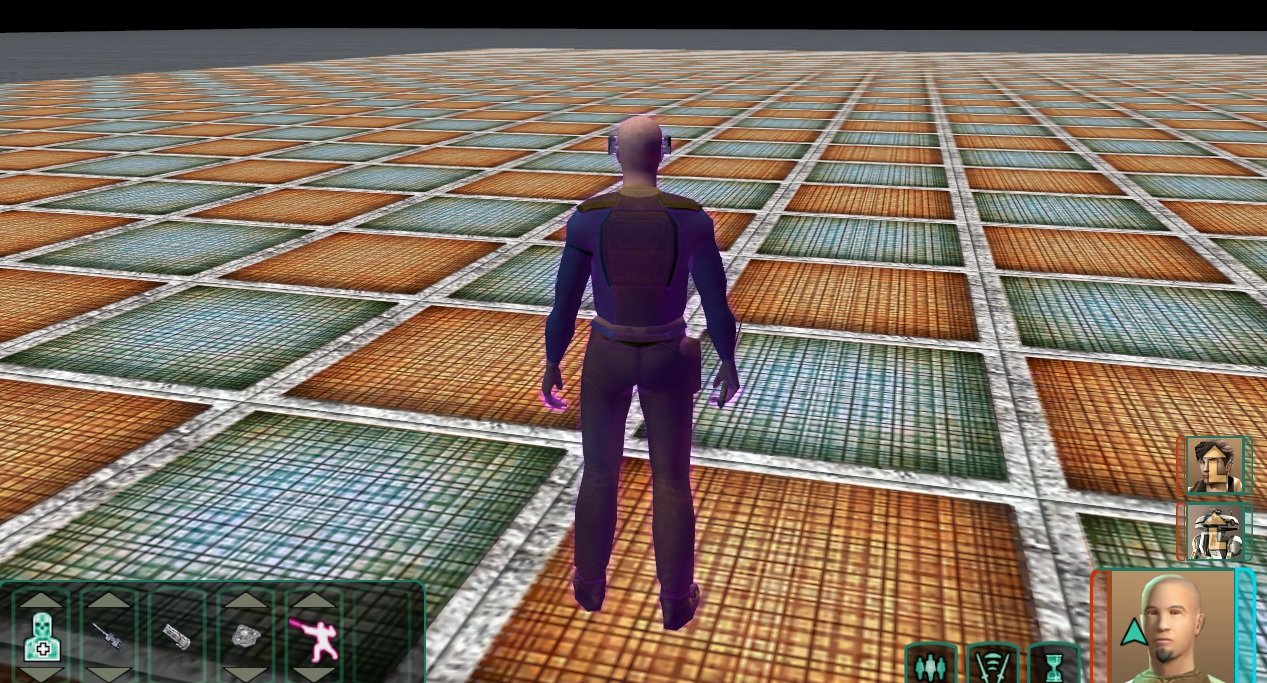
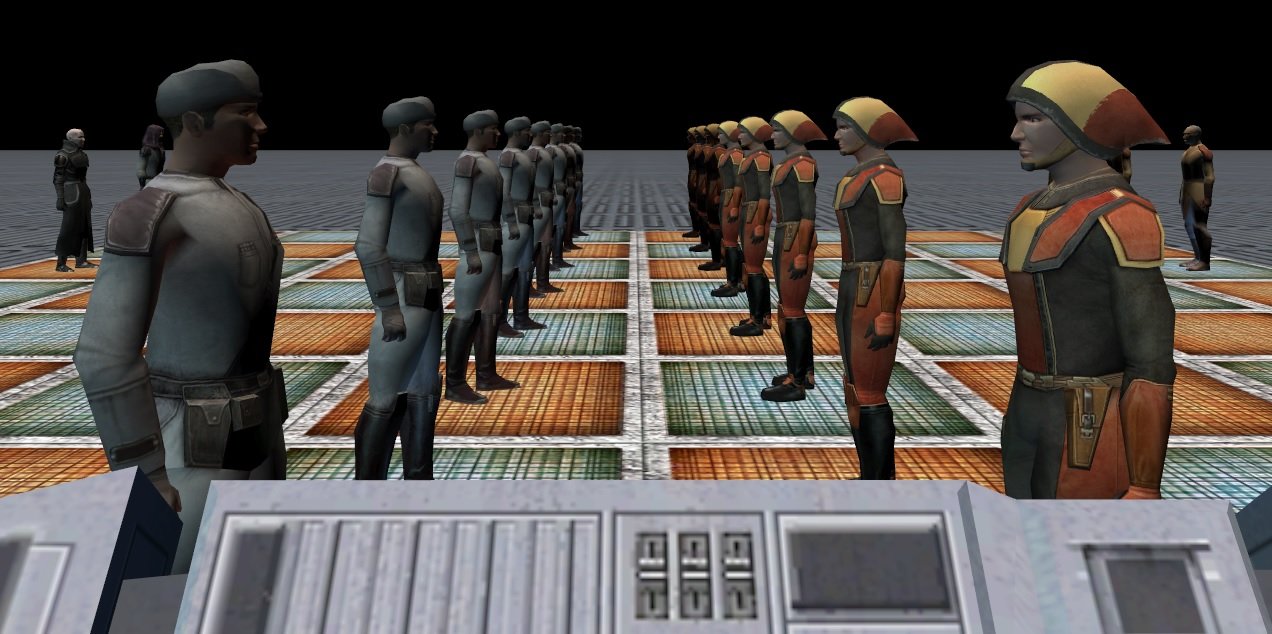
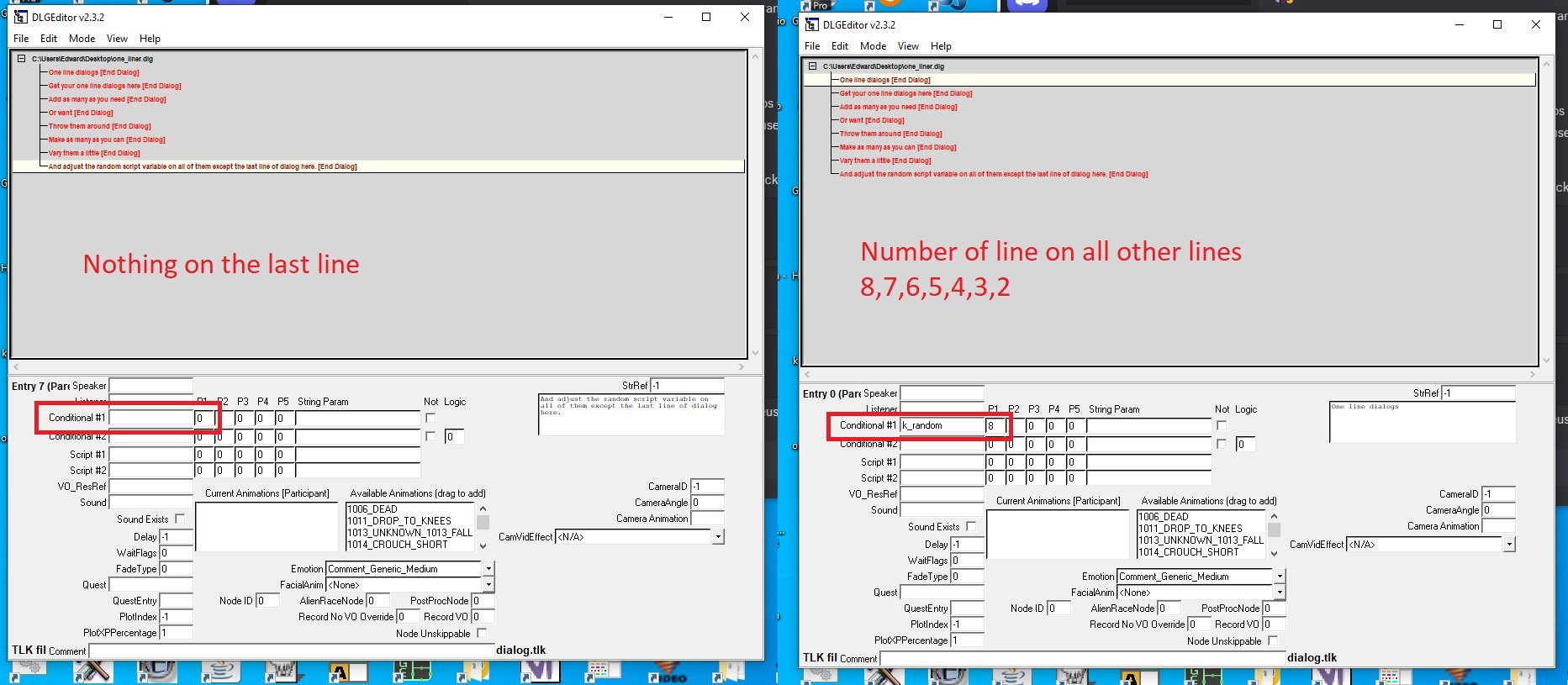
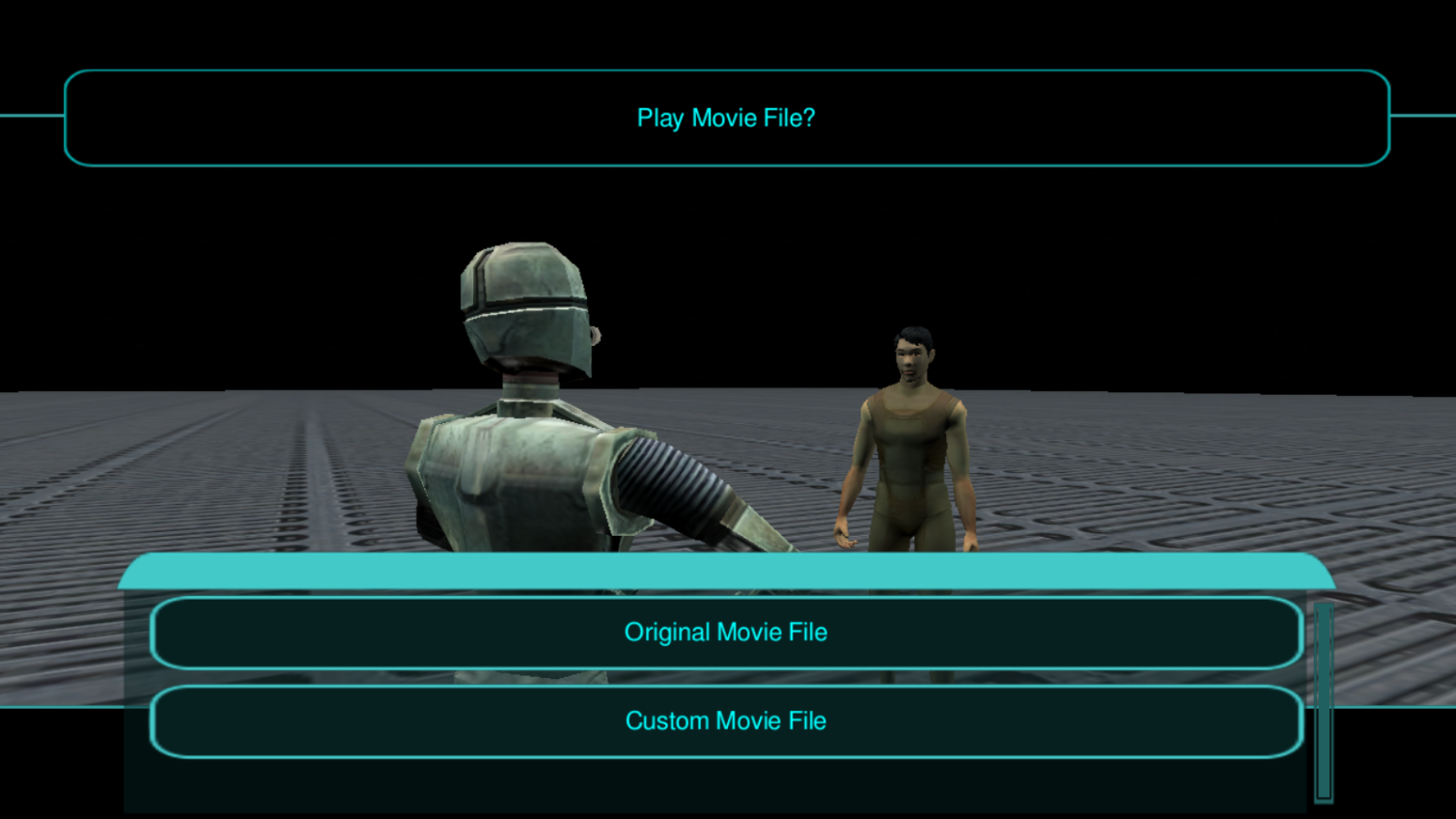
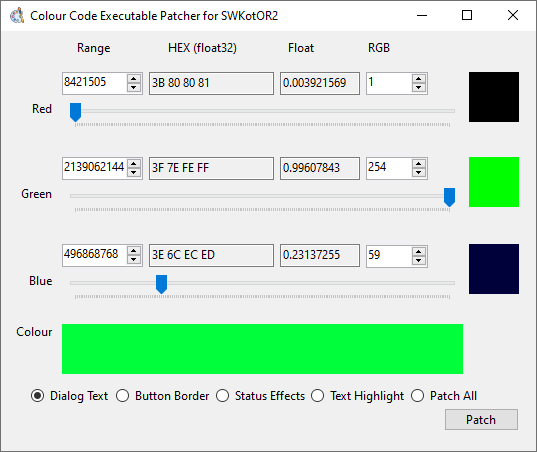
02 - [TUTORIAL] - Creating a Merchant - TSL 03 - [ADDITIONAL] - Using ERFEdit 04 - [ADDITIONAL] - Picking an NPC to place in your level - TSL 05 - [ADDITIONAL] - Picking Placeables to fill your level with - TSL 06 - [ADDITIONAL] - Picking Alien Voice Over Dialog for your level - TSL 07 - [ADDITIONAL] - Placement & Rotation 08 - [TUTORIAL] - Waypoint Markers 09 - [TUTORIAL] - Scripting Basics 10 - [EXAMPLE SCRIPT] - Spawning NPC's on Enter 11 - [EXAMPLE SCRIPT] - Making NPC's Hostile! 12 - [EXAMPLE SCRIPT] - Trigger talking to an NPC! 13 - [EXAMPLE SCRIPT] - Make an NPC walk randomly 14 - [EXAMPLE SCRIPT] - Place a dead NPC 15 - [EXAMPLE SCRIPTS] - Starting Conditionals 16 - [TUTORIAL] - Companion Vendor 17 - [TUTORIAL] - Upgradeable Items 18 - [ADDITIONAL] - Door Gallery 19 - [ADDITIONAL] - Main Menu Details 20 - [ADDITIONAL] - UI Customization 21 - [ADDITIONAL] - Recolouring Textures 22 - [ADDITIONAL] - Recolouring the .GUI Files and Textures 23 - [ADDITIONAL] - Different Camera Modes & Dynamically Spawned Grid Of Placeables 24 - [ADVANCED] - Hard Coded GUI Elements 25 - One Line Dialogs 26 - Writing a changes.ini for HoloPatcher 27 - [MOBILE] - Android & iOS Modding 28 - Hard Coded Class Selection Values 29 - Automatically Closing Doors 99 - [REQUESTS] - Submit a tutorial idea! I will continue to provide examples that I think might be useful to people, these are all for TSL so far. I hope these tutorials and any others I write will help people continue to make mods for KotOR 1 & 2. These tutorials are getting shorter and less detailed, I may or may not go back and re-write them at some point but if anyone struggles with anything feel free to message me and let me know what I haven't covered very well. Feel free to join the Discord for my project if you need help with anything related to KotOR modding and I will do my best to assist. Discord : https://discord.gg/S3YyfTjMV8 Base Game Scripts & How To Use Them KotOR Modding - Crash Course This 2 hour stream covers the basics of KotOR modding and some of the programs involved, I also regularly stream development of my mod project on Twitch/YouTube. Not all of this covers KotOR modding, there is about 10-20 minutes during the first hour where I get distracted and the second hour of it is mostly me playing games. These are the testing rooms but for K1 the room is lacking a texture but I find this just makes it easier to look through the characters. If anything in any of my short tutorials isn't clear or you don't understand for some reason then let me know and I will do what I can to help. ADVANCED TUTORIALS Utilising the following batch scripts and suggestions might take a while to get to grips with for some users but I would always advise doing so, it's very handy to have the ability to quickly generate a file list or compare things in various ways utilising the power of batch scripting. Comparing Level Contents Let's say you have two levels and you need to compare the differences of the contents. Extract everything from the original level to a folder called "level-a" and the modified folder to "level-b" Run the following batch script inside the "level-a" folder. file-list.bat Then delete or move the .bat file and move "file-list.txt" that it just created outside of the folder. You can also use this script to check that all the files exist. check-if-file-exists-from-file-list.bat You will have to move the file-list.txt and this script inside the folder to run the script. Now run this script at the same location as "file-list.txt" to run a file check against the contents of both folders. compare-files-from-file-list.bat Hopefully this might help someone, where I recently had to transfer all of my changes from manual installs to a TSLPatcher changes.ini file, I found this process helped speed the process up a little bit. From here, you should know which files differ and you can then use ChangeEdit.exe that comes with TSLPatcher in order to generate the differences between GFF files. Compiling Scripts If you have made it this far into the tutorial, you should already be familiar with compiling scripts, however for large projects you might need to recompile a lot of scripts at once, so here is a batch script that I used to do it. compile.bat Simply edit the script so that it points to the location of nwnnsscomp.exe for you and then you will be able to put the script into any folder that you need to compile a lot of scripts in and use it to do it all at once. If the scripts don't work for you, you might need to edit them and read them a bit in order to understand them and then to make sure that you have all of the right files in the right places. Thor110










 1 point