



Letstrit
-
Posts
3 -
Joined
-
Last visited
Content Type
Profiles
Forums
Blogs
Forum & Tracker Requests
Downloads
Gallery
Store
Events
Everything posted by Letstrit
-
You know what? That's exactly what did the trick! It had to be this specific little hurdle, had it? Thank you, WolfsBane. And DarthParametric. You guys really helped! By the way, can you tell me why each arm is a separate mesh? Torso and legs are combined into one, will it break the model if I join the arms with torso for easeir modelling? Or it is better to separate them again after I've finished reshaping?
-
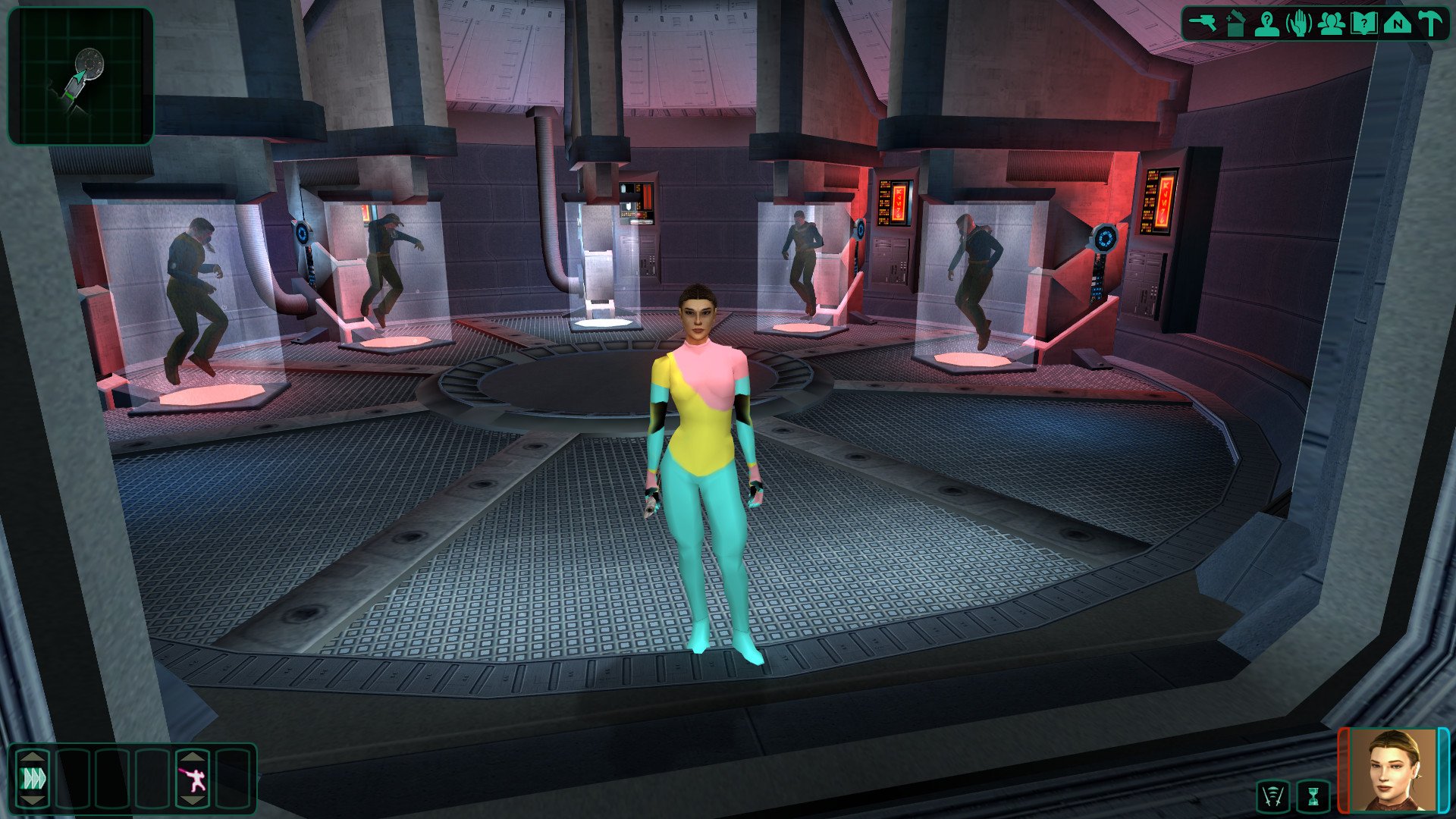
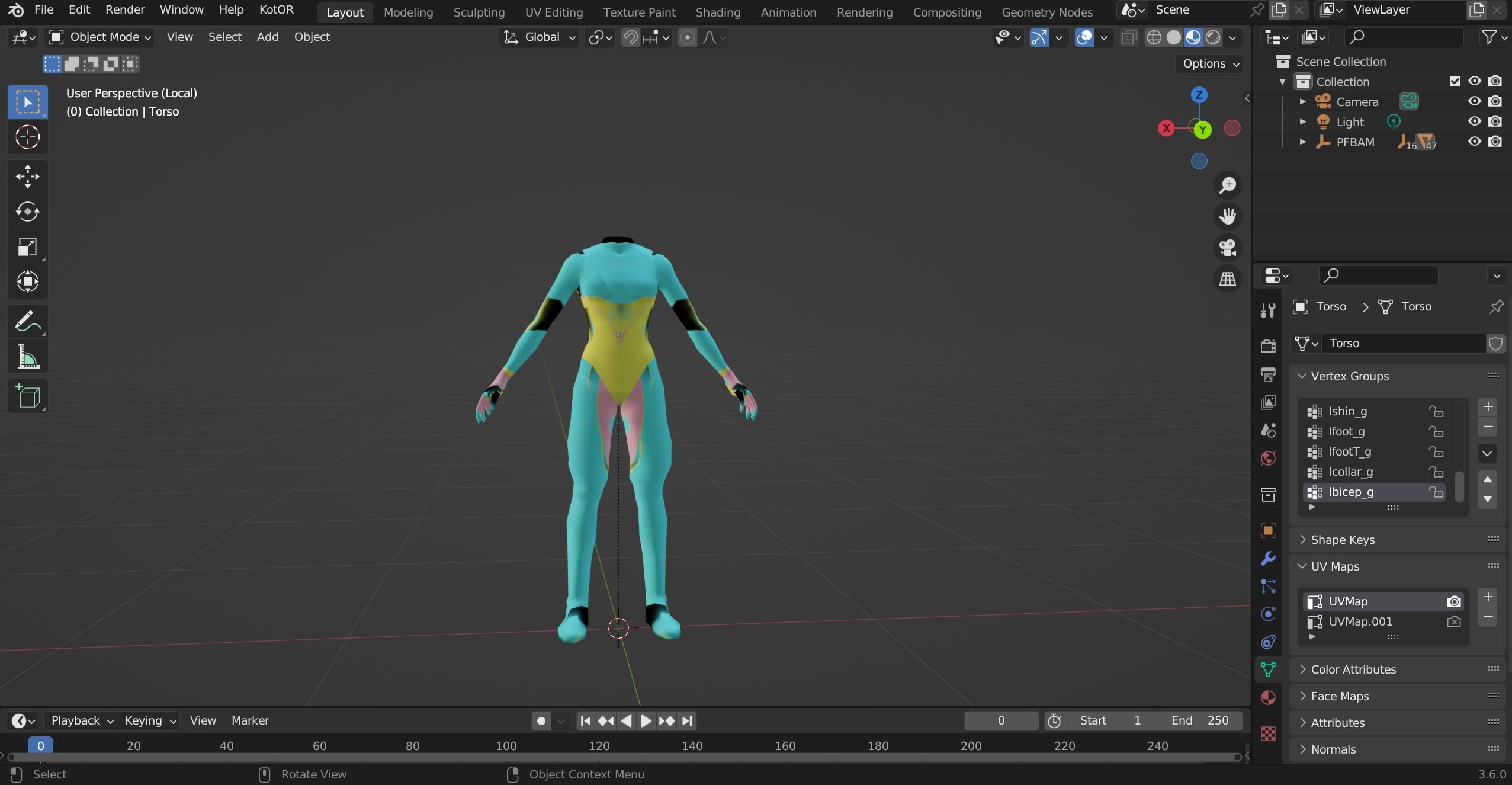
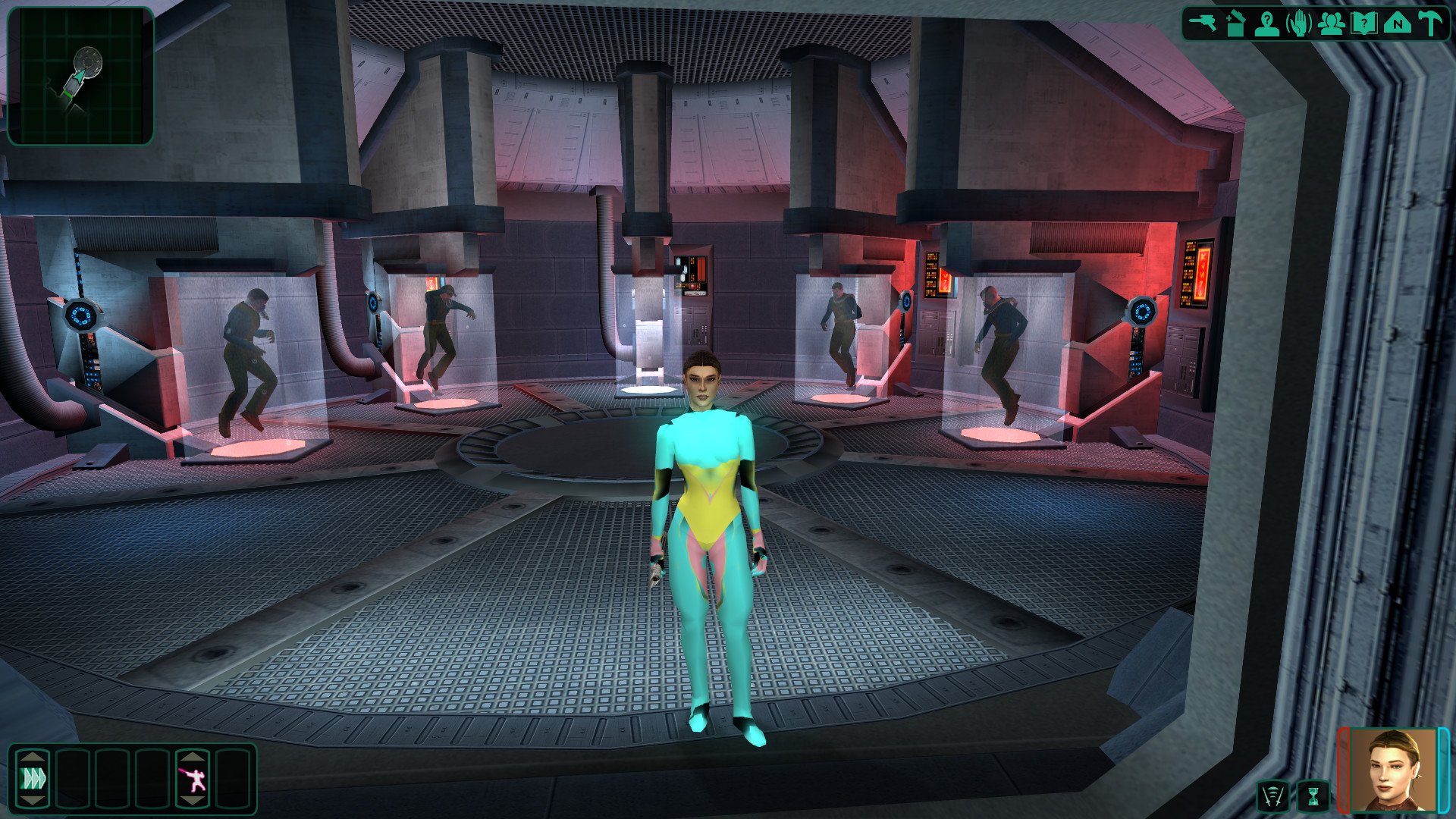
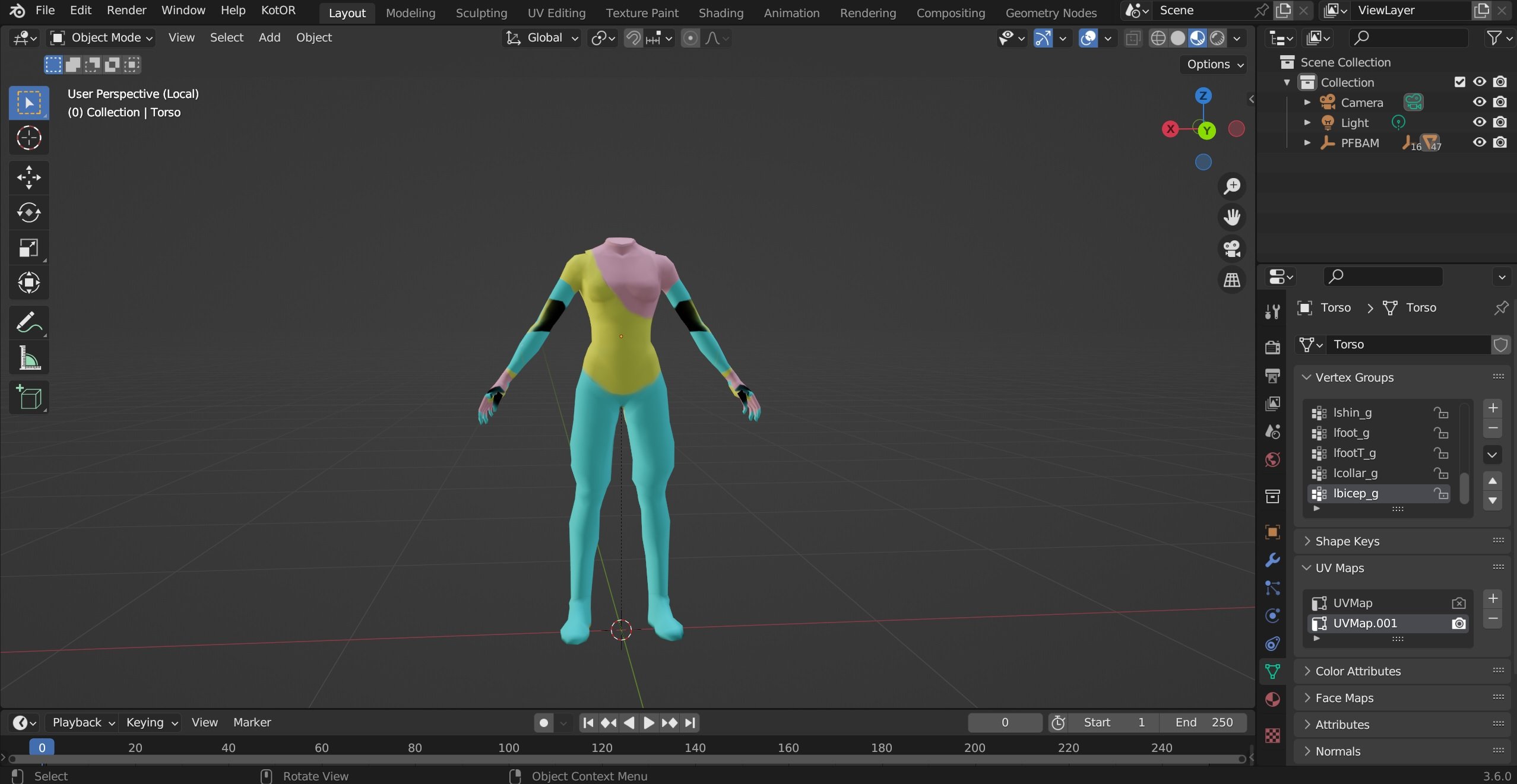
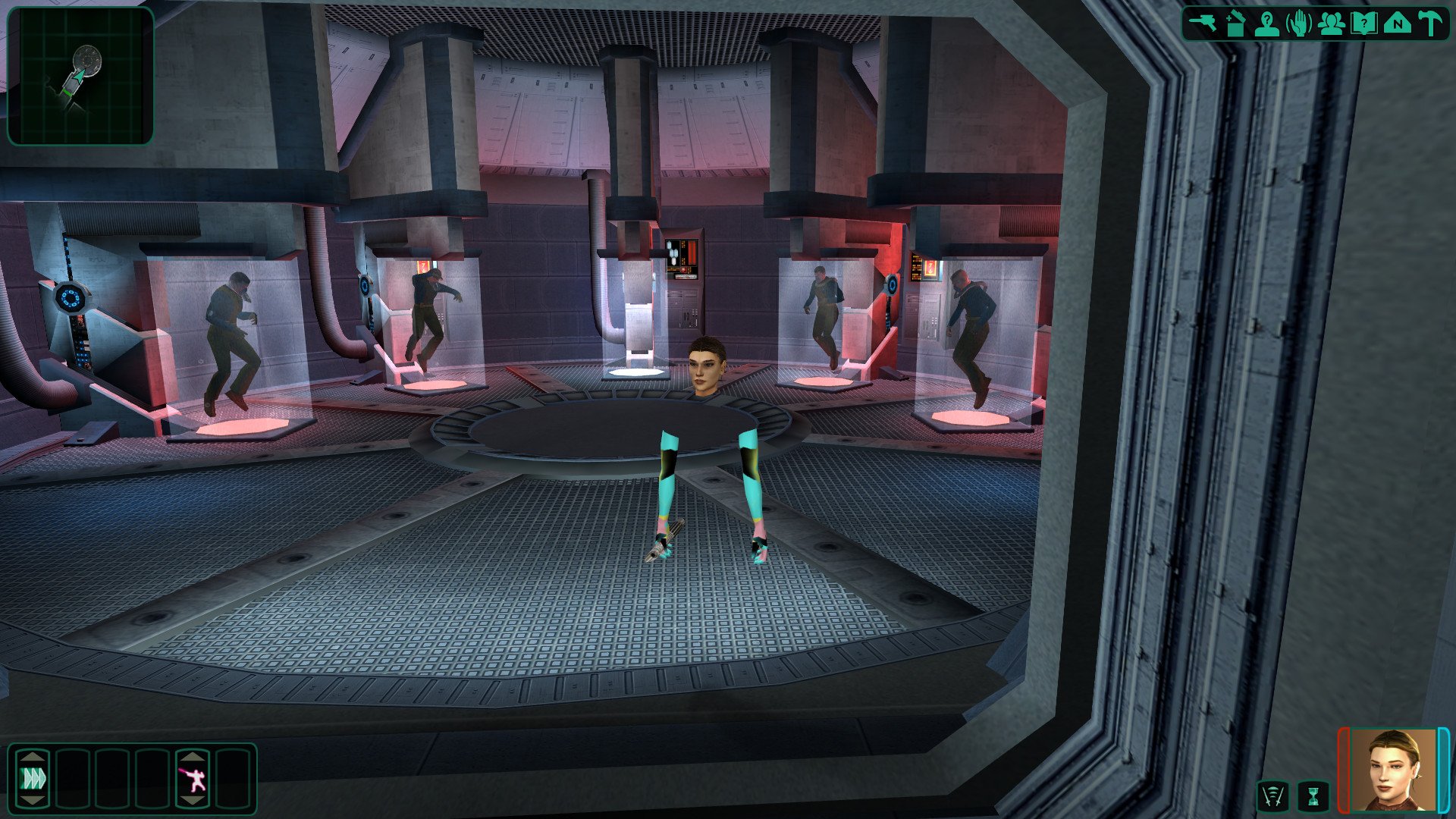
Here. First two pics show how the original UV on modified mesh behaves in Blender and in the game. Don't mind the colors - they are for demonstration purposes only. Secpnd two - how the colors are supposed to display on the model with custom UV unwrapping. Granted, I might've botched the whole unwrapping business, but it is the same with smart uv unwrap, so I doubt it is a skill issue. I only edited the body - torso and legs - so the arms show in bots scenarios. pfbam NEW UV.mdl pfbam NEW UV.mdx pfbam NEW UV.blend
-
Hey there y'all! Been playing KotOR since it's release, great games that don't get old. Trying to get into modding TSL. Have little to no modelling experience, thus not going to attempt anything complex yet, but a sinple model adjustment seems to be over my head right now. I'm resmeshing and retexturing an existing body model in Blender using Kotor tool, it goes pretty well until I get to texturing. I just can't get new UV map to work when exporting .mdl and .mdx. It seems that my custom UV unwrap overwrites any existing UV map, but does not save the new one. The model in game is transparent, like non-existent, just the head floating. What am I doing wrong? How do I get the new UV map ant texture to work?