All Activity
- Past hour
-
 That's when Luxa spawns in, right? Could it be a mod conflict with something that affects Luxa?
 -
 tongppandgamer joined the community
 - Today
-
 jjjllr joined the community
 -
 Craw joined the community
 -
 Faythe_QT joined the community
 -
 aledric joined the community
 -
The game crashes when I'm talking to Loppak Slusk right when he says "looks like we have visitors," any ideas?
-
 Pugal joined the community
 -
 Supremo5272 joined the community
 -
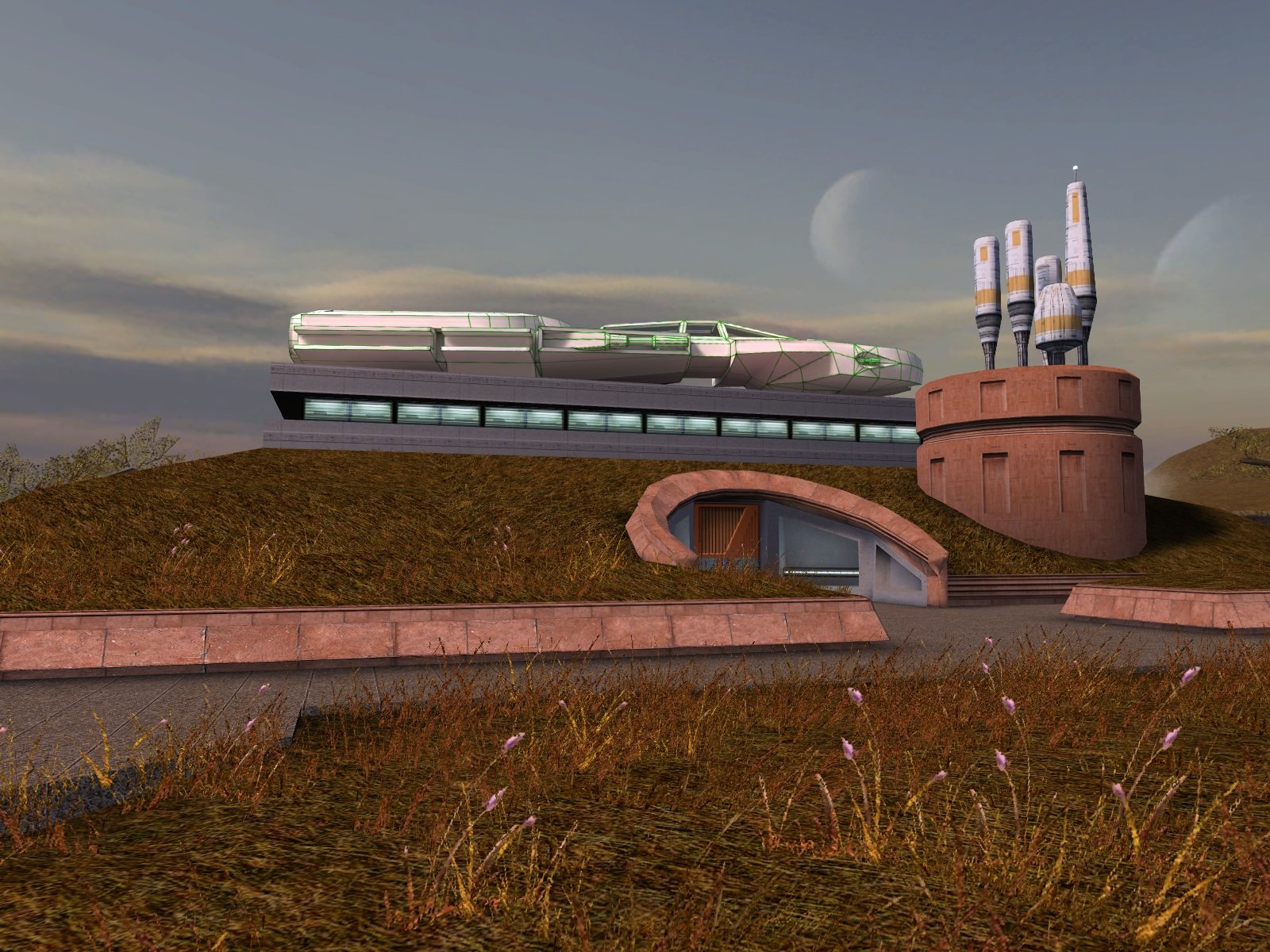
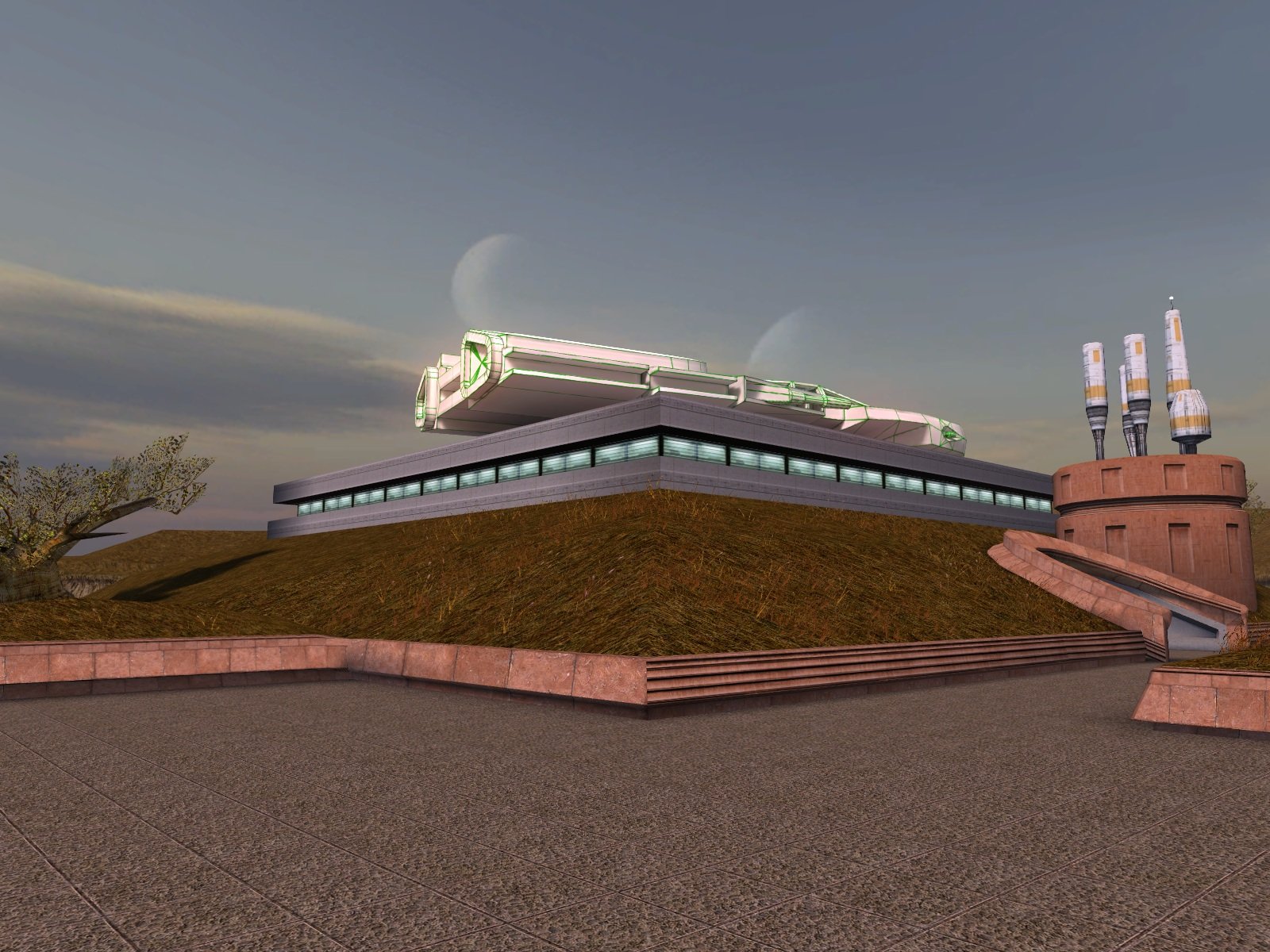
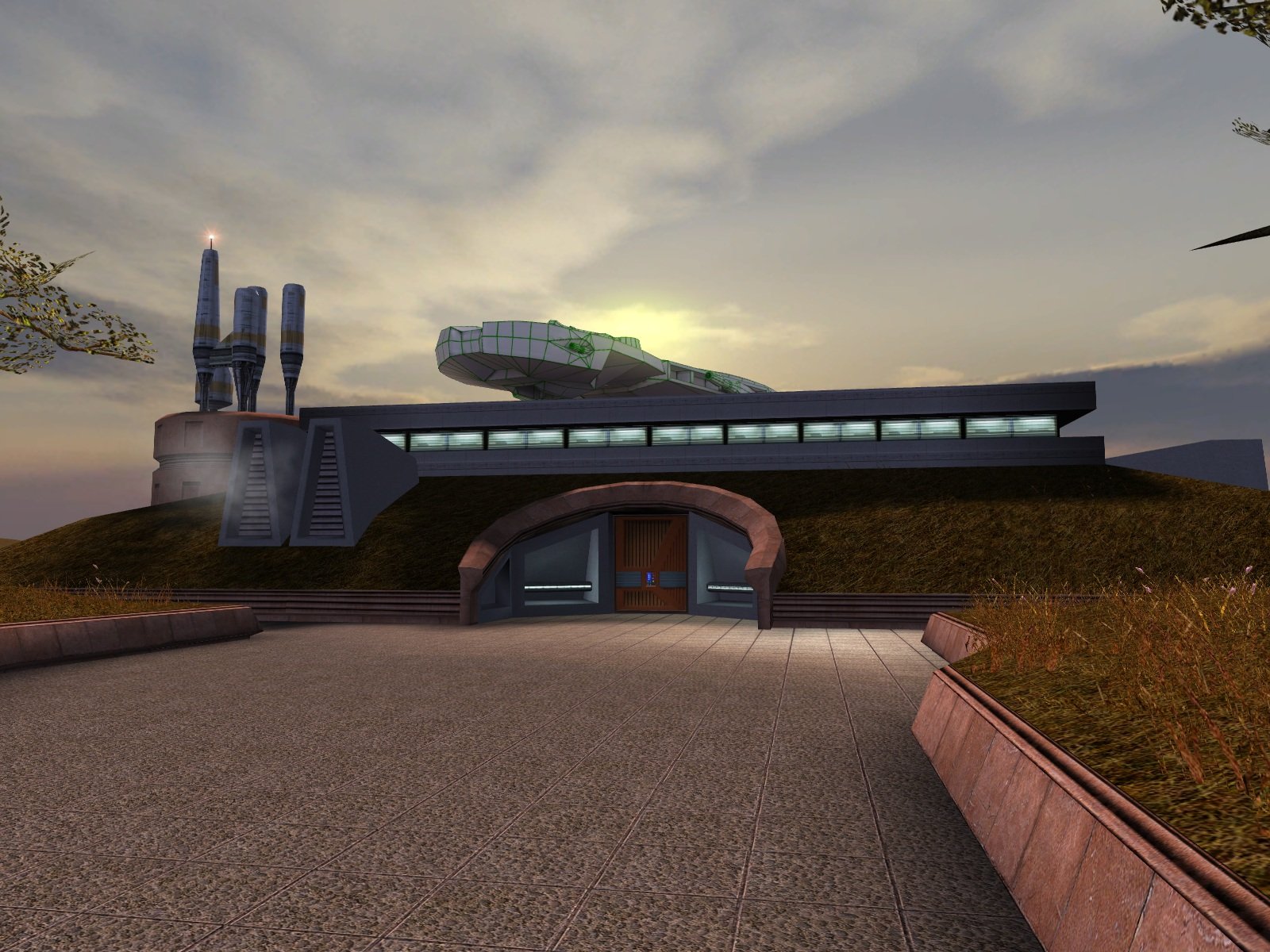
Update: I have finished the lightmapping and attached the updated version. Now all it needs is someone talented to create a texture for it. Dantooine I-Wing (Lightmapped).zip
-
 Jargonts11 joined the community
 -
 Run into a soft lock here. So I was playing on my android and after I got access to the environmental zone, when I try to enter ebon hawk the game crashes. I tried it on PC - same result. I loaded an old save and run trough that quest again, and this time environment zone energy barrier didn't open! I tried editing save files, marking the quest as complete, setting 800_env_open to 0, 1, 2 and 3, but nothing helps. Am I missing something? Maybe it's different global numeric? ------------- Also I managed to fix reflections and fog on M4-78 with this patcher https://github.com/J0-o/3C-FD-Patcher Hope it helps
 -
 Cristophoro joined the community
 - Yesterday
-
 Fear4Forrest joined the community
 -
 rkloretta changed their profile photo
 -
 Would you recommend installing this mod along with Timbo's Balance in the Force mod?
 -
 Excellent mod, does what it says om the tin
 -
Yes, I plan on updating a number of my old mods. But like I say, I'm good at making the files, not so good at finishing them up for release. Mostly I've still got to make new screenshots and Read-Me files, plus convert tga to tpc. Then there's my ever nagging perfectionism that causes me to revise them again. Anyway, if I get more answers to my questions in the first post, it will help me to get to the next steps. My contributions to SpaceAlex's mod were small, and I haven't gotten to all of those yet.
-
Kotor Tool Menu Setting Error
LordVaderCW replied to dreadnaught7777's topic in General Kotor/TSL Modding
nuts. one of the things i fixed aswell in my RE'd version. -
View File Double Force Points This mod doubles the force points gained per level for every jedi class. (Only effects newly gained levels.) Submitter GearHead Submitted 05/22/2026 Category Mods K1R Compatible Yes
- Last week
-
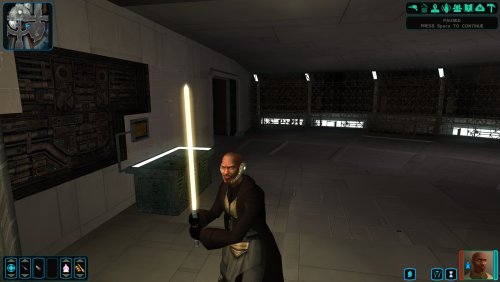 Quick question, what are the compatibility issues with M478? I'd love to give this mod a try but am wary of any compatibility issues.
 -
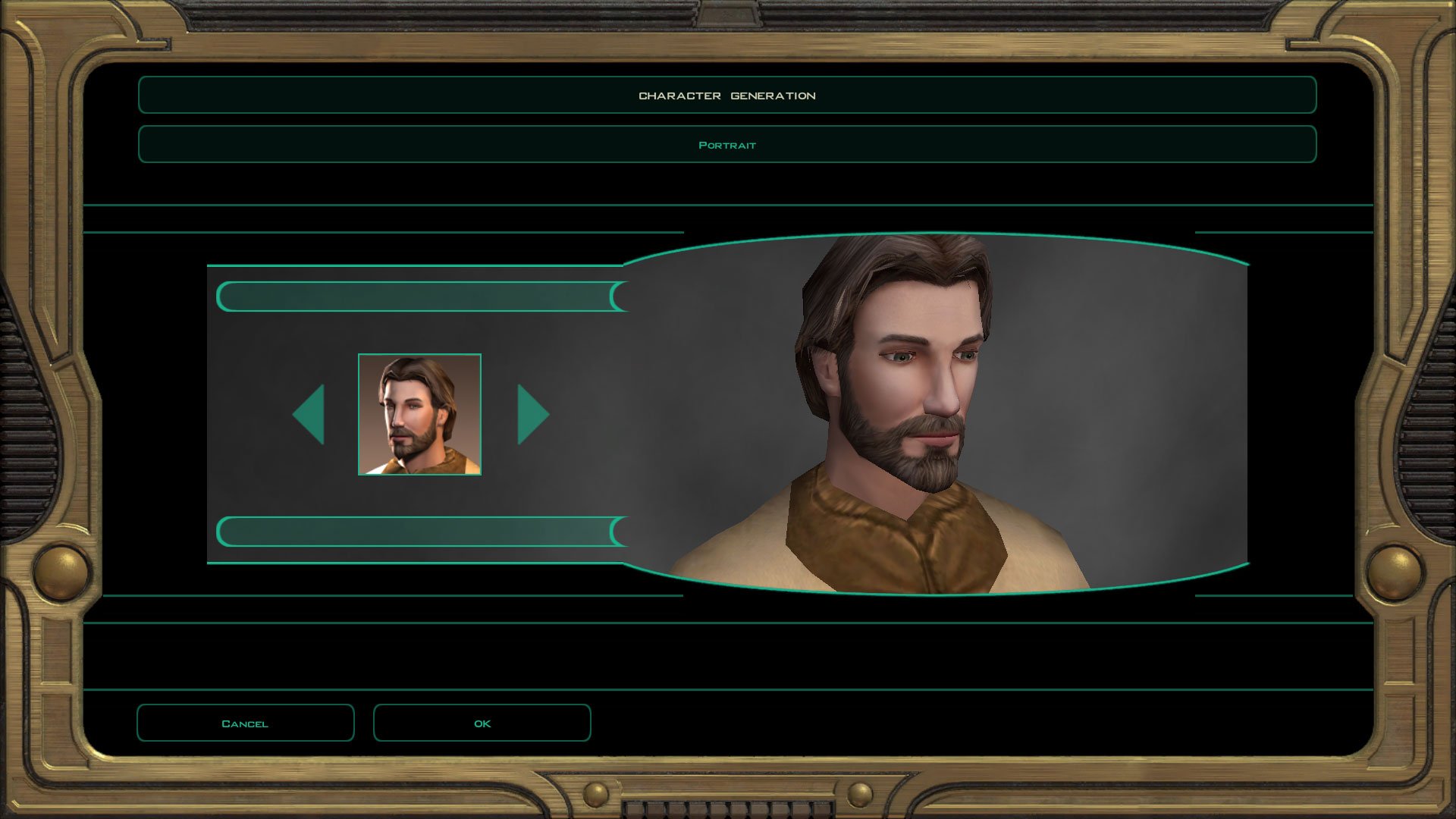
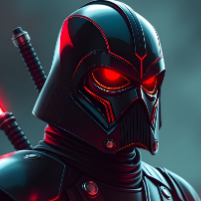
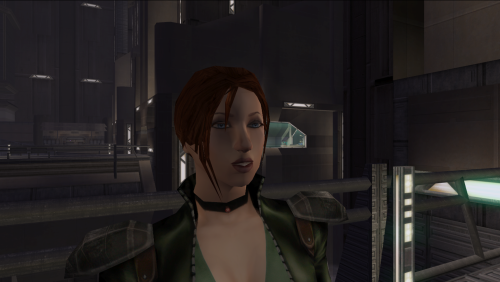 Someone should do the same concept but replace the head with Darth Parametric's Kira Carsen head.
 -
Version 1.0.0
10 downloads
This mod doubles the force points gained per level for every jedi class. (Only effects newly gained levels.) -
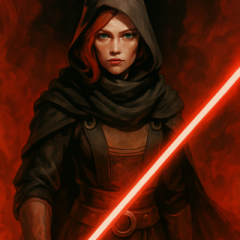
View File Lore Friendly Mira Edit Lore Friendly Mira Replacer gives Mira red hair, 2K textures, and custom portraits while keeping Mira's look lore accurate. Installation instructions Install Kirin’s Mira Replacer first, use PFHX01 Make sure Kirin’s PFHX01 replacer for Mira is installed. Place this mod’s files into your Override folder. Replace files if prompted. Main features Red hair for Mira Slightly adjusted eye color 2K HD textures Custom portraits Lore friendly Requirements Requires Kirin's Mira Replacer PFHX01 This mod will not work without it. No dark side transitions are included in this version, but they may be added in a future update. Credits Thanks to Kirin for the original Mira replacer. Submitter Saul0097 Submitted 05/21/2026 Category Skins TSLRCM Compatible Yes
-
Hey RedRob41! I wanted to ask. Would you ever consider updating your Juhani Catlike Head Mod with HD textures? Also, what about the armors in SpaceAlex's K1 Enhancement Pack?
-
I would recommend three separate downloads given the size. I'd probably go with 128. Icons tend to look worse when scaled up too much, but on a 1080p screen the equipment icons are about 96 pixels.
-
Even worse. This is pretty much how it looks when I compile with MDLOps 1.0.2 as well.
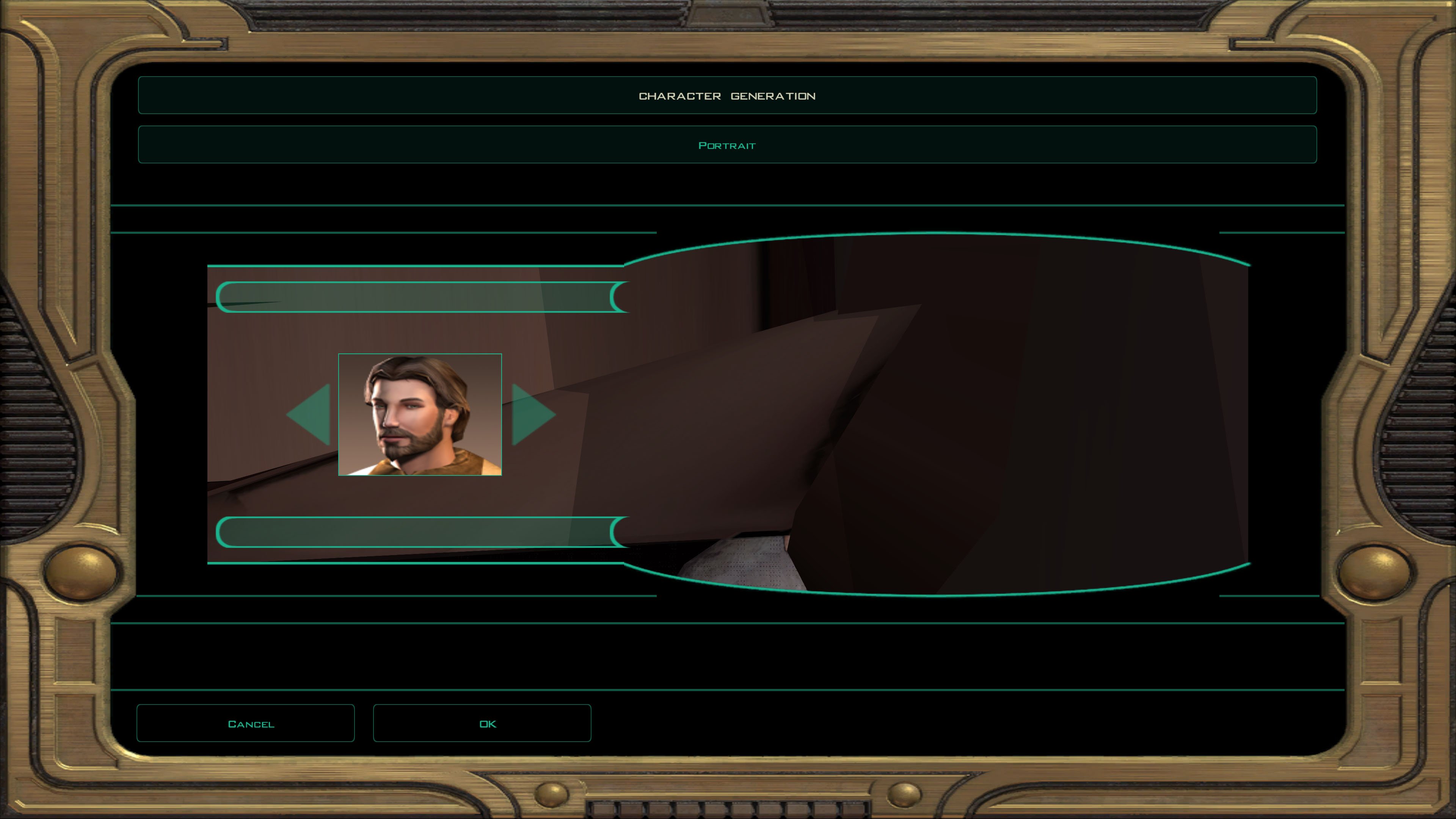
-
What does the KBlender version look like? If you were running the game natively on a Mac (or Linux) it could potentially be a factor, but since you're running it inside Win 10 it should be irrelevant.
-
I tried it again; the files from the MDLEdit folder comes out like this: Mind you, my old disc version of the game doesn't run well on my current computer (iMac running Win10 through Bootcamp) so I'm forced to use a Steam version of TSL. I don't know if that has anything to do with it.
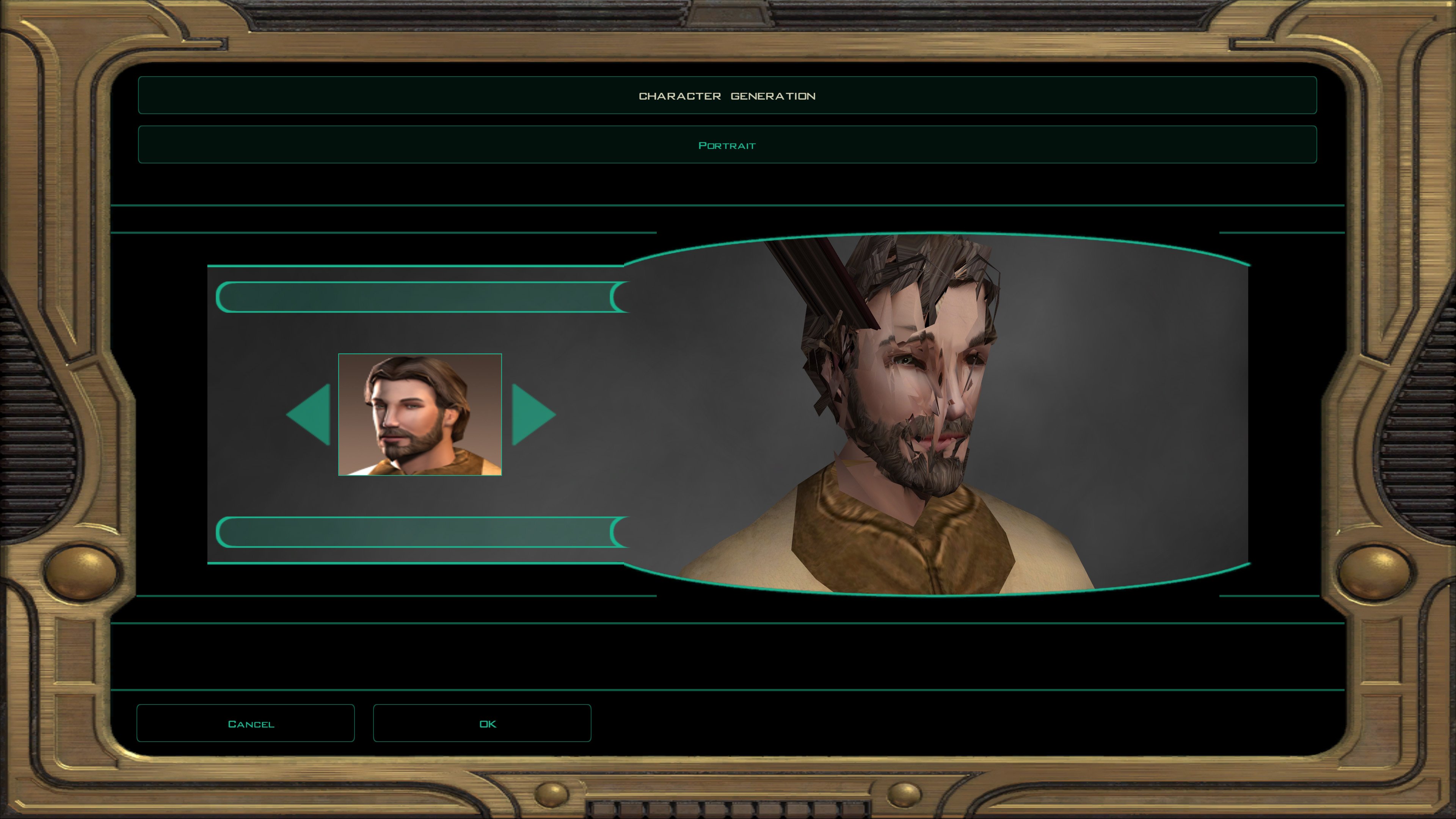
-
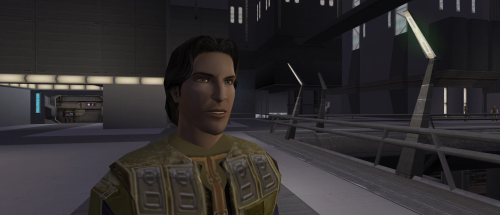 btw the head that people say is the canon head for is based off of this PFHC05d1 like something base on the lore canon meetra Surik. make her look more like this blue eyes brown hair fair skin and upscaled dark side look
 -
Maybe I'll do something with some female head, did you have anything particular... you wanted changed, hair color, eye color, skin tone etc...?
-
Version 1.0.0
3 downloads
Lore Friendly Mira Replacer gives Mira red hair, 2K textures, and custom portraits while keeping Mira's look lore accurate. Installation instructions Install Kirin’s Mira Replacer first, use PFHX01 Make sure Kirin’s PFHX01 replacer for Mira is installed. Place this mod’s files into your Override folder. Replace files if prompted. Main features Red hair for Mira Slightly adjusted eye color 2K HD textures Custom portraits Lore friendly Requirements Requires Kirin's Mira Replacer PFHX01 This mod will not work without it. No dark side transitions are included in this version, but they may be added in a future update. Credits Thanks to Kirin for the original Mira replacer. -
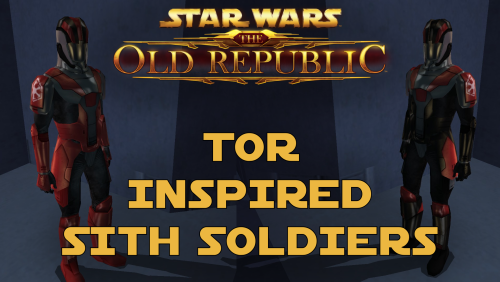 It should work with the Female Sith Soldier mod, yes.
 -
Hello everyone! Now I've been "Modding" KOTOR for years, but when it comes to how it works, I'm a complete noob. I'm trying to figure out some issues I'm having with my mod setup. Specifically, I am trying to use the following mod: https://www.nexusmods.com/kotor/mods/78?tab=posts for my base Revan. Though specifically, it says it's a model only and can be used with other Revan textures. So naturally, I am using a different one since I don't like the base textures, so I'm using this one: However, it won't retexture it. It will only have the updated texture with the cape, or the old model with no cape. How can I fix this? Now the second thing I am trying to do is update the horrible Star Forge robes - yet I'm having a dreadful time doing that because I'm sure there are conflicting mods. I was trying to use this mod: https://www.gamefront.com/games/knights-of-the-old-republic/file/star-forge-revan-s-robes However, whenever I use it, I turn into a Rodian Jedi from the Diversify Jedi mod lol Anytime on how to use the KOTOR tool to fix this, or what tools I do need, would be great.
-
I quickly checked the MDLEdit one in the character creator and it's fine?