

About This File
TSL Loot & Immersion Upgrade
Version 2026
by 90SK
"This is but a taste of the dark side to whet your appetite..."
--------------------------------------------------------------------
Mod Info:
A fresh take on the body items in TSL
- In-character skins and integration into TSL's world.
- It was created to add life to TSL's selection of armors and robes.
- It is not compatible with my other mods, unless you know otherwise.
Contributors:
90SK
- Skinning, item creation, scripting, ideas/putting the mod together
VarsityPuppet
- Skinning help, Model enhancement: Jedi robe, Master robe, Heavy armor robe
DarthParametric
- Jal Shey Capeless Model for Light Armor Class 5
RGB
- Marauder Tunic Original Robes and Retextures
L0rdReV@n88 -
- Exile darksider robe skin
Fred Tetra
- KotOR Tool
flying-gg
- Beta Testing
tk102, Stoffe, Darth333
- Scripting tutorials
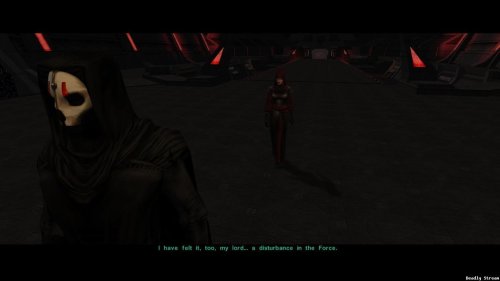
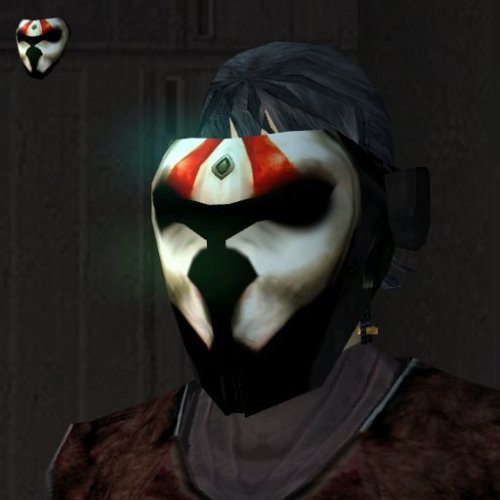
Darth Nihilus art from prima guide as base for Nihilus mask reskin
Developers of KotOR
- a lot of materials, the games, and making way for my work to be done.
-------------------------------------------------------------------
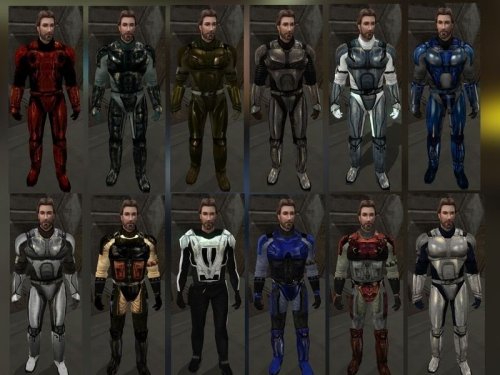
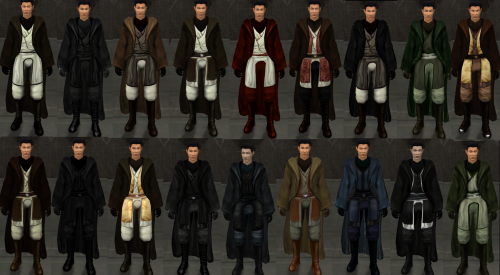
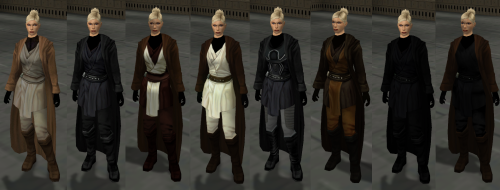
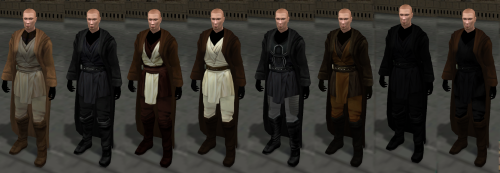
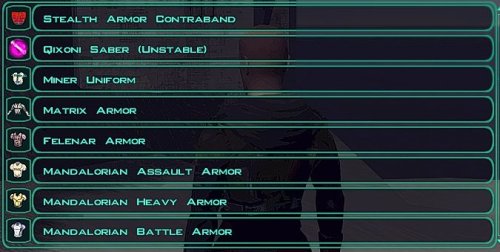
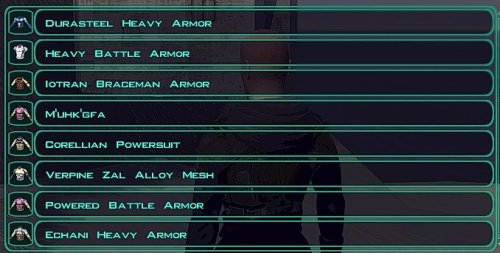
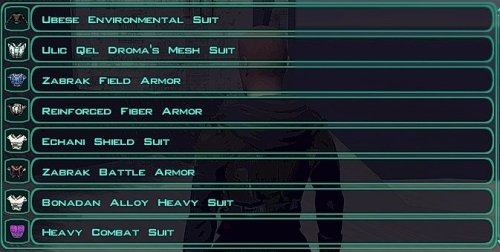
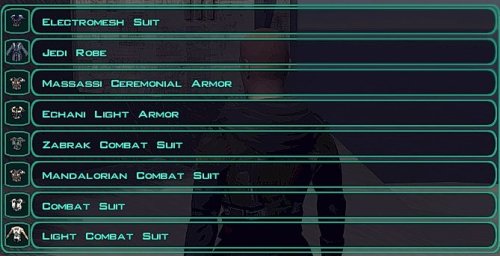
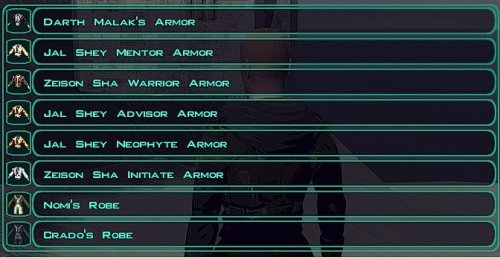
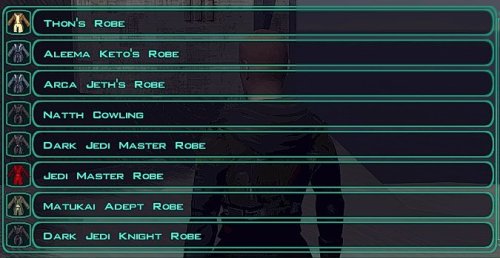
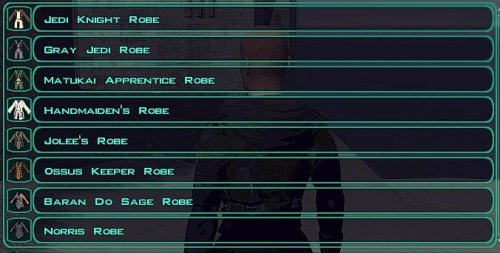
It will add many additional robes and armors, replace many robes and armors, add and improve loot drops, and it is designed to fit in with TSL. The core item system has been reskinned and replaced from scratch using all the armors and robes I made acoss the years, 2006-2026. I have used my creative judgment lately to create a new lineup of textures for the itens in TSL.
--------------------------------------------------------------------
INSTRUCTIONS AND DETAILS:
PLEASE READ CAREFULLY***
Step 1.
- Download 7Zip to unpack .7z files (harmless freeware for file packing)
Step 2.
- Install TSLRCM and any Lightsaber mods you want
-
Next, after installing saber mods or TSLRCM, copy this mod's Override from Mod archive to either your
- "Program Files/steam/steamapps/common/Knights Of The Old Republic II" ,
- or "Program Files/LucaAarts/SWKotOR2" if you're not using the steam version
Step 3.
That's it!
To verify that the mod is working, check it in KSE.
Misc Information:
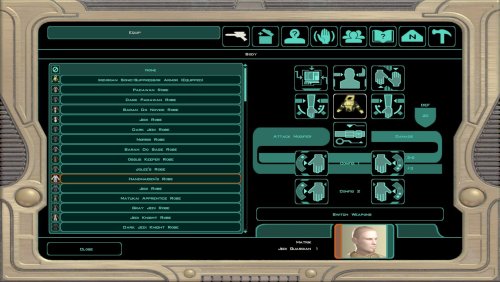
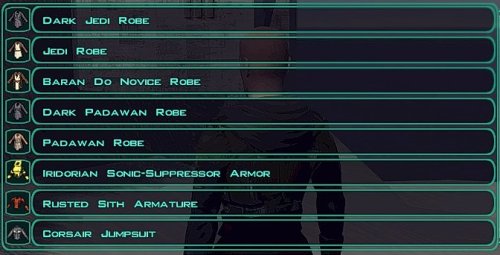
In TSL Loot and Immersion Upgrade, I have revised all the appearance items in the game, and added quite a few new armors and robes.
- If you are playing for the first time, please start a New Game to fully play the features of this mod.
Armor designs and culture is largely intact, item descriptions and icons have been filled out, and I tried to hide new items all over the game.
- You will receive an Exile item on the Harbinger, and you will also encounter new models and skins for old items throughout the game.
- Additional items have been created and placed at static loot drop points in the game.
TSLRCM works functions but I do not know if you can reach the HK factory. But, you can complete the game.
Likewise I heard that the new merchant on Onderon makes an outcome not passable for Dark Side players, but I don't believe this is the case with version 4.4.4.
I explain how to bypass these potential glitches further down the page in the Troubleshooting section.
If you have any questions about the mod, or want to know more about it before you download, feel free to leave a comment or Private Message me (90SK) on DeadlyStream.
NOTES:
Compatibility:
No other Star Forge (J class) mods are compatible!
The I (Jedi robe), N (master robe) , J (star forge robe) , and K (armored flight suit) class armors are fully replaced with this mod.
Troubleshooting:
- White Box Icon Items :
This version will patch over these Do not interact with these items.
Bypassing them is the best way to continue your game. v.4.4.4 will patch these. Only one is know ("Malak's Robe")
- No DS on Onderon :
If this happens, restart Onderon after removing "npc_gegorran.utc" from Override (After installing the mod, or Before by removing the file from tslpatchdata)
- No HK Factory with TSLRCM:
Before meeting with Kavar, remove "end_mand.dlg" from Override (After installing the mod, or Before by removing the file from tslpatchdata instead).
- Spelling:
Please, have mercy on me! 
- Star Forge Robe Items Crashing:
This is because not all NPCs including party members are able to wear this type of item in default TSL. I believe Atton, Handmaiden, Exile, and Disciple can wear.
-------------------------------------------------------------------
COMPATIBILITY & MOD DETAILS:
- Item Classes: This mod replaces:
the Jedi robe class, the Jedi master robe class, the Jal Shey / Zeison Sha / Darth Malak's armor class, the armored flight suit class, and the star forge robe class.
Version 2026 Has been redesigned to accomadate modern TSL modding.
This mod is designed to fit in with and improve TSL.
- This mod is not compatible with the STEAM TSLCRM due to directory conflicts
- Please start a new game to use Loot & Immersion Upgrade
- Has not been tested with NPC Overhaul
- Level and weapon mods are compatible with Loot & Immersion Upgrade
- If you have questions about something on this page, feel free to PM me (90SK)
--------------------------------------------------------------------Additional Credits:
Do not redistribute or release this mod, or use any component of it in your own mods (except specifically for personal use), without permission from the original authors.
Explicitly do not release this mod on any site or in any way/shape/form.
Special thanks to VarsityPuppet and all authors aside from myself credited for use of their work and expertise in this mod.
Special thanks to Flying-gg for some essential beta testing.
Extra special thanks to staff of LucasForums and DeadlyStream!
--------------------------------------------------------------------
THIS MODIFICATION IS PROVIDED AS-IS AND IS NOT SUPPORTED BIOWARE/ OBSIDIAN ENTERTAINMENT OR LUCASARTSOR ANY LICENSERS/SPONSORS OF THE MENTIONED COMPANIES. USE OF THIS FILE IS AT YOUR OWN RISK AND THE ABOVE MENTIONED COMPANIES OR THE AUTHOR IS NOT RESPONSIBLE FOR ANY DAMAGE CAUSED TO YOUR COMPUTER FOR THE USAGE OF THIS FILE.
Edited by 90SK
What's New in Version 2026 See changelog
Released
- The new textures have been synchronized with existing item files
- New C (light) type armor model and skins
- New D (medium) type armor model and skins
- Alternate J class player armor / Player Armor on the Harbinger
- New skins for I and N (Jedi and Master) Robe class and textures
- Onderon merchant restored to default for this version
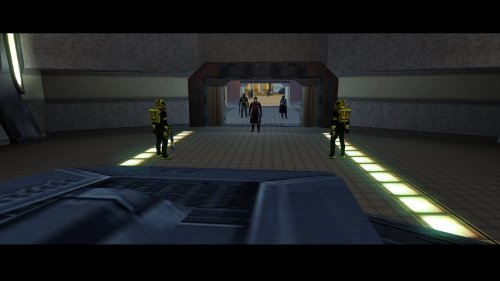
- HKs removed and Iridorian Bounty Hunters added to Onderon
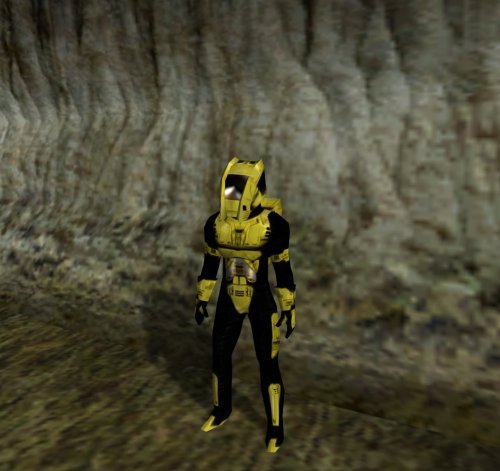
- Iridorian Sonic-Suppressor Disguise with icon on Onderon exit.
- Ubese Environment Suit and disguise available
- Revan mask added to Nar Shaddaa secret loot
- Wearable Nihilus mask added
- Mandalore Heavy Armor custom icon added.
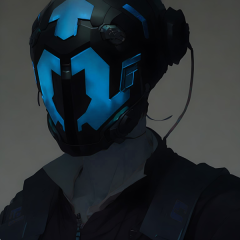
- Concept Nihilus mask texture
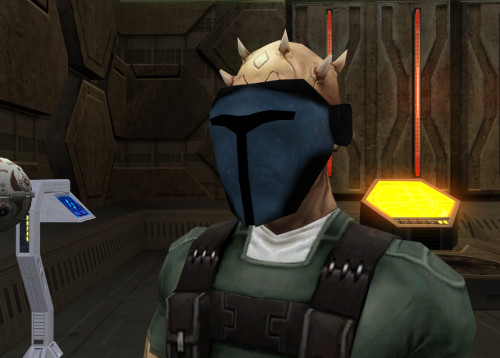
- Blue armor Vacuum mask retexture
- RGB's Marauder Tunic skins replace the Jal Shey M class armors
- Special Stealth Armor Contraband on Peragus
- Killsaber included (giveitem killsaber)
- Cheat box .UTP placeable included

